

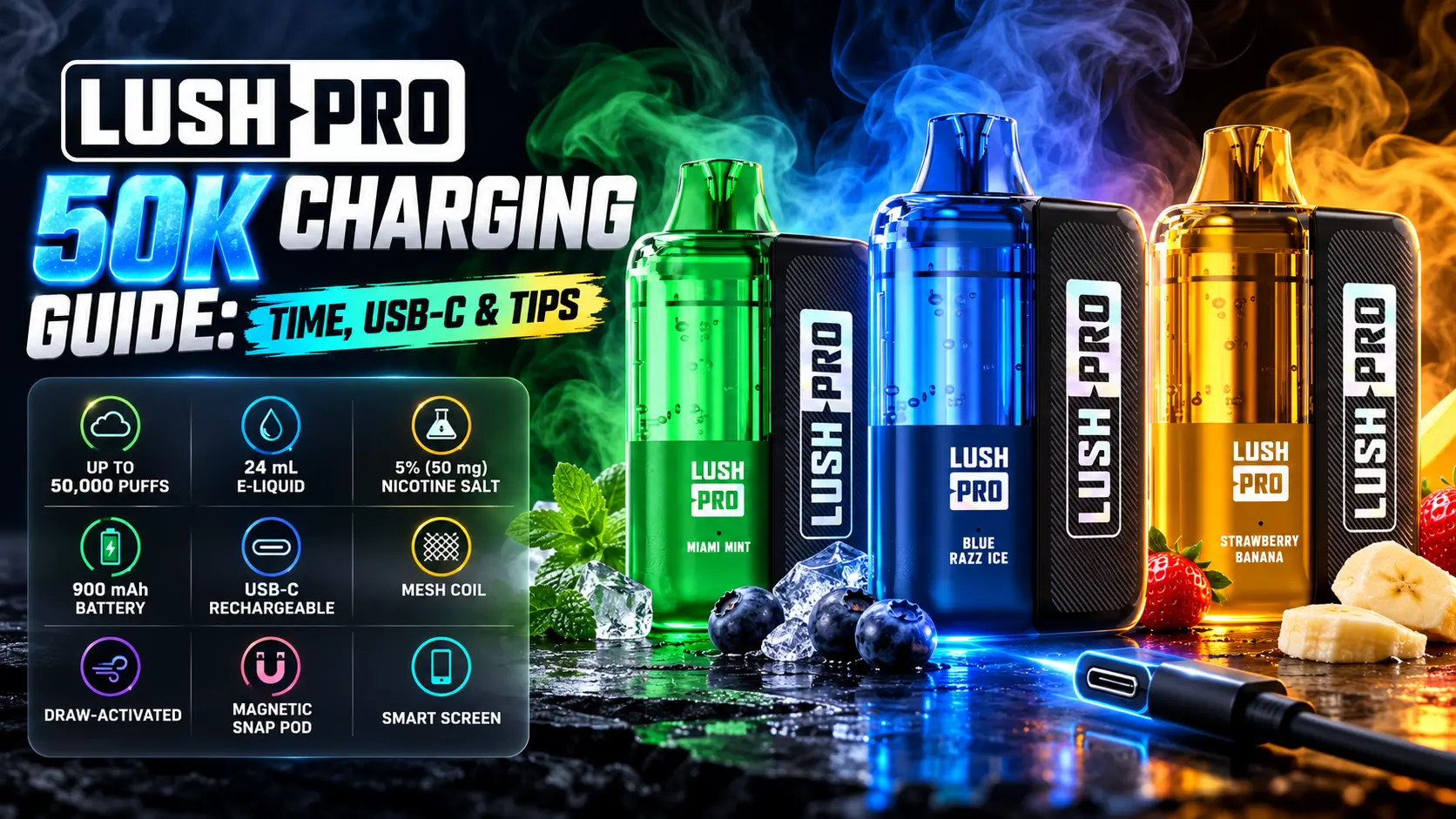
Lush Pro 50K charging is simple: one USB-C cable, a basic 5V wall adapter, and about an hour or two of patience. The Lush Pro runs on a 900mAh rechargeable battery, so you plug in, wait, and get back to your day.
This guide covers the charging port, compatible cables, charge time, how to tell when the battery is full, and fixes for the most common problems. Everything here is written for adult nicotine users, so keep the device away from kids and pets.
Adults 21+ only. Federal law raised the minimum age to buy tobacco products, including vapes, to 21 in December 2019, according to the FDA. This product contains nicotine, which is an addictive chemical.
In This Guide
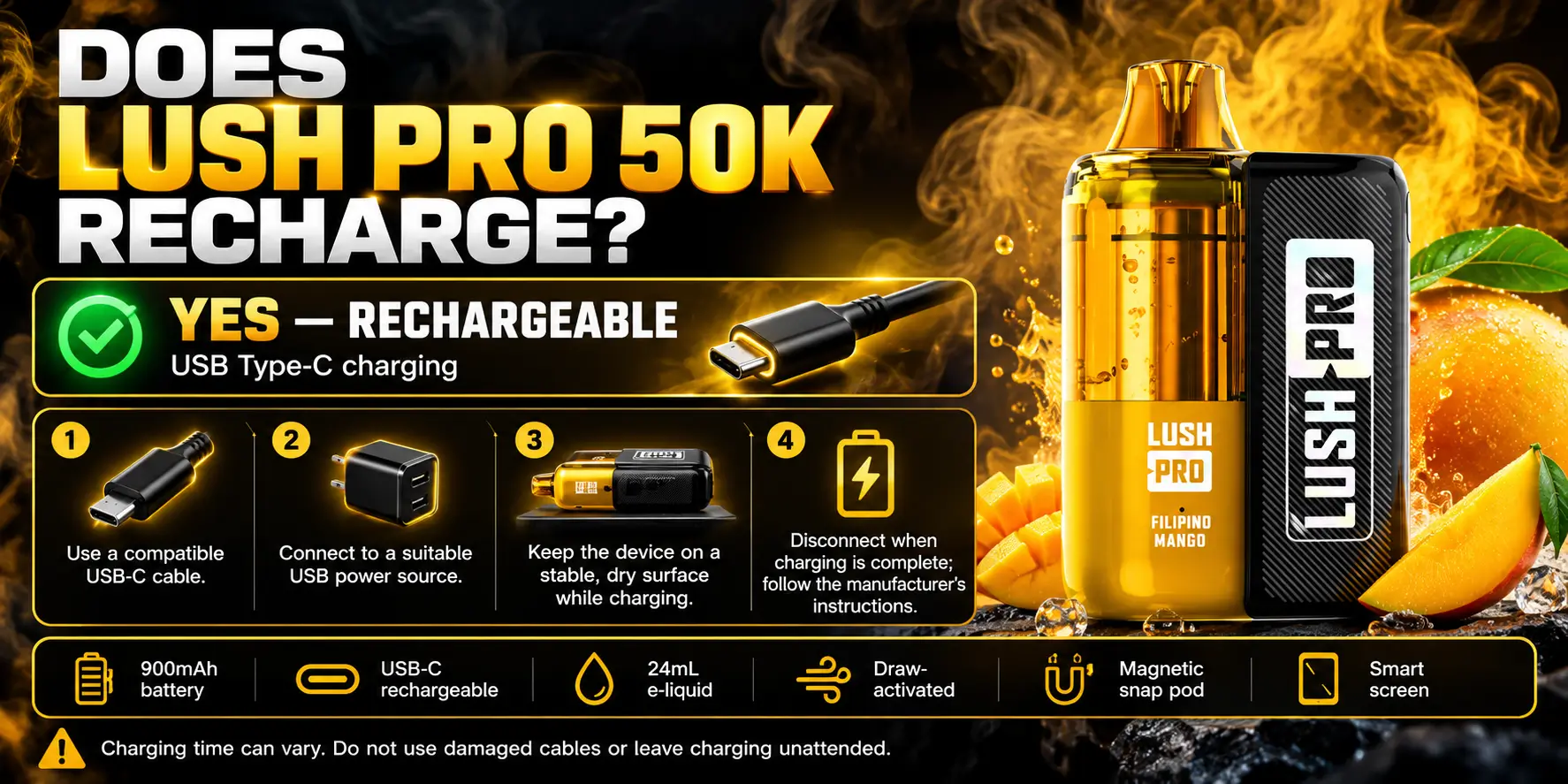
Yes. The Lush Pro 50K has a built-in 900mAh rechargeable battery with a USB-C port. You recharge it as often as you need until the e-liquid runs out.
That matters because a 24ml pod pushes the device toward its 50,000-puff ceiling. A battery that could not recharge would die long before the liquid does.
Yes, fully. It uses a lithium-ion cell rated at 900mAh, the same chemistry found in phones and wireless earbuds.
Capacity is measured in milliamp-hours (mAh), which tells you how much charge the cell holds. A bigger number means more puffs between charging sessions. For a deeper look at runtime, read our Lush Pro 50K battery life breakdown.
The battery sits inside the replacement pod unit, and you charge it through the USB-C port. When you draw on the mouthpiece, the device senses airflow and heats the coil. No button is involved because the Lush Pro is draw-activated.
Each charge refills the battery. The e-liquid does not refill, so one pod delivers up to 50,000 puffs total, spread across many charges.
Yes. You charge the same unit again and again while it still has e-liquid. You only replace the pod once the 24ml of liquid is gone.
Because the battery is part of the replacement pod unit, a new pod arrives with a fresh battery. Want to see how the kit and pods differ? Our Lush Pro kits vs pods guide walks through it.
Check three things before you plug in: the cable, the adapter, and the surface. A decent cable, a standard adapter, and a hard, cool surface prevent most charging trouble.
Also wipe the USB-C port with a dry, clean cloth if you carry the device in a pocket. Lint hides in small ports and can block a solid connection.
| Spec | Detail |
|---|---|
| Puff Count | Up to 50,000 puffs |
| E-Liquid Capacity | 24ml per pod |
| Nicotine Strength | 5% (50mg) nicotine salt |
| Battery Capacity | 900mAh rechargeable, integrated into the replacement pod unit |
| Charging Port | USB-C |
| Activation | Draw-activated |
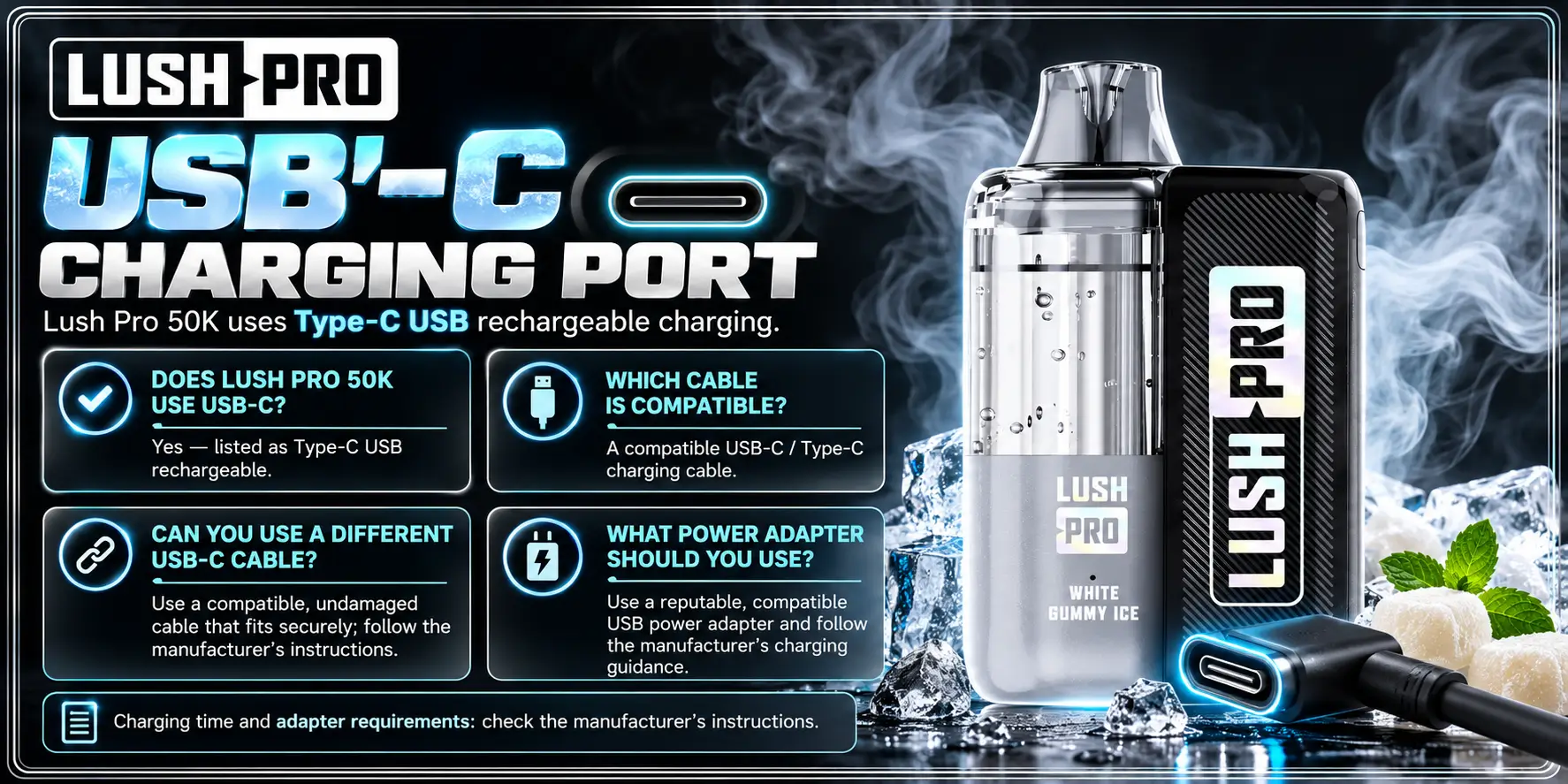
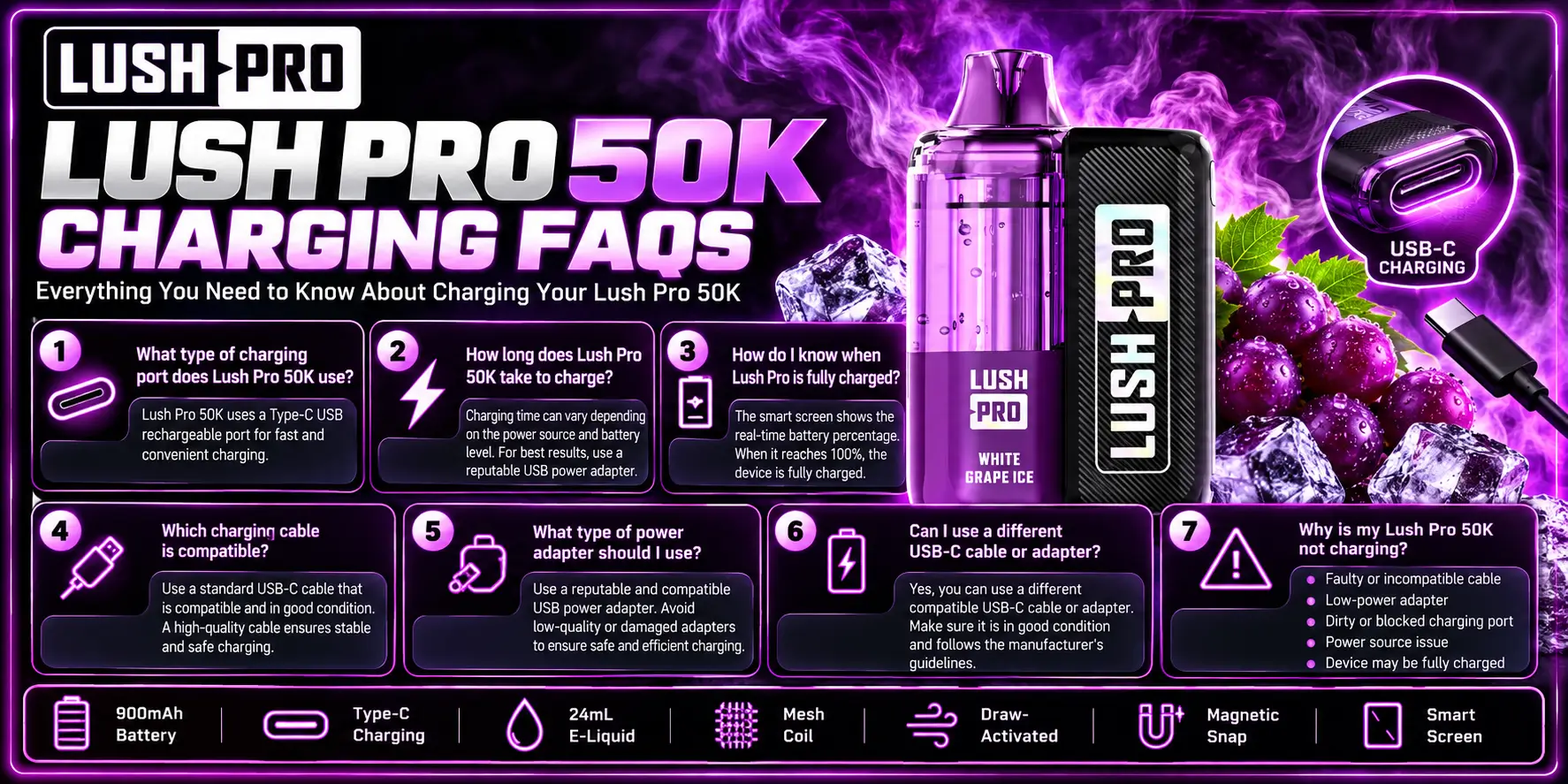
The Lush Pro uses a USB-C charging port. That is the same oval, reversible connector found on most current phones, tablets, and laptops.
You can plug the cable in either way up, which saves you the old micro-USB fumble.
Yes. USB-C is the one and only charging port on this device. The connector comes from the USB Implementers Forum, the group that maintains USB standards.
A standard USB-C connection delivers 5 volts by default, and that is all this device needs. It does not ask for fast-charging power.
The cable that ships with your device is the safest pick. Any quality USB-C to USB-C or USB-A to USB-C cable also works.
Look for a cable from a known brand with a firm connector and no frayed spots. A worn cable causes more charging complaints than a faulty device does.
Usually yes. Any properly built USB-C cable carries 5V power, so a spare from your phone or earbuds typically works.
Skip cables that feel loose, run hot, or have bent connectors. Some ultra-cheap gas station cables are built for data only or wire power poorly, and they cause slow or random charging.
Use a standard 5V adapter rated between 1A and 2A, or a basic 5W to 10W phone charger. Those are the chargers that come in most phone boxes.
A high-wattage fast charger is fine too. Modern chargers negotiate power with the device, and a device that does not request fast charging simply receives 5V. When in doubt, pick the plainest, lowest-power adapter you own.
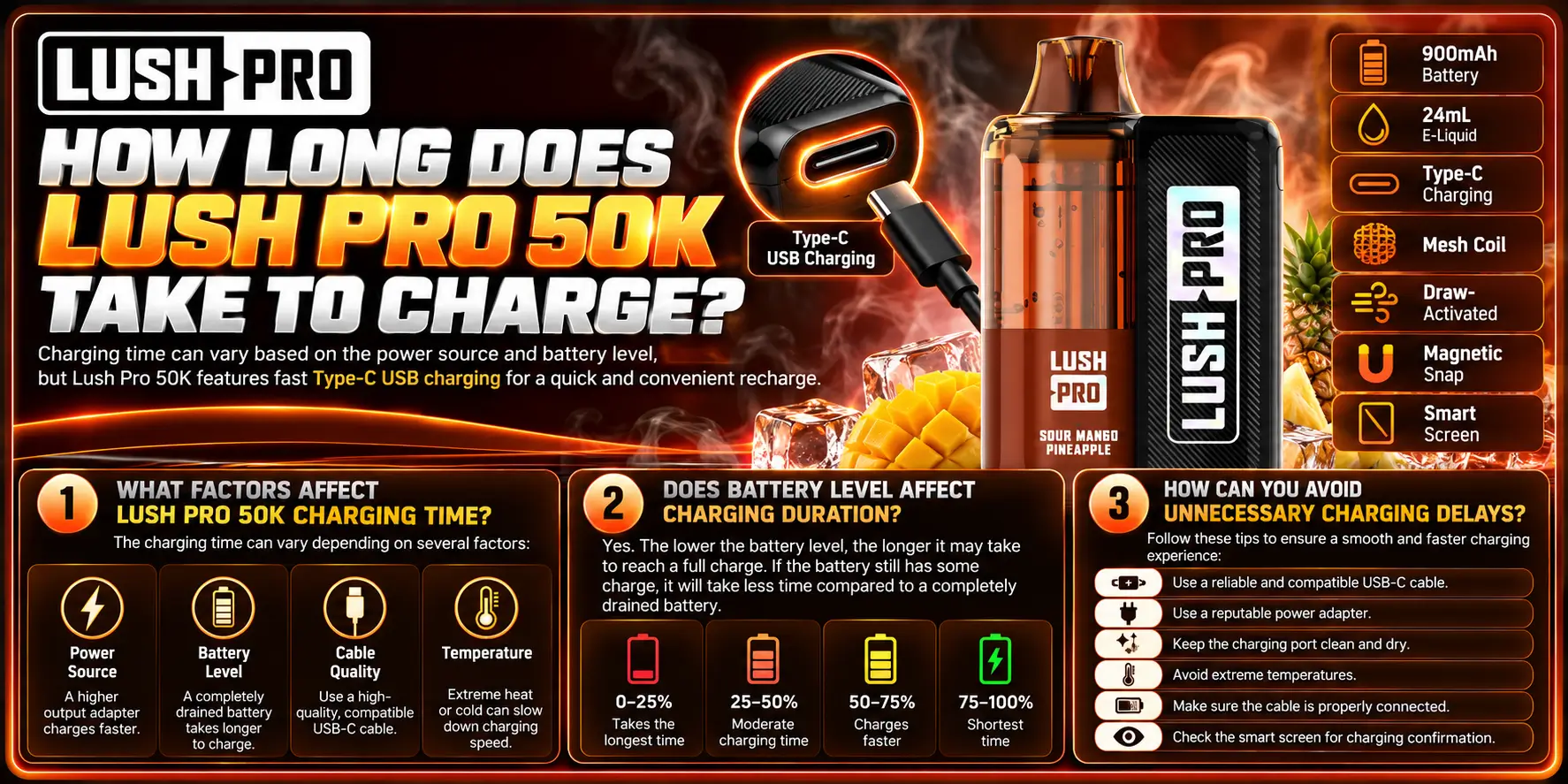
Expect roughly one to two hours for a full charge from empty with a standard 5V adapter. That figure is an estimate from battery math, not a lab-tested number, so your unit may land a little above or below it.
Here is the logic. A 900mAh battery fed by a 1A source needs about 0.9 hours of raw charging. Real-world losses and the slower final stretch push the total toward one to two hours.
Four things drive the clock: the power source, the cable quality, the starting battery level, and the temperature around you.
A wall adapter beats a laptop port. A fresh cable beats a worn one. And a cool room beats a hot car, because lithium-ion cells charge less efficiently when they run warm. Battery University, a widely cited industry resource, notes that heat speeds up lithium-ion aging.
Yes. A battery at 50% needs about half the time of a battery at 0%. Lithium-ion cells also slow down near the top, so the last 10% takes longer than the first 10%.
You do not need to drain the battery before each charge. Battery University points out that shallow top-ups wear lithium-ion cells less than deep drain cycles.
Use a wall adapter, a good cable, and a cool room. Those three habits cut most delays.
Not every power source behaves the same. This table compares the common options.
| Power Source | Typical Output | Charging Speed | Best For | Watch Out For |
|---|---|---|---|---|
| Wall adapter (5V, 1A to 2A) | 5W to 10W | Fastest and most stable | Everyday charging at home | Cheap no-name adapters |
| Laptop USB-A port | About 500mA (USB 2.0) or 900mA (USB 3.0) | Slower | Desk or office charging | Ports that go to sleep with the laptop |
| Laptop USB-C port | 5V default | Moderate | Desk or travel | Laptop in sleep or low-power mode |
| Power bank | 5V, varies by model | Moderate | Travel and road trips | Some banks shut off when they detect a low draw |
| Car charger | 5V, varies by model | Moderate | Long drives | Heat buildup in a parked car |
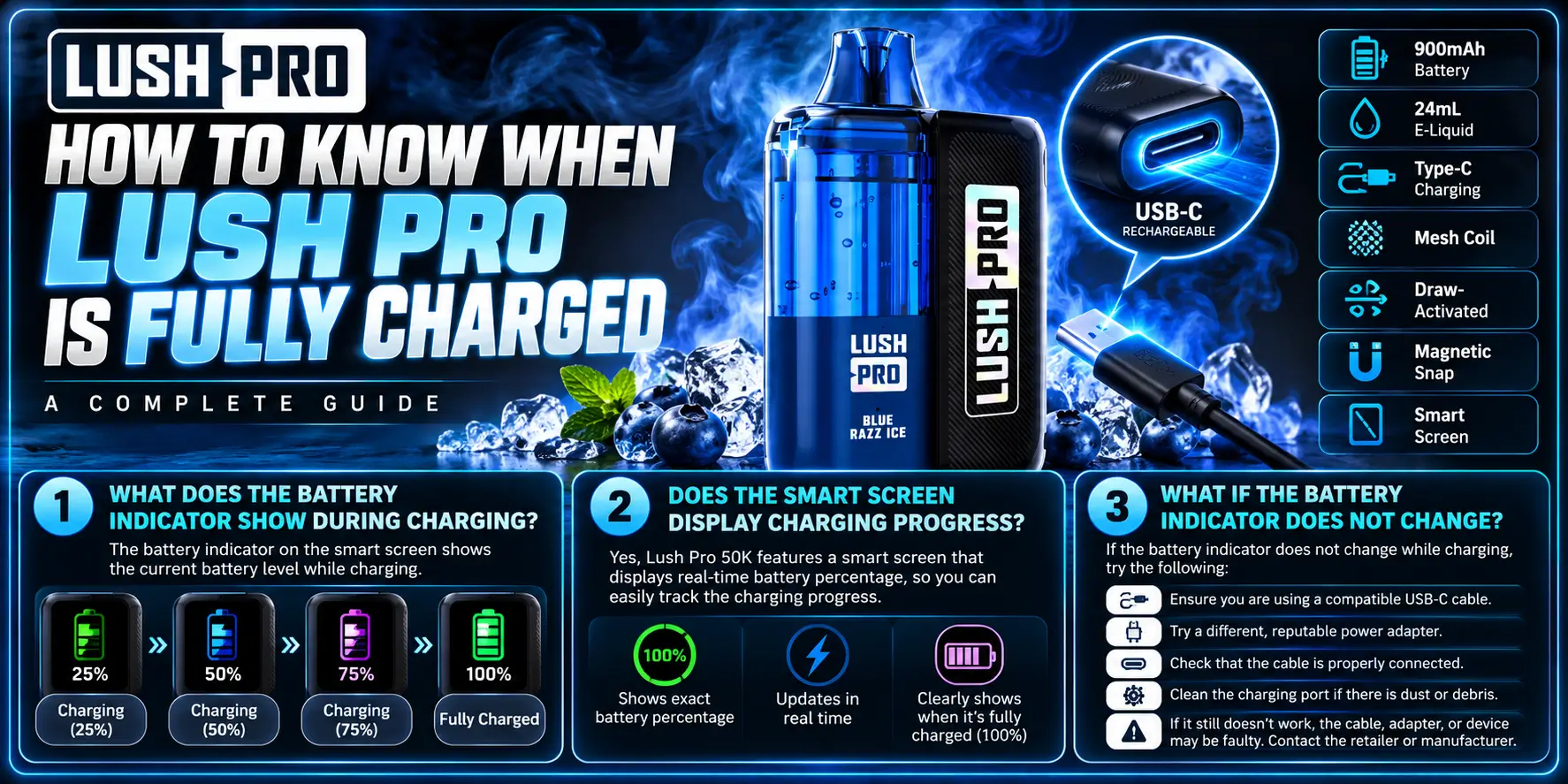
Watch the device's battery indicator. When it shows a full battery or the charging light changes or turns off, you are done.
Indicator behavior can vary by batch, so check the packaging or insert that came with your device for the exact signals.
Most rechargeable vapes show an animated or blinking battery symbol while charging and a steady or complete symbol when full. Your Lush Pro follows the same general pattern.
If the symbol keeps blinking after two hours, check your cable and adapter first. Those two parts cause most of the confusion.
If your unit has a smart screen, it shows battery status while you charge. Look at the screen for a battery icon or a percentage, depending on your version.
The screen gives you an easy visual check, so you never have to guess. Glance at it before you leave the house.
Unplug the device, wait 30 seconds, and reconnect it. Try a different cable and a different outlet.
If the indicator still sits frozen after those swaps, the cause is probably a dirty port or a faulty unit. Move to the troubleshooting section below.
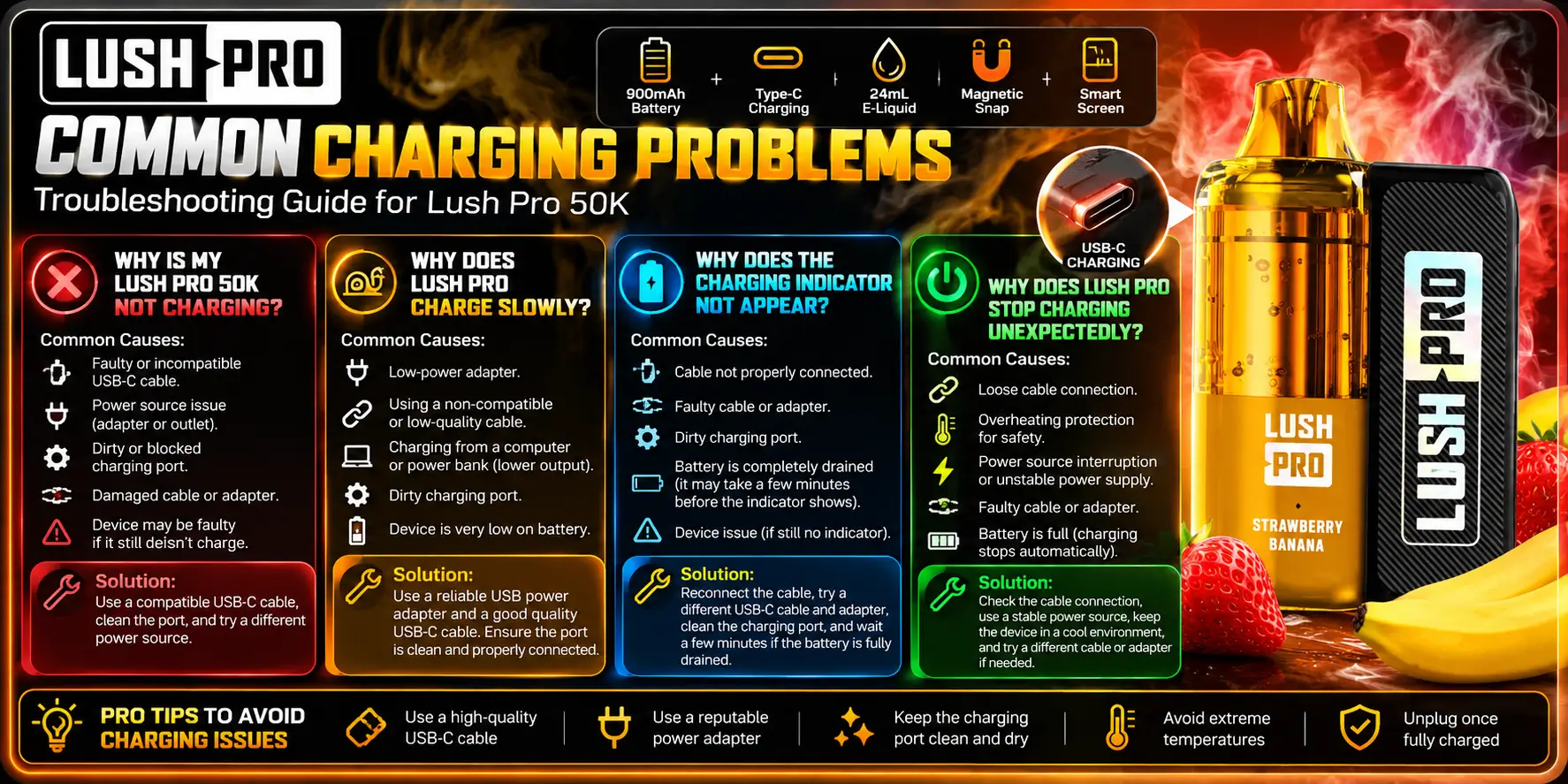
Most Lush Pro 50K charging problems trace back to the cable, the adapter, or a dirty port. Fix those three and you solve the majority of cases.
Work through the checks in order. Each takes under a minute.
Start with the basics. Swap the cable, swap the adapter, and clean the port gently with a dry wooden toothpick or a soft brush.
Never use metal tools in the port, and never use liquid. If nothing works, the battery may be fully depleted and need a few minutes on the charger before any light shows up.
A weak power source is the usual culprit. A laptop port or an old 0.5A adapter gives the battery far less current than a standard wall adapter.
A worn cable also throttles power. Plug into a wall adapter with a good cable and compare the result.
The cause is usually a loose connection. Push the USB-C plug in firmly and check that the cable seats fully.
A deeply drained battery can also take a few minutes to wake the indicator. Give it five minutes before you decide something is wrong.
Three suspects show up most often: a power source that shuts off, a loose cable, and heat. Laptops and some power banks cut power in sleep or low-draw situations.
If the device feels warm, unplug it and let it cool. Lithium-ion batteries slow or stop charging when they heat up, which is a normal protective behavior.
Unplug it right away and move it to a hard, non-flammable surface away from anything that burns. A little warmth is normal. A device that is too hot to hold comfortably is not.
The FDA has documented reports of overheating, fires, and explosions involving e-cigarette batteries. The agency's safety tips include using the charger made for your device, never leaving it charging unattended, and not charging it overnight. Follow those rules every time.
Stop using the device if you see swelling, a burning smell, leaking, cracks, or heat that keeps climbing. Unplug it only if you can do so safely.
Do not try to repair or open the device. Contact the seller, and dispose of damaged lithium-ion batteries through a local battery recycling or hazardous waste program, not household trash. Need a place to pick up a replacement? Check Lush Pro pods and kits near me for options.
Charging safety checklist: use a good cable, use a standard 5V adapter, charge on a hard surface, stay nearby, and unplug at full charge.
1. Can You Use Lush Pro 50K While It Is Charging?
You can, but you should not. Using the device while it charges adds heat and strain to the battery, and it stretches out the charging time. Let it charge to full first, then unplug and use it. The few minutes you wait protect the battery and reduce the chance of overheating.
2. Can You Leave Lush Pro 50K Charging Overnight?
No. The FDA advises against charging e-cigarette devices overnight or leaving them unattended, because lithium-ion batteries can overheat. A 900mAh battery fills in roughly one to two hours, so overnight charging gives you no benefit. Charge it while you are awake and nearby, then unplug it.
3. Can You Charge Lush Pro 50K With a Laptop USB Port?
Yes. A laptop USB port delivers 5V, which the Lush Pro accepts. Expect slower charging, because USB-A ports deliver about 500mA (USB 2.0) or 900mA (USB 3.0), compared with 1A to 2A from a wall adapter. Keep the laptop awake, since many ports stop supplying power in sleep mode.
4. Should You Unplug Lush Pro Once It Is Fully Charged?
Yes. Unplug the device as soon as it is full. Modern lithium-ion devices include protection circuits, but leaving any battery connected to power for long periods adds heat and wear for no gain. Unplugging also removes any overnight or unattended charging risk. Make it a habit: full battery, cable out.
5. What Should You Do If Lush Pro Will Not Hold a Charge?
First, rule out the simple causes: swap the cable, try a wall adapter, and clean the port. If the battery still drains fast after a full charge, the cell may have worn out or the unit may be faulty. Because the battery is integrated into the pod unit, the practical fix is a replacement unit. See our Lush Pro 50K page for current options.
Charging the Lush Pro takes little effort: a USB-C cable, a plain 5V adapter, and one to two hours. Stay nearby, unplug at full charge, and replace any cable that acts up. Those habits keep the battery healthy and the device safe through all 50,000 puffs.
Ready to stock up on a Lush Pro? Browse the lineup below.
Ready to pick one up? Browse the Lush Pro 50K kit collection at VaporBoss for in-stock options.
Warning: This product contains nicotine. Nicotine is an addictive chemical. For adults 21+ only.
Geek Bar Pulse — Disposable Vape
🛒 Where to Buy Online
Choose from our verified partner stores — all carry 100% authentic Geek Bar Pulse products sourced directly from official US distributors.


Twelve Tribes
Wide Selection • Best Prices


Raven Route
Fast Delivery • All Flavors


Zippyzz
Quick Shipping • Great Deals
🔒 All partner stores are verified, age-gated, and ship only to legal US states. Purchases are made directly with the retailer — not geekbarpulse.com.
⚠️ Must be 21+ to purchase.