

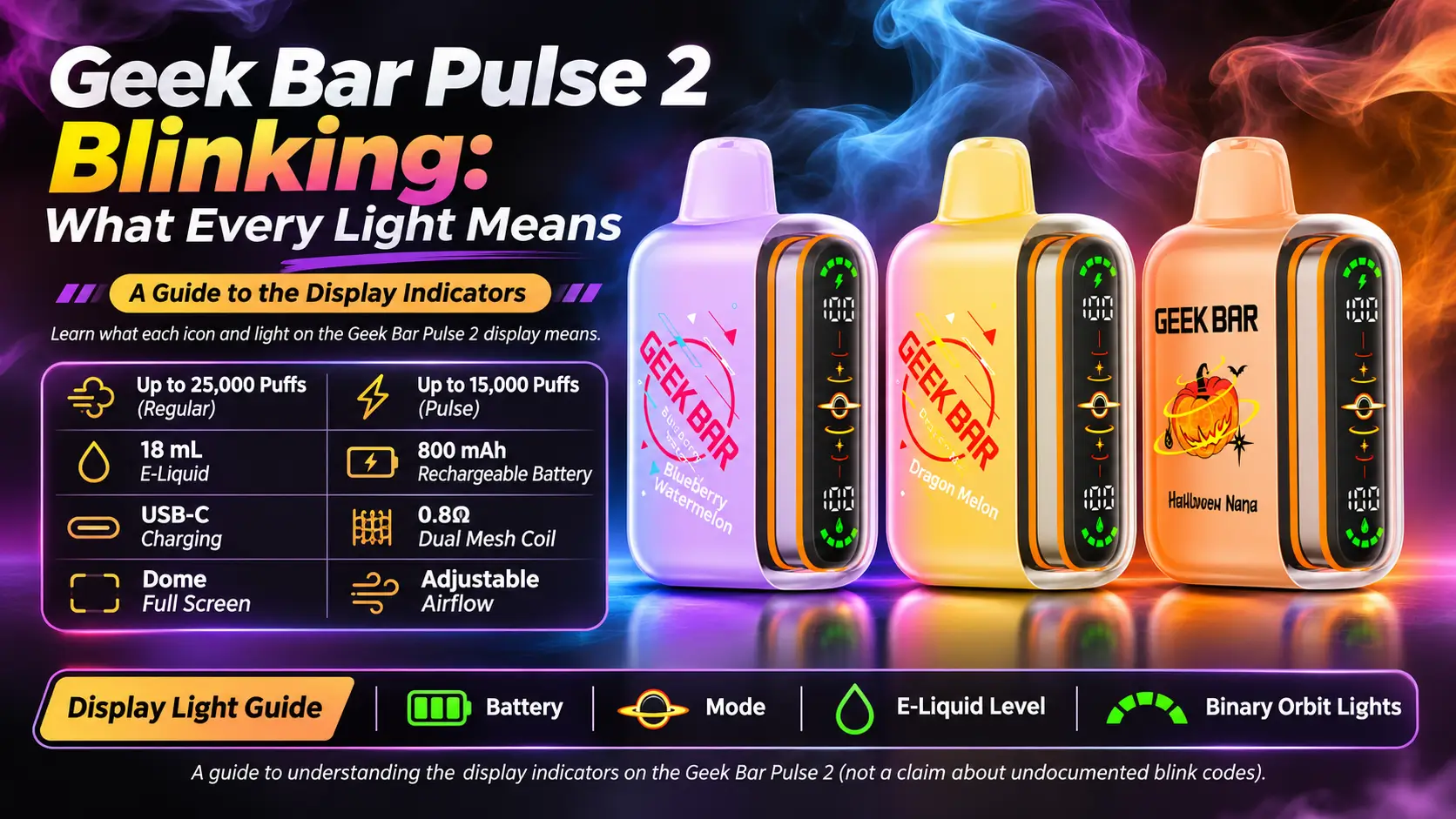
Your Geek Bar Pulse 2 just started flashing at you, and now you are staring at it like it owes you an explanation. A Geek Bar Pulse 2 blinking is rarely a mystery. Most of the time it points to a battery, charging, or safety-cutoff issue you can sort out in a couple of minutes.
This guide breaks down every common light behavior, what causes it, and what to do next.
In This Guide
| Spec | Detail |
|---|---|
| Puff Count (Regular Mode) | 25,000 puffs |
| Puff Count (Pulse Mode) | 15,000 puffs |
| Nicotine Strength | 50mg (5%) |
| Coil | Dual Mesh Coil (0.8Ω) |
| Battery | 800mAh |
| Charge Speed | 15 minutes to 80% (50% faster than original) |
| Charging Port | USB-C |
| E-Liquid Retention | +30% more efficient (VPU upgrade) |
| Puff Output Increase | +32% more effective puffs (VPU upgrade) |
| Vapor Volume | +23.7% greater than Pulse 1 |
| Display | Dome Full Screen with Binary Orbit Light |
| Airflow | Adjustable slider with fully closed position |
| Dimensions | 86mm H × 28mm W × 53.4mm L |
| Weight | 83.4g |
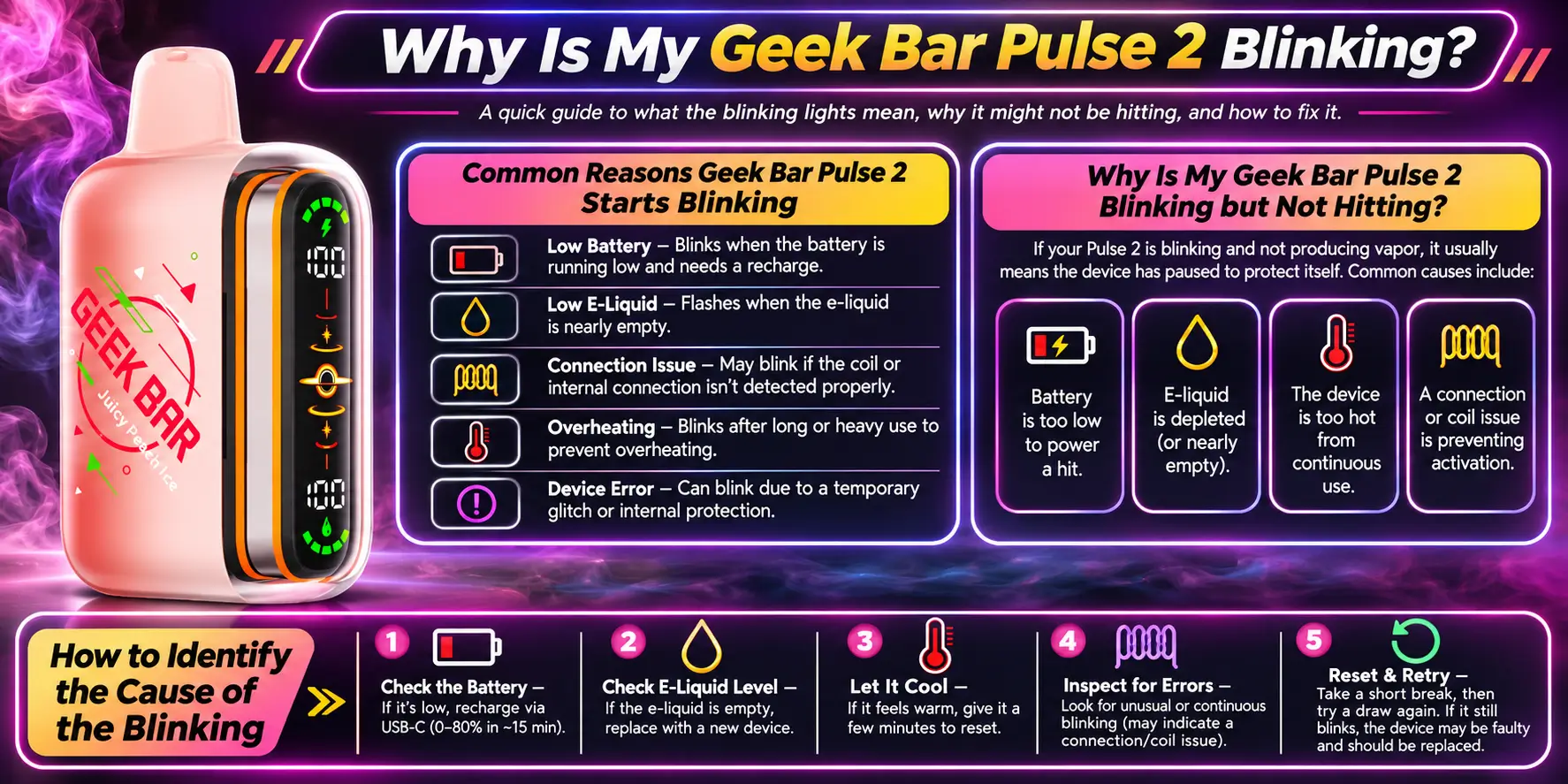
A blinking light is your device talking. It usually flags low power, a charging state, a safety cutoff, or a blocked airflow path. Start with the simple causes before you assume the device is dead.
The usual suspects are a drained battery, a puff that ran too long, a loose charging connection, and closed or blocked airflow. Less often, a hardware fault causes it. Work through them in that order, because the first three fix most cases.
Blinking with no vapor most often means the battery is too low to fire the coil. It can also mean the e-liquid ran out or the airflow slider is fully closed. Open the slider, charge the device, and test again.
Note when the light blinks. Does it happen while you inhale, while plugged in, or on its own? Timing narrows the cause fast. Blinking only on inhale points to power or airflow. Blinking only on the cable points to charging.
Yes. Low batteries are the most common reason for blinking on a rechargeable disposable. The 800mAh cell has to power a dual mesh coil and a full display, so it drains faster at high puff intensity. Plug it in and let it recover.
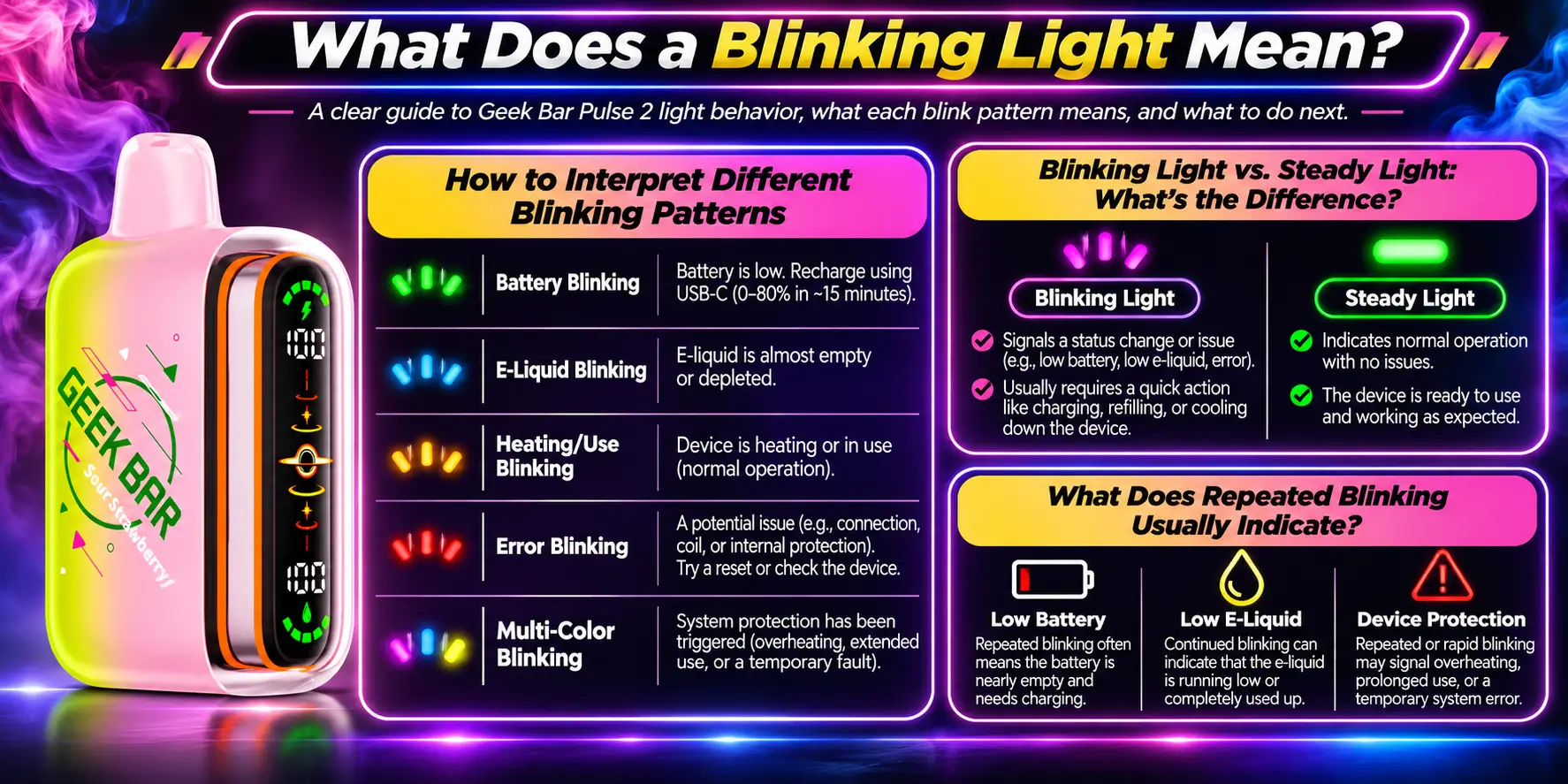
A blink is a status signal, not a verdict. The same flash can mean different things depending on when it appears. Use the table below as general guidance, then check your packaging for the exact patterns Geek Bar lists for your batch.
| What You See | Most Likely Meaning | What to Do |
|---|---|---|
| Blinks when you inhale, no vapor | Low battery, blocked airflow, or empty e-liquid | Open the airflow slider, then charge |
| Blinks after a long draw | Puff cutoff protection | Wait a few seconds, then take shorter puffs |
| Blinks while plugged in | Normal charging behavior | Leave it connected until charging finishes |
| Keeps blinking after charging | Poor cable, weak power source, or fault | Swap the USB-C cable and charger |
| Blinks with heat or leaking | Possible internal fault | Stop using it and contact the seller |
Look at three things: how fast the light blinks, how many times, and what you were doing. Quick repeated flashes during a puff usually signal power trouble. Slow pulsing on a cable usually signals charging. When in doubt, match the pattern to the table above.
A steady light normally means the device is active or has reached a stable state. A blinking light means something needs attention or a process is running. Neither is automatically bad, so judge the light by context.
Repeated blinking that returns after you fix the obvious causes often points to power delivery. That means a weak battery, a bad cable, or a worn charging port. If it keeps repeating, move on to the fault checks in section seven.
Geek Bar has released several Pulse versions with different displays and firmware behavior. The Pulse 2 uses a Dome Full Screen with a Binary Orbit Light, so its signals can look different from the original Pulse. Always trust the guide printed for your exact model.
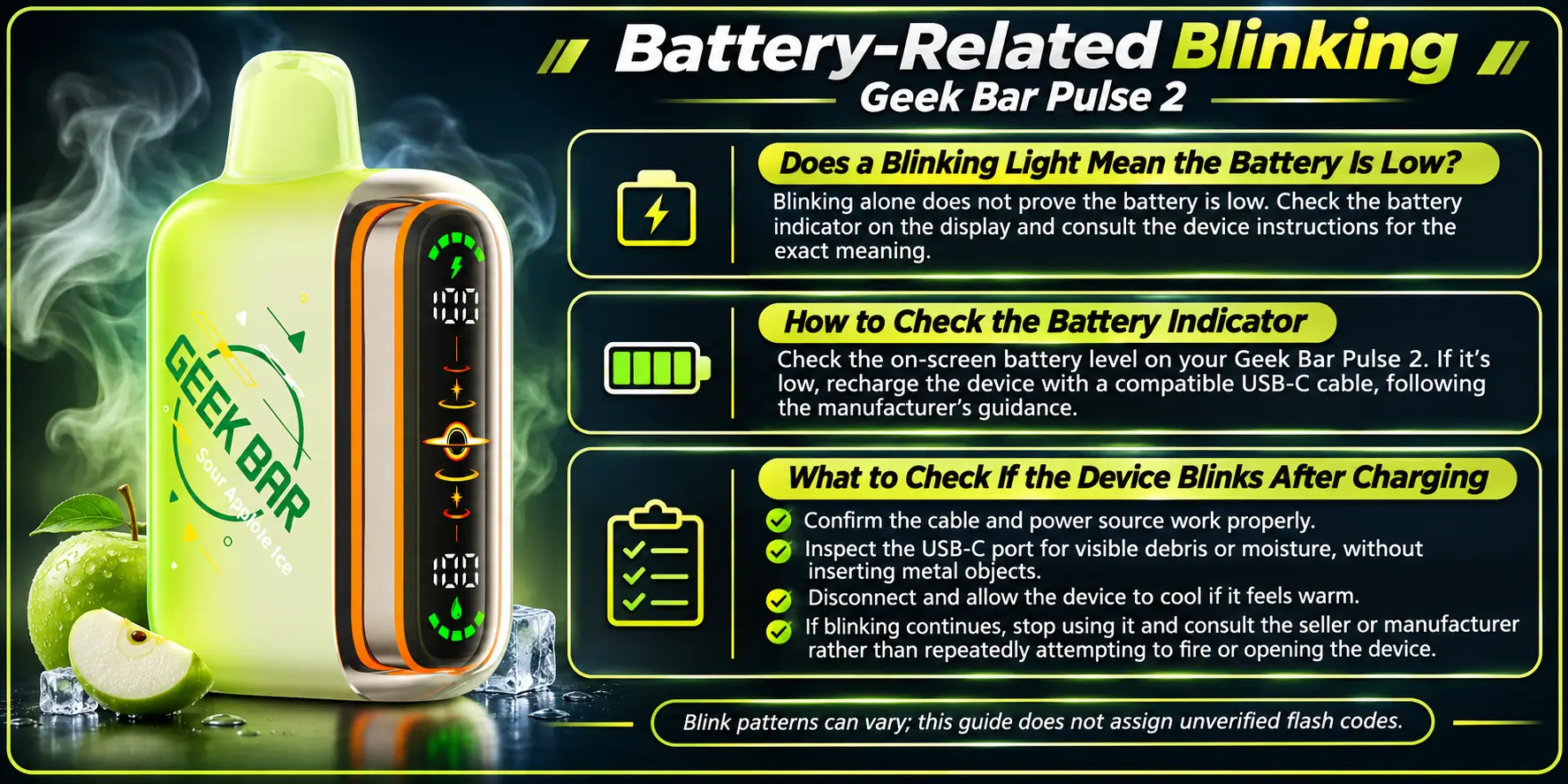
Battery trouble causes more flashing than any other issue. A drained cell cannot heat the coil, so the device blinks instead of delivering vapor. Charging fixes most of these cases.
Often, yes, especially when it blinks on inhale and produces nothing. High-output use in Pulse Mode drains the battery faster than Regular Mode. Read more in our Geek Bar Pulse 2 battery life breakdown.
Wake the screen with a gentle puff and watch the display. The Dome Full Screen shows battery status, so a low reading confirms the cause. If the screen stays dark, the cell may be fully drained.
First, confirm the charge actually completed. Charging reaches 80% in about 15 minutes, but a full charge takes longer. Unplug, wait a moment, and try again. Then test a different cable and a wall adapter instead of a laptop port.
A battery problem becomes likely when the device drains much faster than normal, refuses to hold a charge, or shuts off mid-puff. Heavy daily use wears any lithium-ion cell over time. If you suspect this, check our Geek Bar Pulse 2 won't charge guide.
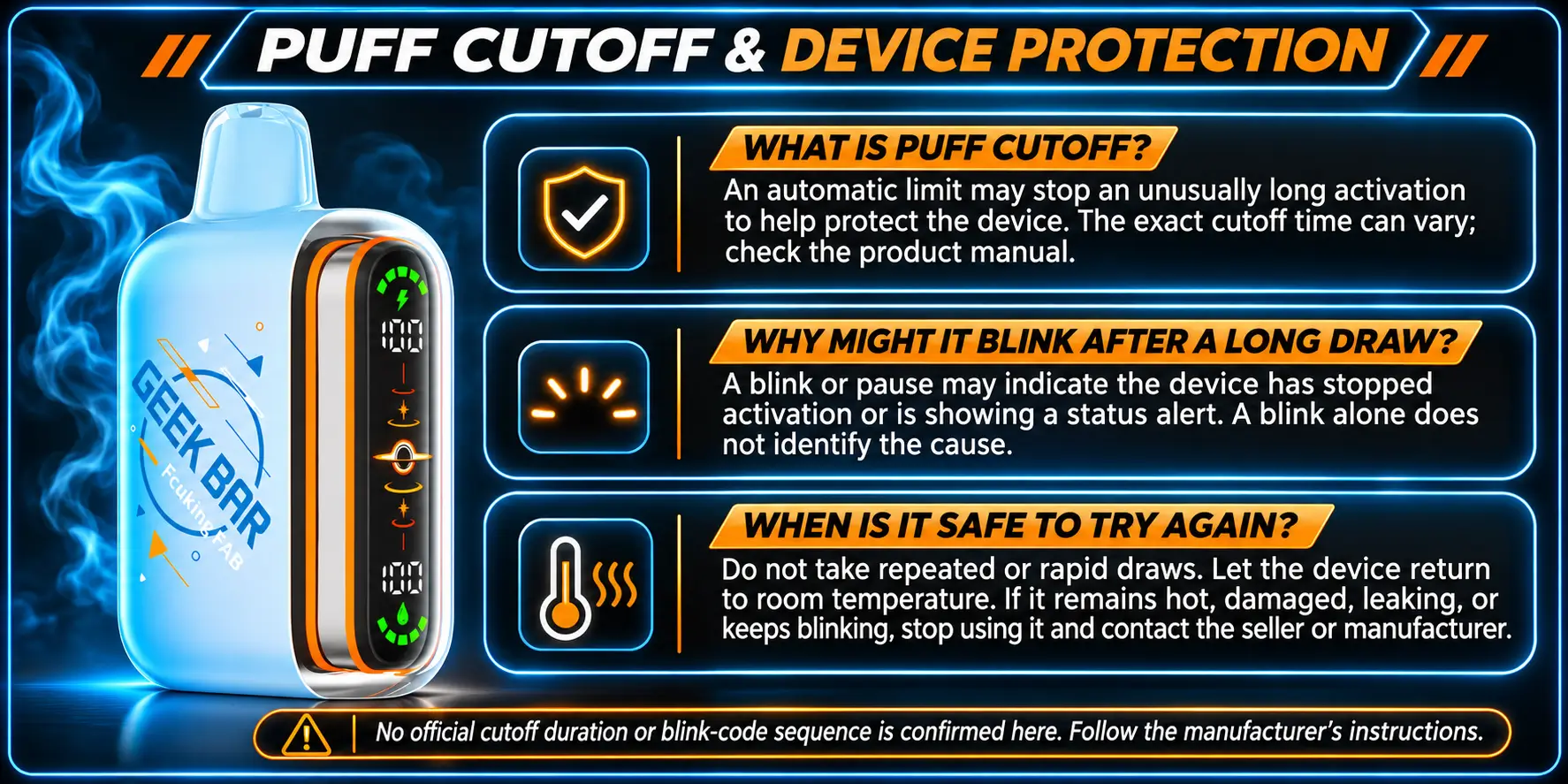
Most modern disposables include a safety cutoff that stops the coil from firing too long. When it triggers, the light may blink to tell you the device paused on purpose. It protects the coil and the battery, so treat it as a feature.
It is a built-in timer that ends a draw after a set length. That prevents overheating and burnt hits. Exact timing varies by model, so check your packaging for the number.
A long inhale can trip the cutoff, and the blink signals the pause. This surprises people who take slow, deep pulls. A shorter, steadier draw avoids it and gives a smoother flavor anyway.
Give it a few seconds. Most cutoffs reset quickly once you stop inhaling. If you rush it, the coil gets no time to cool, and the light may blink again.
If short puffs still trigger blinking, the cutoff is not your problem. Move on to battery, airflow, and charging checks. Our Geek Bar Pulse 2 not working guide covers deeper troubleshooting.
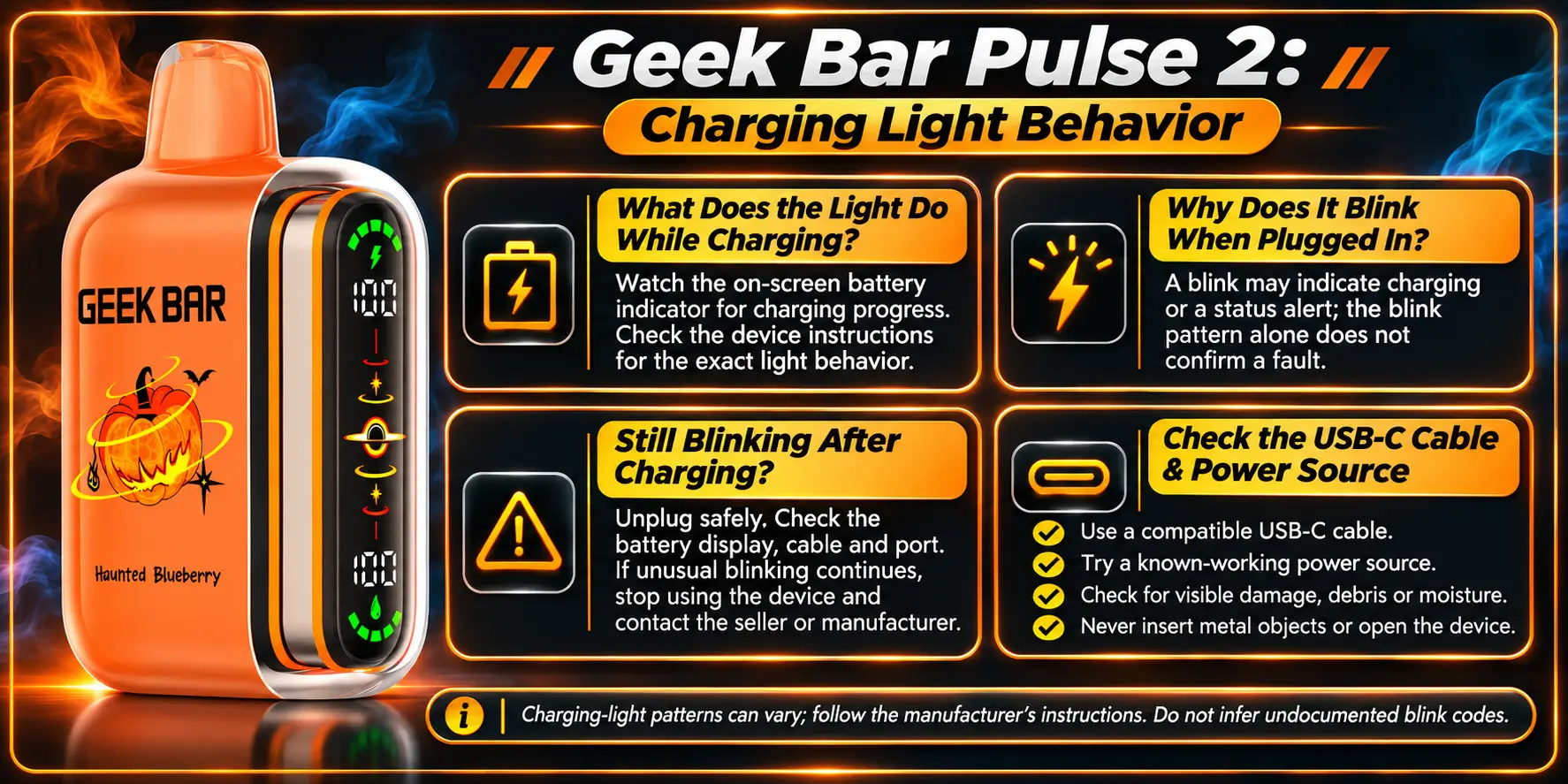
A light that changes while plugged in usually means charging is working. The light reflects charge progress, not a fault. The trouble starts when it keeps flashing long after the battery should be full.
It typically signals that power is flowing and updates as the battery fills. The Pulse 2 charges through USB-C and reaches 80% in about 15 minutes, which Geek Bar lists as 50% faster than the original. Our Geek Bar Pulse 2 charging guide walks through the full process.
Blinking on the cable is usually normal charging feedback. Let it run. Stop worrying unless the device gets hot, smells odd, or never finishes.
Unplug the device, wait a minute, and reconnect. Then switch the cable and the power source. If the blinking survives both swaps, the charging circuit may have a fault.
Try a known-good USB-C cable and a standard wall adapter. Cheap or frayed cables often deliver unstable power. Also check the port for lint, since pocket debris blocks the connection more often than people expect.
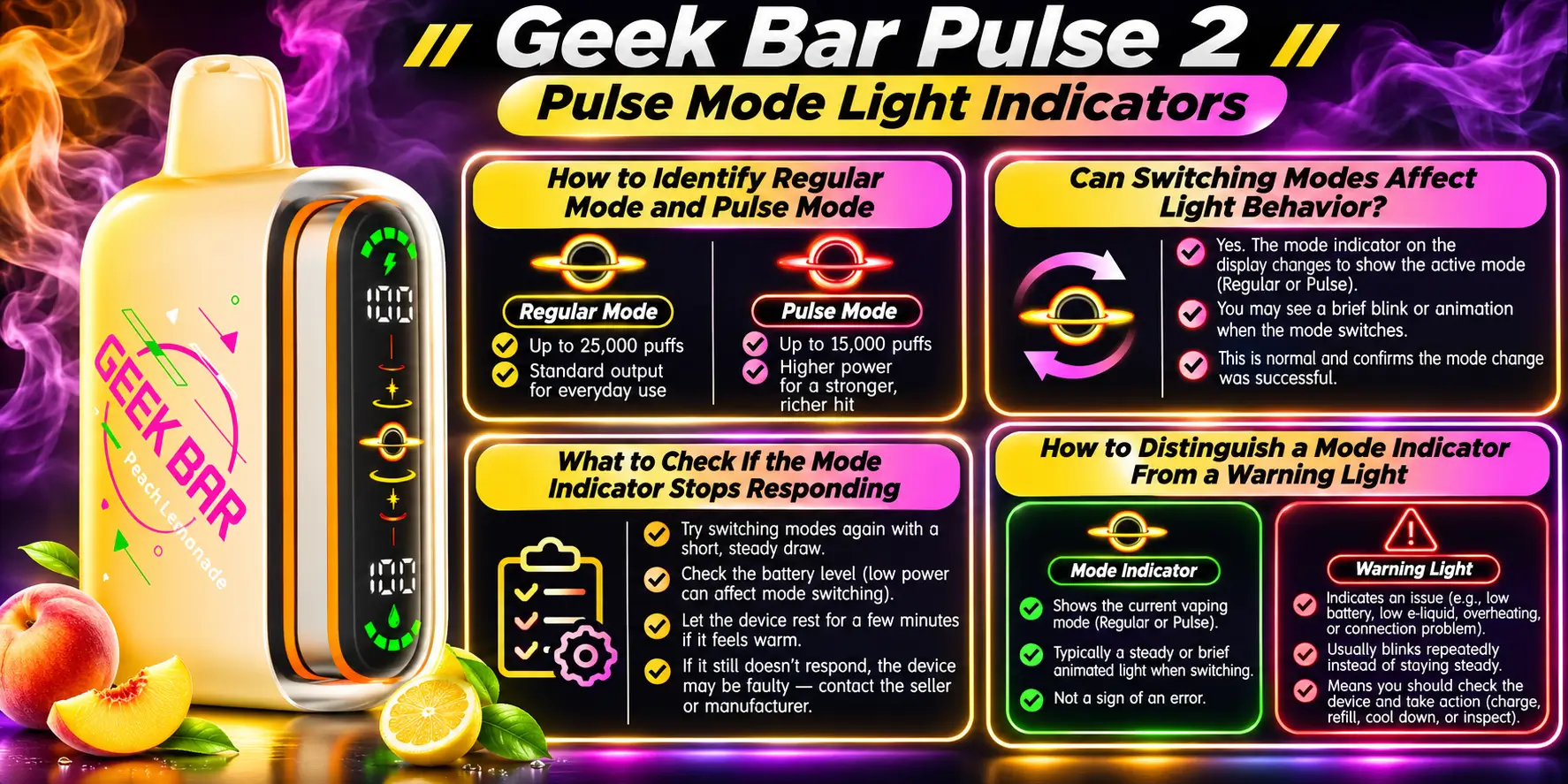
The Pulse 2 offers two modes, and the display helps you tell them apart. Regular Mode delivers up to 25,000 puffs, while Pulse Mode delivers up to 15,000 with a stronger hit. Light behavior can shift when you change modes.
Watch the screen and Binary Orbit Light as you switch. Each mode shows its own visual cue. Learn them once, and you will never confuse a mode signal with a warning.
Yes. Switching modes changes the display response for a moment, and the light may flash as the device adjusts. A brief flash right after a mode change is normal.
If the indicator freezes, first check the battery, because low power often disables display features. Then confirm you pressed the mode control correctly. If it still ignores you after charging, contact the seller.
A mode indicator appears right after you switch and then settles. A warning light repeats or persists without any input from you. That timing difference separates the two in most cases.
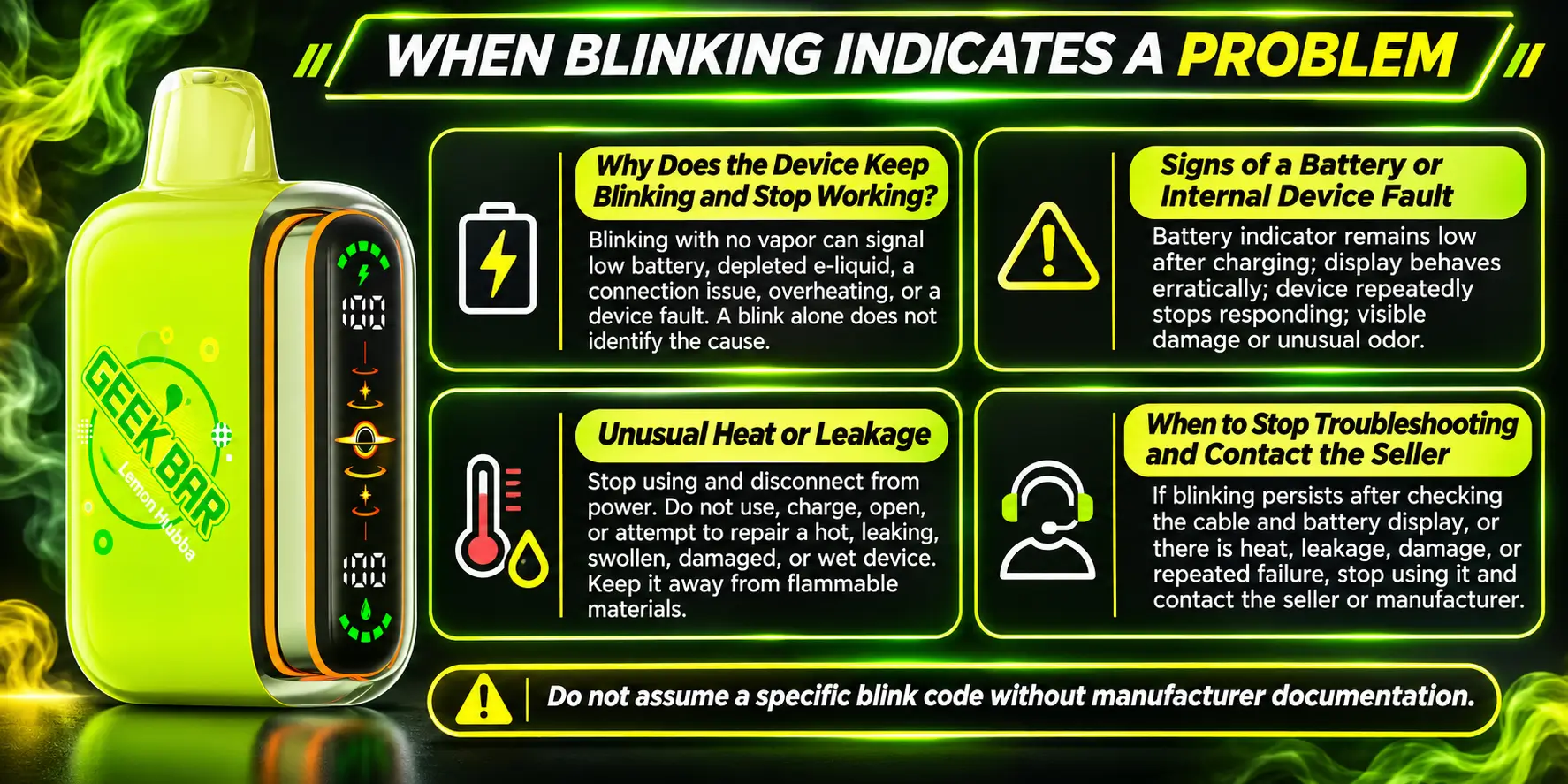
Most blinking is harmless, but a few patterns mean you should stop. Persistent blinking with a dead device, heat, or leaking points to a real fault. Safety comes first, so do not push through these signs.
That combination usually means a drained cell, a failed charge, or an internal fault. Rule out the cable and charger first. If nothing changes after a full charge, the device may be defective.
Watch for fast battery drain, failure to charge, unusual heat, swelling, or a burning smell. Any of these suggests a battery issue. The FDA warns that vape batteries can overheat and, in rare cases, cause fires or explosions.
Stop using the device immediately and unplug it. Set it somewhere safe and non-flammable, away from anything that can burn. Do not keep charging it. The FDA's battery safety tips explain how to reduce risk.
Safety note: Never leave a charging vape unattended, and never use a damaged device. Contact the seller if you see swelling, heat, or leakage.
Stop when you have tried a new cable, a new power source, a full charge, and an open airflow slider with no change. At that point, you are likely holding a defective unit. Reach out through Geek Bar Pulse with your order details.
The most common cause is low battery power, which stops the coil from firing. Other causes include a closed airflow slider or empty e-liquid. Open the slider fully, charge the device for at least 15 minutes, and try again. If it still blinks without vapor, the unit may be faulty.
Blinking on inhale usually means the device detects your draw but cannot deliver full power. That points to a low battery, a long draw triggering the cutoff, or blocked airflow. Take shorter puffs, open the slider, and charge the device. Persistent blinking after those steps suggests a hardware problem.
Blinking after charging usually means the charge did not finish or the power source is weak. Try a different USB-C cable and a wall adapter, then let the device charge fully. If the blinking continues with a known-good cable and charger, contact the seller about a possible charging fault.
Not always. A blink can signal low battery, a puff cutoff, or charging activity, so it does not automatically mean the e-liquid ran out. Check the display for battery status and think about how many puffs you have taken. A drained battery is far more likely than an empty tank.
Run through the basics in order: open the airflow slider, charge fully, swap the cable and adapter, and take shorter puffs. If it keeps blinking, stop using it, especially if you notice heat or leaking. Then contact the seller with your order details for help or a replacement.
A Geek Bar Pulse 2 blinking light is usually a simple signal, not a disaster. Check the battery, airflow, and cable first, and respect the puff cutoff. Stop immediately if you notice heat or leaking. For more help, visit our Geek Bar hub.
Want to see what's available once your device is sorted? Browse the full range of Geek Bar Pulse 2 flavors
Geek Bar Pulse — Disposable Vape
🛒 Where to Buy Online
Choose from our verified partner stores — all carry 100% authentic Geek Bar Pulse products sourced directly from official US distributors.


Twelve Tribes
Wide Selection • Best Prices

Raven Route
Fast Delivery • All Flavors

Zippyzz
Quick Shipping • Great Deals
🔒 All partner stores are verified, age-gated, and ship only to legal US states. Purchases are made directly with the retailer — not geekbarpulse.com.
⚠️ Must be 21+ to purchase.