

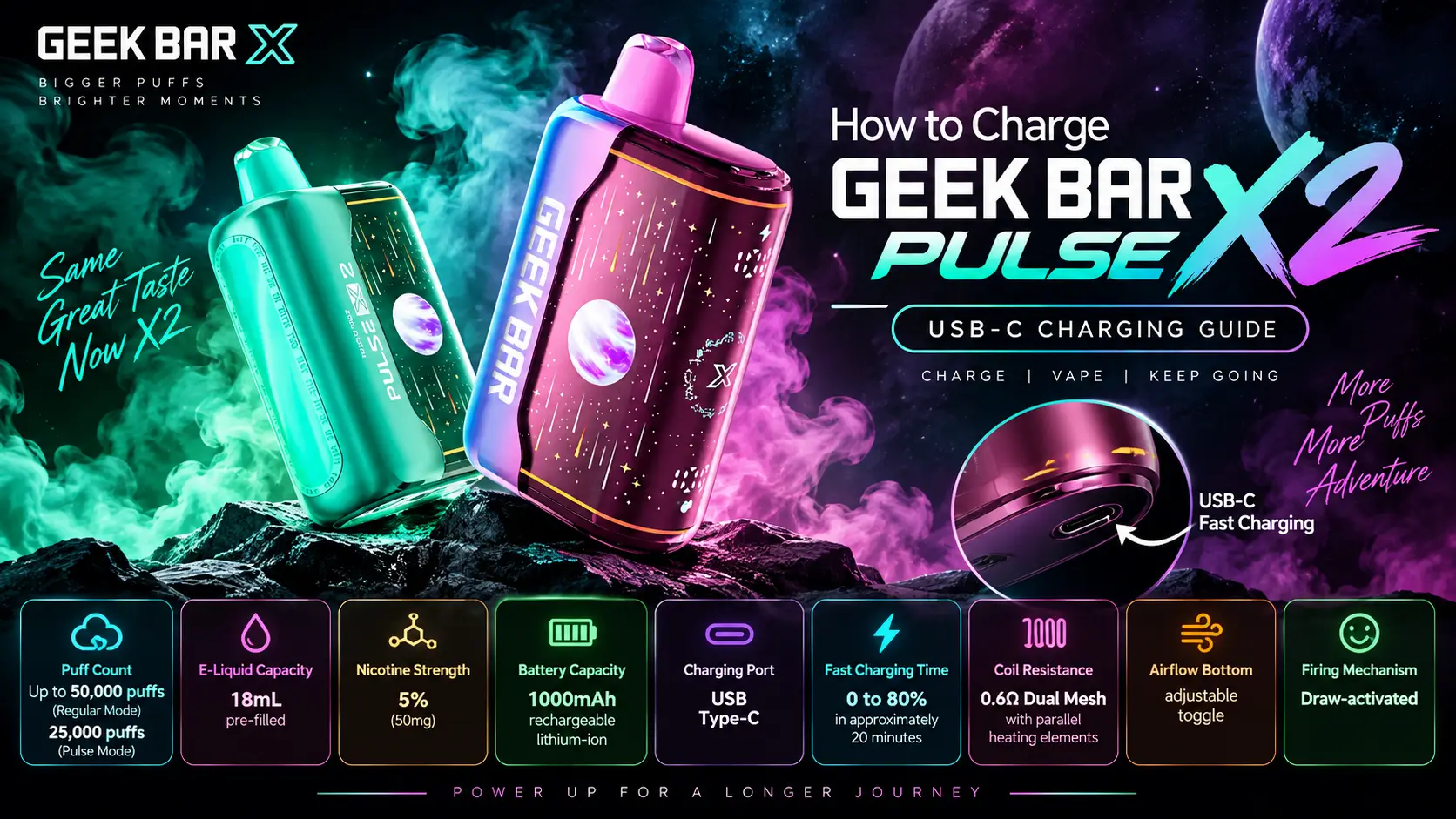
Knowing how to charge Geek Bar Pulse X2 devices correctly is the difference between a battery that lasts the full 18mL of e-liquid and one that dies weeks early. The Pulse X2 uses a USB-C port, a 1000mAh battery, and a 0.6Ω dual mesh coil, and each of those parts plays a role in how fast — and how safely — it charges.
This guide covers the full spec sheet, a step-by-step charging walkthrough, realistic charge times, battery care habits worth building, and how Pulse X2 charging stacks up against the original Geek Bar Pulse.
Nicotine itself is a highly addictive chemical, which is part of why federal law sets the minimum purchase age for vapor products like the Geek Bar Pulse X2 at 21 nationwide, with many states and retailers layering on their own ID checks on top of that baseline.
📋 Table of Contents
1. What Makes Geek Bar Pulse X2 Charging Different?
2. Geek Bar Pulse X2 Full Specifications
3. How to Charge Geek Bar Pulse X2 the Right Way
4. How Long Does a Full Charge Last?
5. Geek Bar Pulse vs Pulse X2 Charging: What's the Difference?
6. Why Won't My Geek Bar Pulse X2 Charge or Hit?
7. Best Flavors to Pair With a Freshly Charged Pulse X2
8. Is the Geek Bar Pulse X2 Worth Buying?
9. FAQs
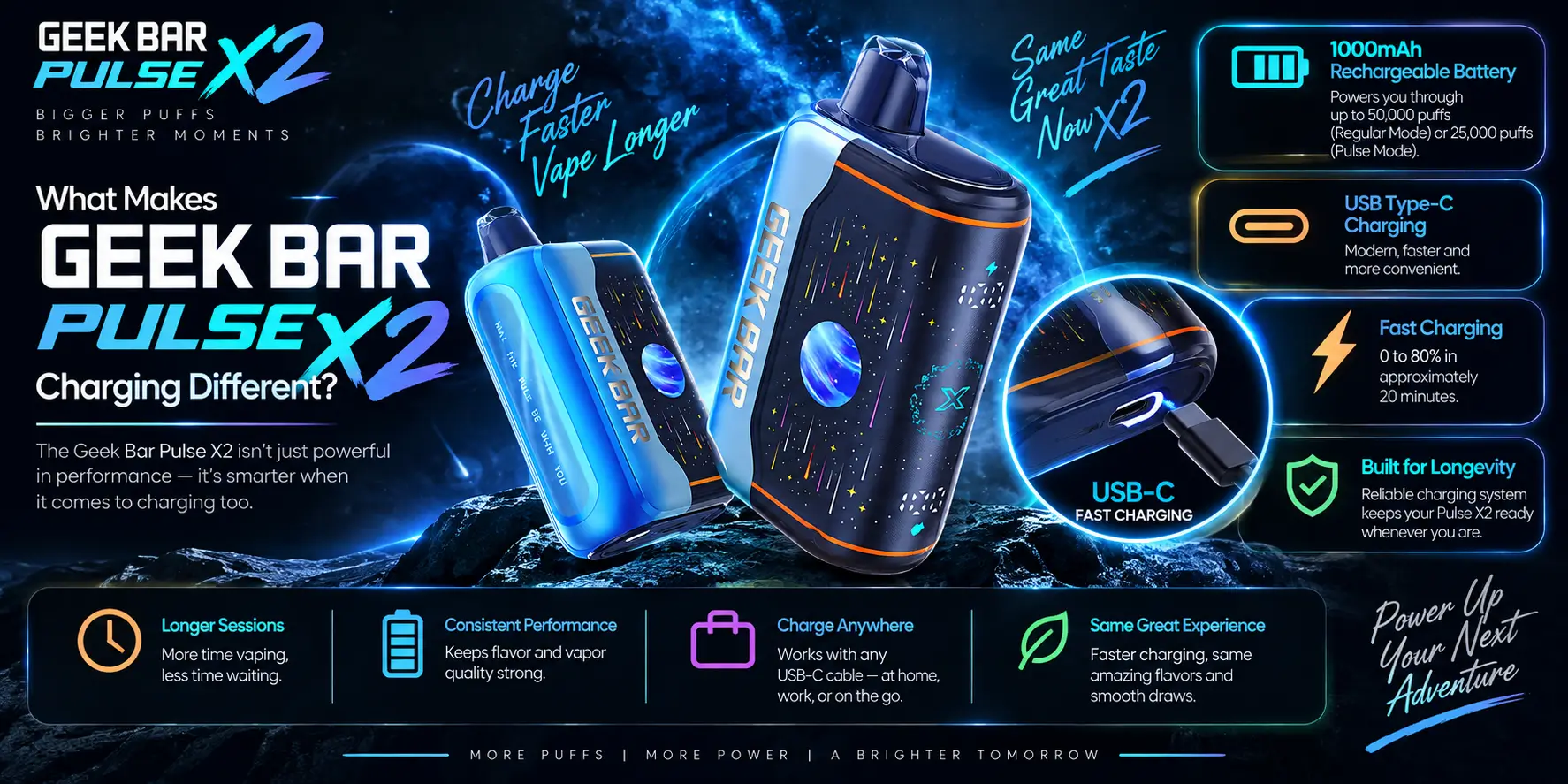
The Pulse X2 charges through USB-C instead of the micro-USB ports older disposables used. That single change cuts charge time, prevents the "which way does this plug go" fumbling, and lets you use the same cable as your phone.
USB-C carries more power than micro-USB and only fits one way, which is why the EU made it the mandatory charging standard for portable electronics in 2024 — it's simply a better connector for fast, reliable charging.
Pair that port with a 1000mAh battery and a 0.6Ω dual mesh coil, and the Pulse X2 is built to keep pace with its 18mL tank instead of running out of battery halfway through the e-liquid.
Micro-USB ports on older disposables were slower, easier to plug in wrong, and more prone to wearing out after repeated use. USB-C fixes all three problems at once.
The connector is reversible, so there's no fumbling to find the right orientation in a dim room or a car. It also supports higher current delivery than micro-USB, which is the main reason charge times dropped across the disposable vape category once brands made the switch.
This shift wasn't just a Geek Bar decision — regulators pushed the entire consumer electronics industry in the same direction. The European Union's Radio Equipment Directive made USB-C the mandatory charging port for phones, tablets, and similar portable devices sold in the EU starting in December 2024, and manufacturers worldwide have largely standardized around it since.
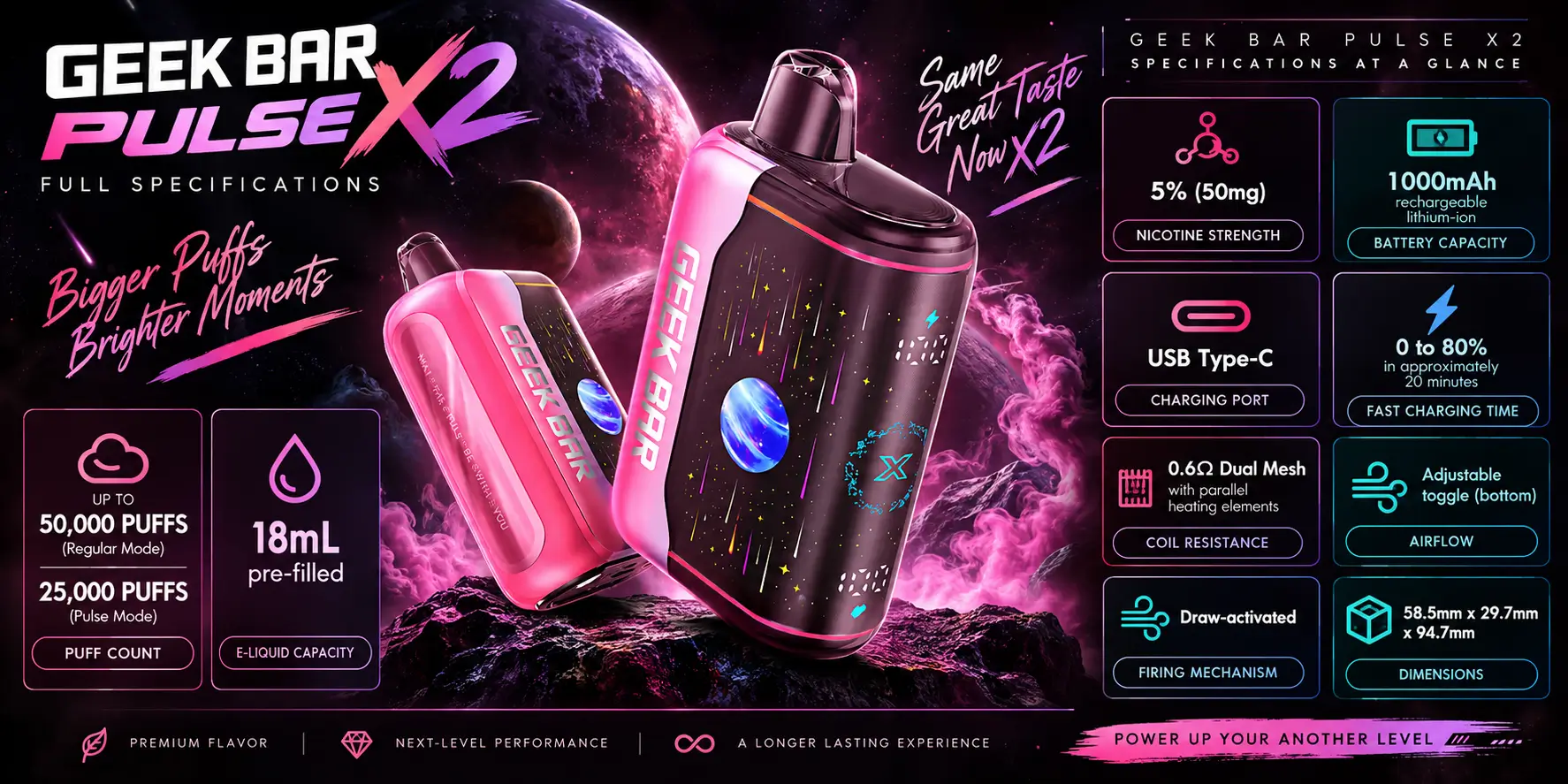
Here's the complete spec sheet for the Geek Bar Pulse X2:
| Spec | Detail |
|---|---|
| Puff Count | 50,000 (Regular) / 25,000 (Pulse) |
| E-Liquid | 18mL pre-filled |
| Nicotine | 5% (50mg) |
| Battery | 1000mAh, USB-C fast charge |
| Coil | 0.6Ω Dual Mesh |
| Airflow | Adjustable toggle |
| Firing | Draw-activated |
| Dimensions | 58.5 × 29.7 × 94.7mm |
The 0.6Ω dual mesh coil pulls more surface area from every draw than a single-mesh setup, which is part of why the tank can support 50,000 puffs in Regular mode without the flavor falling flat toward the end. For a deeper breakdown of how that number holds up in daily use, see our Geek Bar Pulse X2 Puff Count guide.
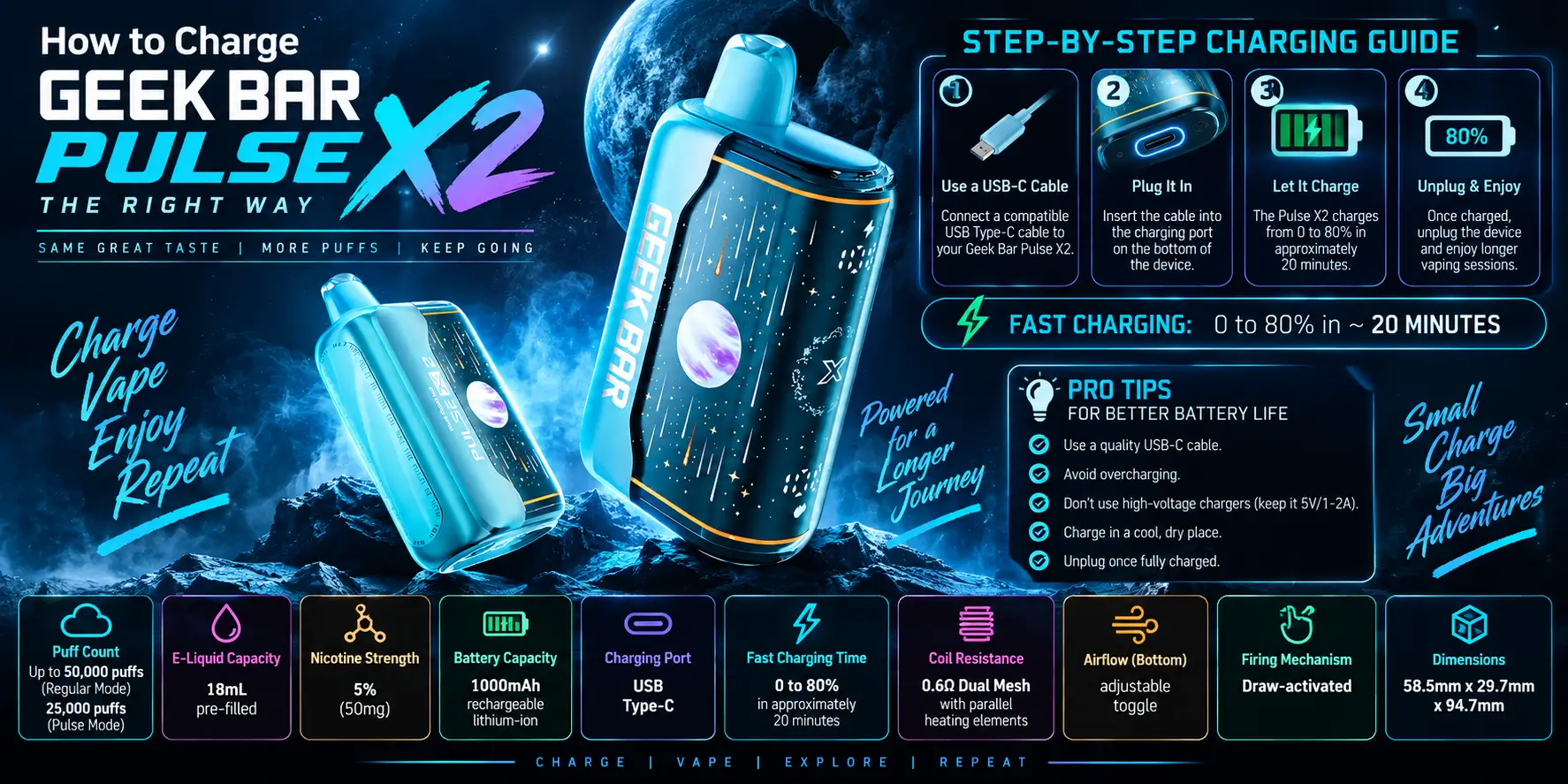
Charging the Pulse X2 takes three steps: plug it in, wait for the light to change, and unplug it. There's no button sequence and no app pairing required.
A full charge from empty typically takes 45 minutes to an hour on a standard 5V adapter, though output can vary slightly depending on the charger and cable you use.
A little bit of battery care goes a long way with any lithium-ion device, and the Pulse X2 is no exception. A few habits make a real difference over the device's full life:
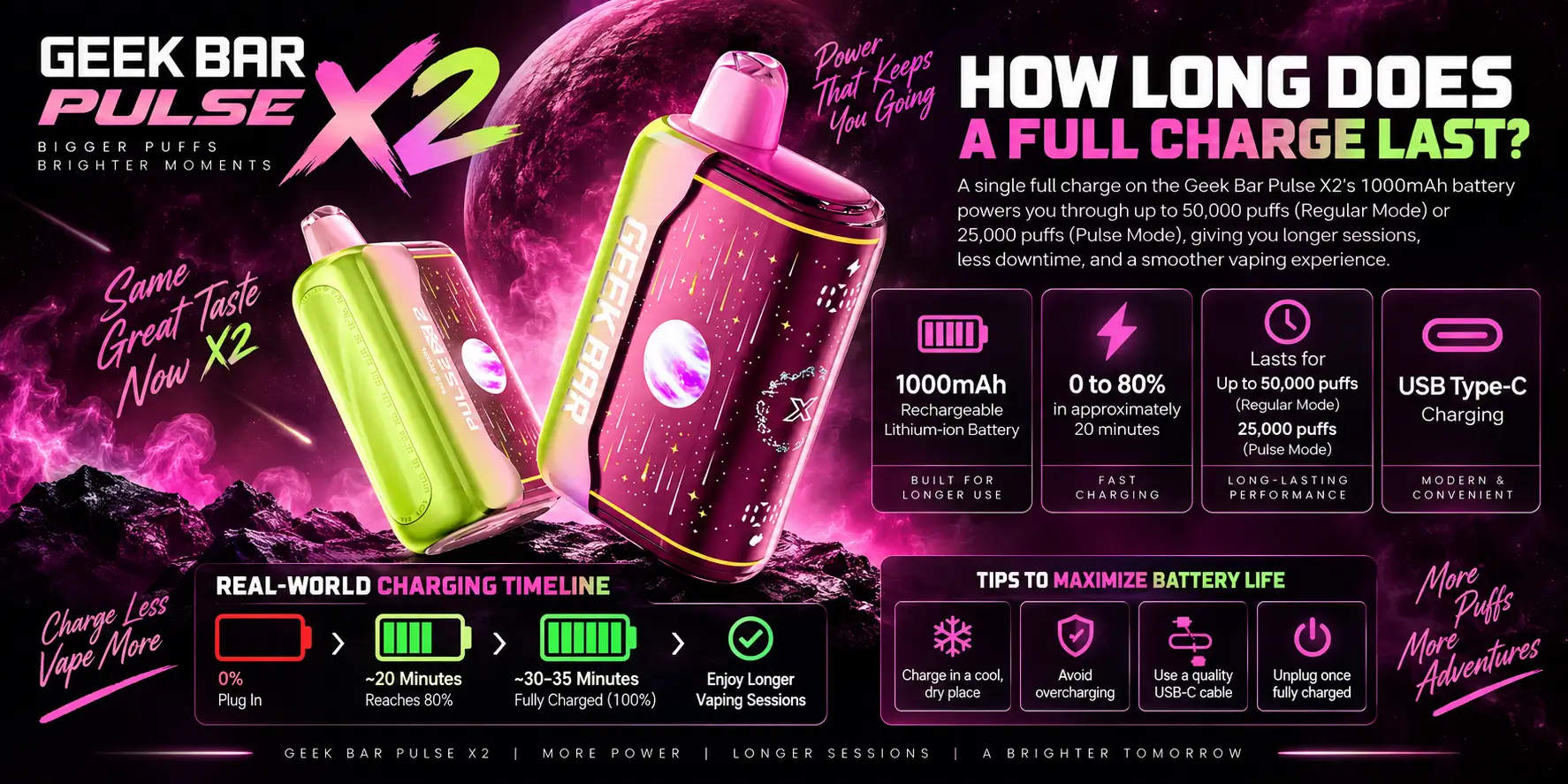
A full charge on the 1000mAh battery should comfortably get you through several hundred puffs before it needs topping up again — enough for a full day of normal use for most people.
Because the Pulse X2 is rechargeable, the battery isn't really the limiting factor here; the 18mL tank is. You'll likely recharge the device dozens of times over its life before the e-liquid runs dry, especially at the higher 50,000-puff Regular mode rating.
Lithium-ion cells like this one also hold their capacity better when they're not repeatedly drained to zero. Topping up before the battery hits empty, rather than always running it flat, tends to extend how many charge cycles the cell handles well over its life.
Real-world runtime also depends on how you vape. Longer, harder draws pull more power per puff than short, light ones, and switching between airflow settings changes how much the coil demands from the battery on each pull. Someone taking mostly short draws on the tighter airflow setting will typically stretch a single charge further than someone taking long, loose pulls all day.
The original Geek Bar Pulse and the Pulse X2 both charge via USB-C, but they're not identical under the hood. Battery size, puff ratings, and coil design all shift between the two models.
| Feature | Geek Bar Pulse | Geek Bar Pulse X2 |
|---|---|---|
| Charging Port | USB-C | USB-C |
| Battery Capacity | Smaller cell, shorter runtime per charge | 1000mAh |
| Puff Count | Up to 25,000 | 50,000 (Regular) / 25,000 (Pulse) |
| Coil | Single/Dual Mesh | 0.6Ω Dual Mesh |
| Recharge Frequency | More frequent, smaller tank | Less frequent, larger 18mL tank |
The bigger battery and tank on the X2 mean fewer total charging sessions over the device's life, even though both models charge at a similar speed per session. For the full side-by-side breakdown, check our dedicated Geek Bar Pulse vs Pulse X2 Charging comparison.
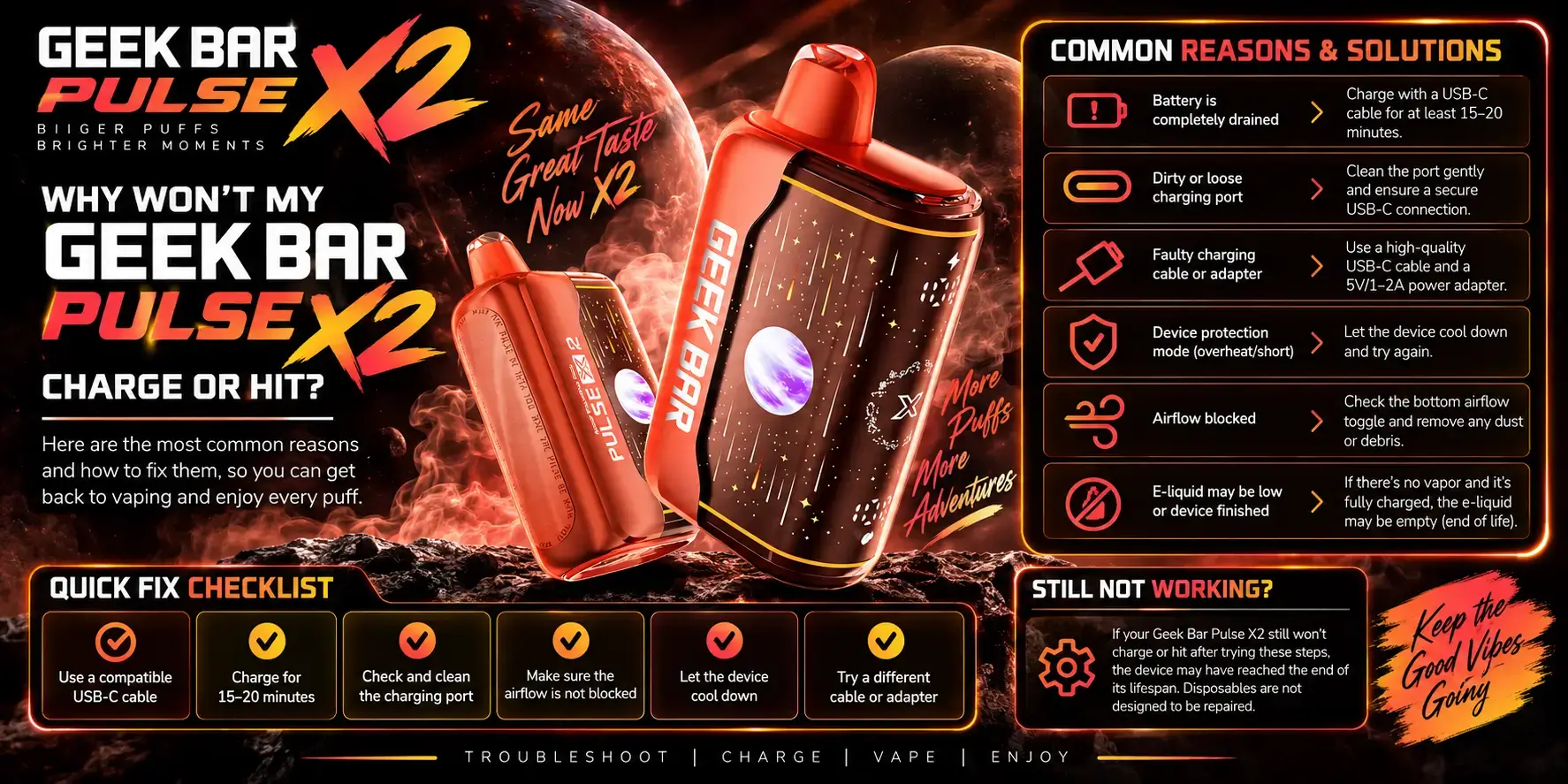
Most charging issues trace back to the cable, the port, or a battery that's fully drained rather than a dead device. Before assuming it's broken, run through a few basics.
If it still won't charge or fire after that, it's worth reaching out to wherever you bought it, since that usually points to a hardware fault rather than something you're doing wrong.
A blinking or colored light while charging usually just signals battery status, but the same light can appear for other reasons too. Low e-liquid, a coil nearing the end of its life, or a short draw that didn't fully activate the sensor can all trigger a similar blink pattern.
Before troubleshooting the charger itself, try a longer, steadier draw first. Draw-activated devices like the Pulse X2 need enough airflow across the sensor to fire consistently, and a rushed puff can look like a charging or hardware issue when it isn't.
A full charge means full power delivery to the coil, and that's when flavor and vapor production are at their strongest — the best time to notice what a flavor is really doing.
The Pulse X2 lineup leans into bold fruit and dessert profiles, formulated around the 5% nicotine, 18mL e-liquid base. You can browse the complete rundown in our Geek Bar Pulse X2 Flavors guide.
If you're curious about what's actually inside the tank — nicotine formulation, ingredients, and how it's mixed — our Geek Bar Pulse X2 E-Liquid breakdown covers that in detail.
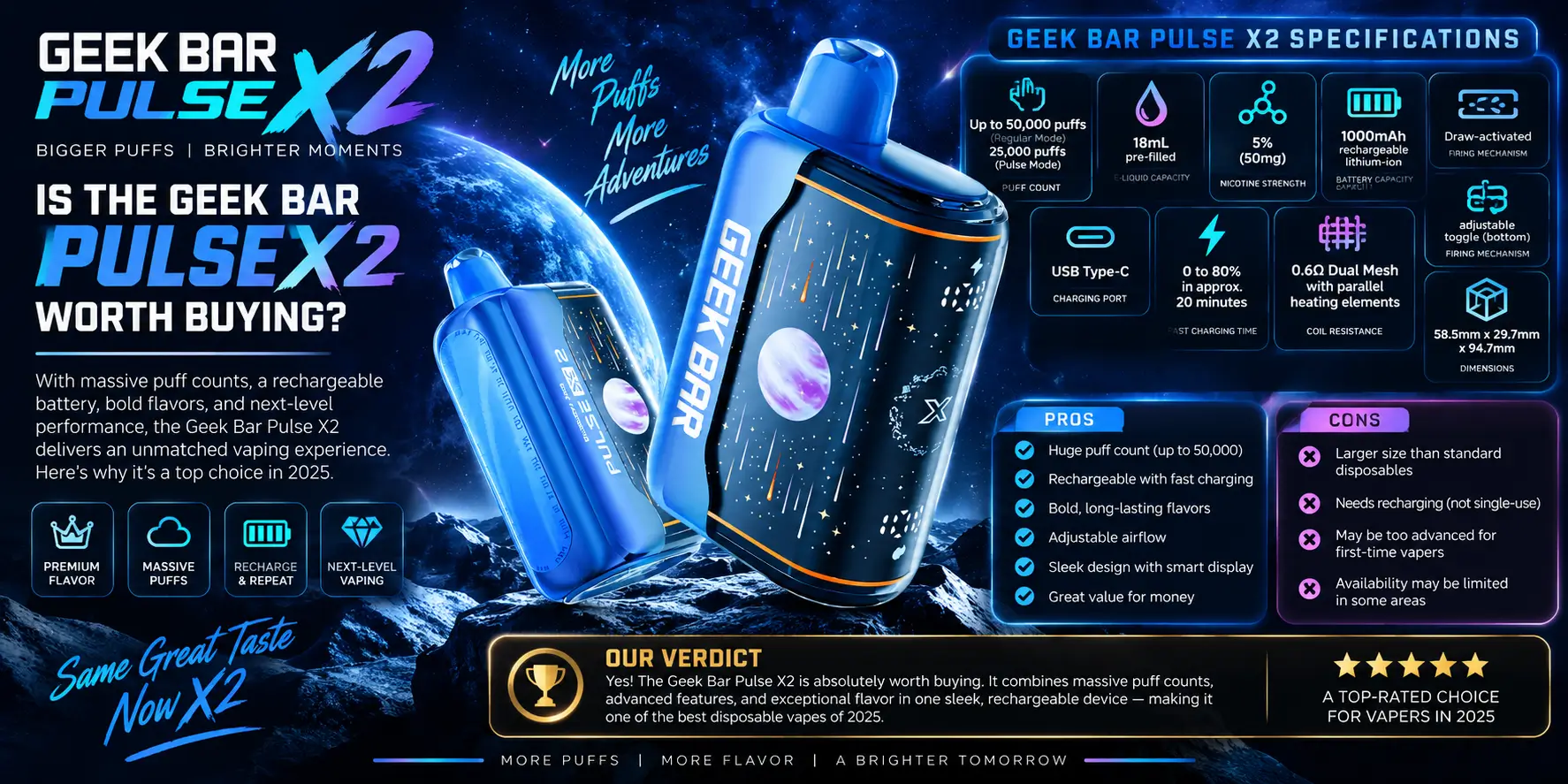
For anyone comparing high-capacity disposables, the Pulse X2 earns its price mainly through the combination of USB-C fast charging, a 1000mAh cell, and a tank rated for up to 50,000 puffs.
What stands out:
Where it's worth tempering expectations: like any disposable, vapor and flavor intensity can soften slightly as the tank empties, and it's still single-use once the e-liquid runs out. For a full hands-on breakdown of performance, our Geek Bar Pulse X2 Review covers testing notes in more detail. And if you want the bigger picture on the whole Geek Bar lineup before you decide, our Geek Bar Guide is the best place to start.
Plug a standard USB-C cable into the port at the base of the device and connect it to a 5V wall adapter or a USB port on a laptop. The device doesn't need a proprietary charger, and most units display a light or screen indicator that changes once the 1000mAh battery reaches a full charge.
A full charge from empty typically takes around 45 minutes to an hour on a standard 5V adapter. Charge time can vary slightly depending on the cable and power source you use, since not every USB-C cable or wall block delivers the same current.
Yes, the Pulse X2 charges with any standard USB-C cable, including the one you likely already use for your phone. Some cheaper cables are built mainly for data transfer and charge more slowly, so a quality cable will generally give you a faster, more reliable charge.
The most common causes are a faulty cable, a port with lint or debris blocking the connection, or a battery drained low enough that it needs a few minutes before responding. If none of those fix it, the issue is likely a hardware fault worth contacting your retailer about.
Yes, the 1000mAh battery is designed to be recharged repeatedly throughout the life of the 18mL e-liquid tank, not just once. Most users will recharge the device many times before the tank runs dry, especially at the higher 50,000-puff Regular mode rating.
This product has not been evaluated by the FDA and is not intended to diagnose, treat, cure, or prevent any disease. Nicotine is an addictive chemical. For sale to adults 21+ only.
Geek Bar Pulse — Disposable Vape
🛒 Where to Buy Online
Choose from our verified partner stores — all carry 100% authentic Geek Bar Pulse products sourced directly from official US distributors.


Twelve Tribes
Wide Selection • Best Prices


Raven Route
Fast Delivery • All Flavors


Zippyzz
Quick Shipping • Great Deals
🔒 All partner stores are verified, age-gated, and ship only to legal US states. Purchases are made directly with the retailer — not geekbarpulse.com.
⚠️ Must be 21+ to purchase.