

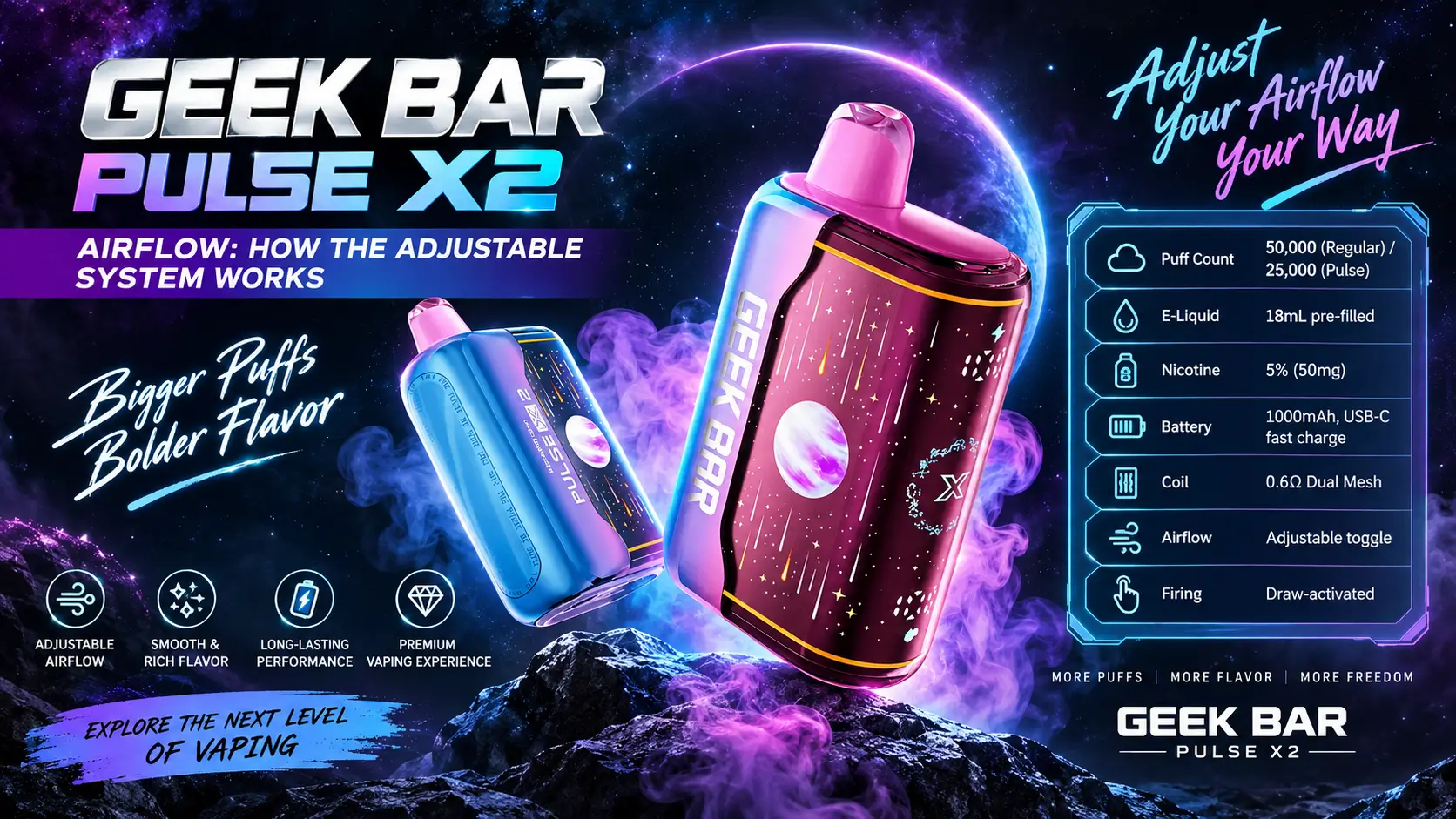
Pulse X2 airflow isn't just a toggle you flip and forget. It's the one control on the device that actually changes how the draw feels, puff to puff, and most people never touch it correctly.
Slide it open and you get a looser, cloud-heavy pull. Slide it tight and the resistance goes up, closer to a cigarette-style hit. This guide breaks down exactly how the Geek Bar Pulse X2 Device airflow system works, what it does to flavor and vapor, and what to actually check before you start adjusting it mid-pod.
Most disposables lock you into one airflow feel for the life of the device. That's fine until your preference changes mid-day, or you hand the device to a friend who vapes completely differently than you do. The X2's toggle exists specifically to solve that problem without needing a second device.
📋 Table of Contents
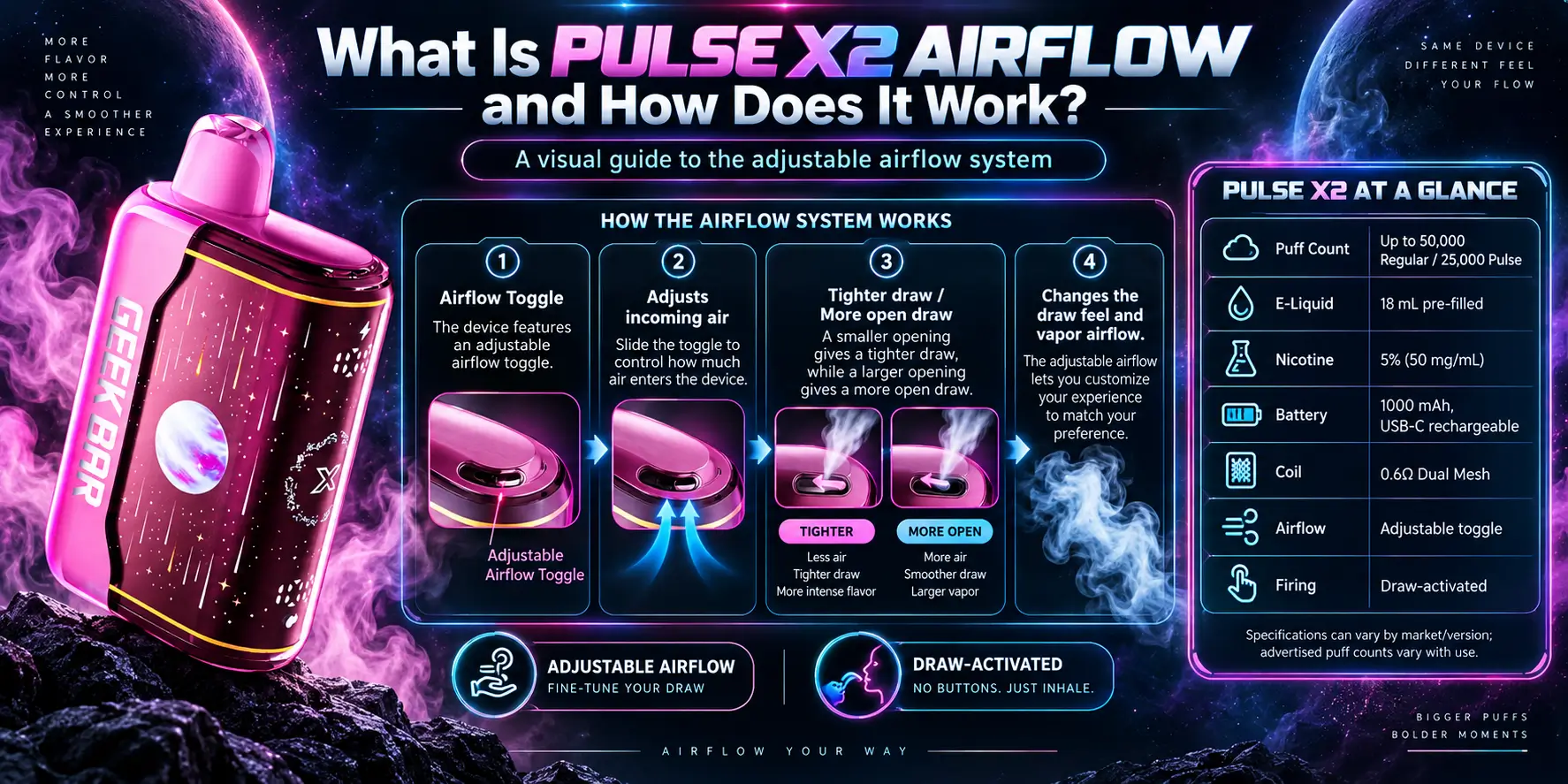
The Pulse X2 airflow system is a manual toggle built into the side of the device that widens or narrows the air intake channel feeding the 0.6Ω dual mesh coil. Open it and more air mixes with vapor for a loose, high-volume draw. Tighten it and less air gets in, raising resistance for a denser, more concentrated hit.
This is the same basic principle refillable mod vapers know as MTL versus DTL airflow, just built into a disposable with a single physical switch instead of a rotating ring. There's no app, no menu, no guesswork — you feel the change the moment you pull.
Air is what carries vapor out of the mouthpiece and cools it on the way. Less air means the vapor stays hotter and thicker, which reads as a stronger throat hit. More air dilutes and cools that same vapor, which is why open airflow feels smoother even at the same wattage.
If you're new to the device, start open. It's the more forgiving setting for figuring out your draw speed and gives you a clean baseline before you tighten anything down.
Ex-smokers or anyone who wants a firmer, more deliberate pull usually gravitate toward the tighter setting fairly quickly. There's no wrong answer here — the whole point of the toggle is that you're not locked into a manufacturer's guess about what you'll prefer.
A dual mesh coil uses two separate mesh heating strips instead of one, which gives the e-liquid more surface area to vaporize against at the same time. Industry testing on dual mesh builds generally shows noticeably richer flavor and denser clouds compared to single mesh coils, because more of the wick is actively heating on every pull.
Pair that coil with a tight airflow setting and you concentrate that extra vapor into a smaller air channel, which is why the Pulse setting on this platform tends to taste more intense. Open the airflow and the same coil output gets spread across more air, softening the hit without changing the flavor concentration in the liquid itself. For a deeper look at how the flavor profile behaves across settings, the Geek Bar Pulse X2 e-liquid breakdown covers it flavor by flavor.
Dessert and candy-style flavors tend to show off more complexity on tighter airflow, since the concentrated heat pulls out layered notes that get diluted on a looser draw. Straightforward fruit or menthol profiles, on the other hand, often taste just as clean wide open, since there's less flavor complexity for the extra airflow to wash out.
Indirectly, yes. Puff count ratings like 50,000 (Regular) and 25,000 (Pulse) are based on standardized lab testing with fixed puff durations, not real-world habits. A tighter airflow setting paired with shorter, sharper pulls tends to sip e-liquid more slowly per draw.
An open airflow setting paired with long, lazy inhales pulls more air and often more liquid through the coil per puff, which can bring the real-world count down faster than the rated number suggests. The full math behind that is in our Geek Bar Pulse X2 puff count guide.
The short answer: one airflow setting can't satisfy everyone. Vapers who came from cigarettes generally prefer tighter, more restricted draws that mimic what they're used to. Vapers who came from cloud-chasing setups usually want the opposite — a loose, airy pull that supports bigger exhales.
Instead of forcing a single compromise setting on every buyer, Geek Bar built the toggle directly into the X2's shell. It's a small mechanical change, but it's the difference between a device that fits one type of vaper and one that adjusts to whoever's holding it.
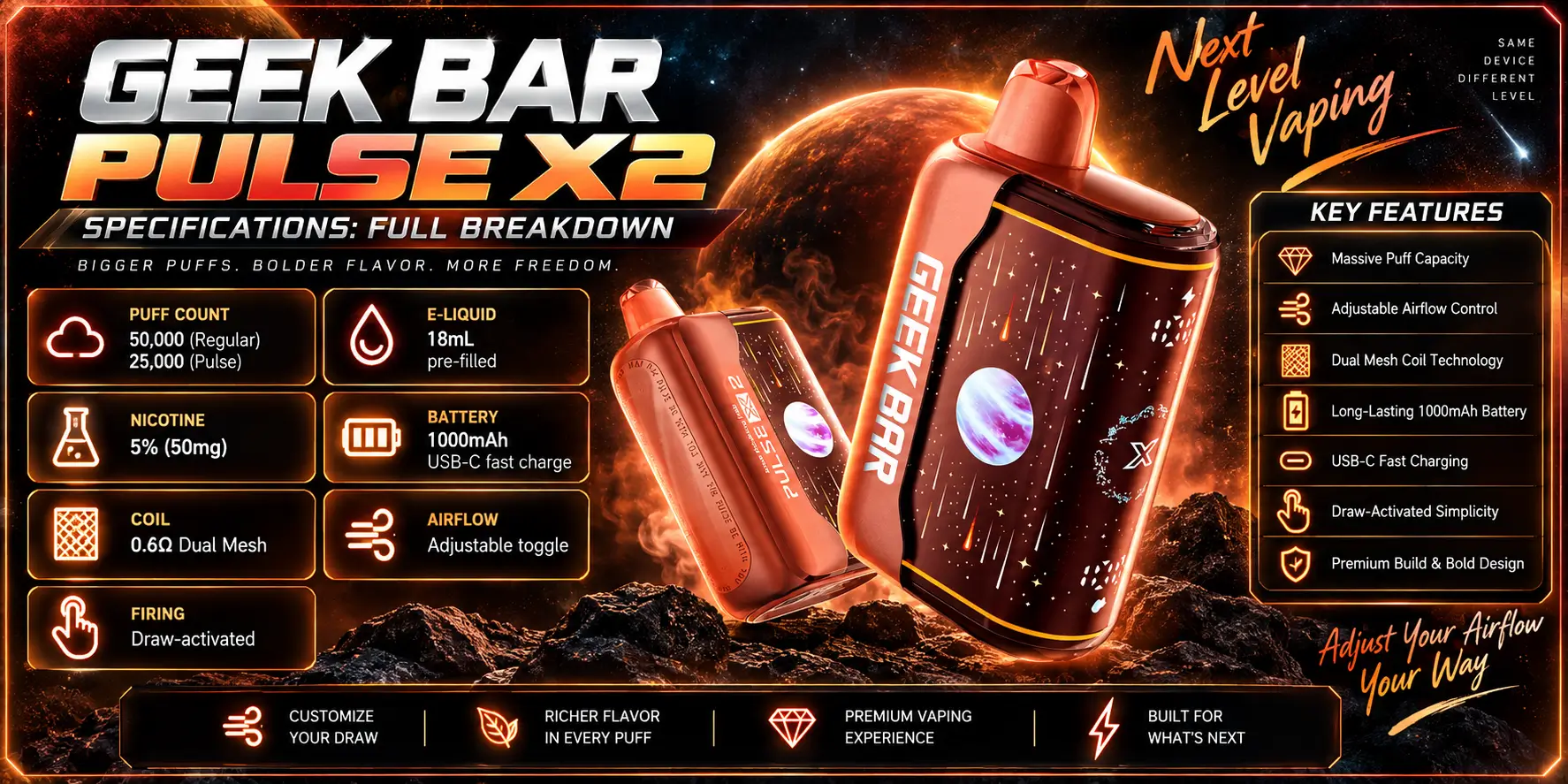
Here's the full spec sheet for the Geek Bar Pulse X2, straight from the device documentation:
| Spec | Detail |
|---|---|
| Puff Count | 50,000 (Regular) / 25,000 (Pulse) |
| E-Liquid | 18mL pre-filled |
| Nicotine | 5% (50mg) |
| Battery | 1000mAh, USB-C fast charge |
| Coil | 0.6Ω Dual Mesh |
| Airflow | Adjustable toggle |
| Firing | Draw-activated |
| Dimensions | 58.5 × 29.7 × 94.7mm |
A couple of these numbers explain each other. The 1000mAh battery is what makes both puff modes realistic across an 18mL tank — USB-C fast charging on a battery this size typically brings it from empty to full in roughly 40 to 60 minutes, based on general USB-C charging benchmarks, so you're not stuck waiting hours mid-day.
Draw-activated firing means there's no button to hold. The device senses the pull the instant you inhale and fires the coil automatically, which is standard across nearly every modern disposable on the market, Geek Bar included.
The 58.5 × 29.7 × 94.7mm footprint keeps the X2 pocket-sized despite packing an 18mL tank and a 1000mAh cell into the shell. That's a compact frame for the capacity involved, which is part of why the internal airflow channel has to be precisely engineered rather than just left wide open by default.
Since the toggle is the star of this guide, here's a direct side-by-side of what each airflow position does to the experience:
| Factor | Open Airflow | Tight Airflow |
|---|---|---|
| Draw Resistance | Low, loose pull | Higher, cigarette-like |
| Vapor Density | Lighter, airier clouds | Thicker, more concentrated |
| Throat Hit | Softer | Stronger |
| Flavor Perception | Cooler, diluted | Warmer, more concentrated |
| Best For | Long, relaxed sessions | Quick, intense pulls |
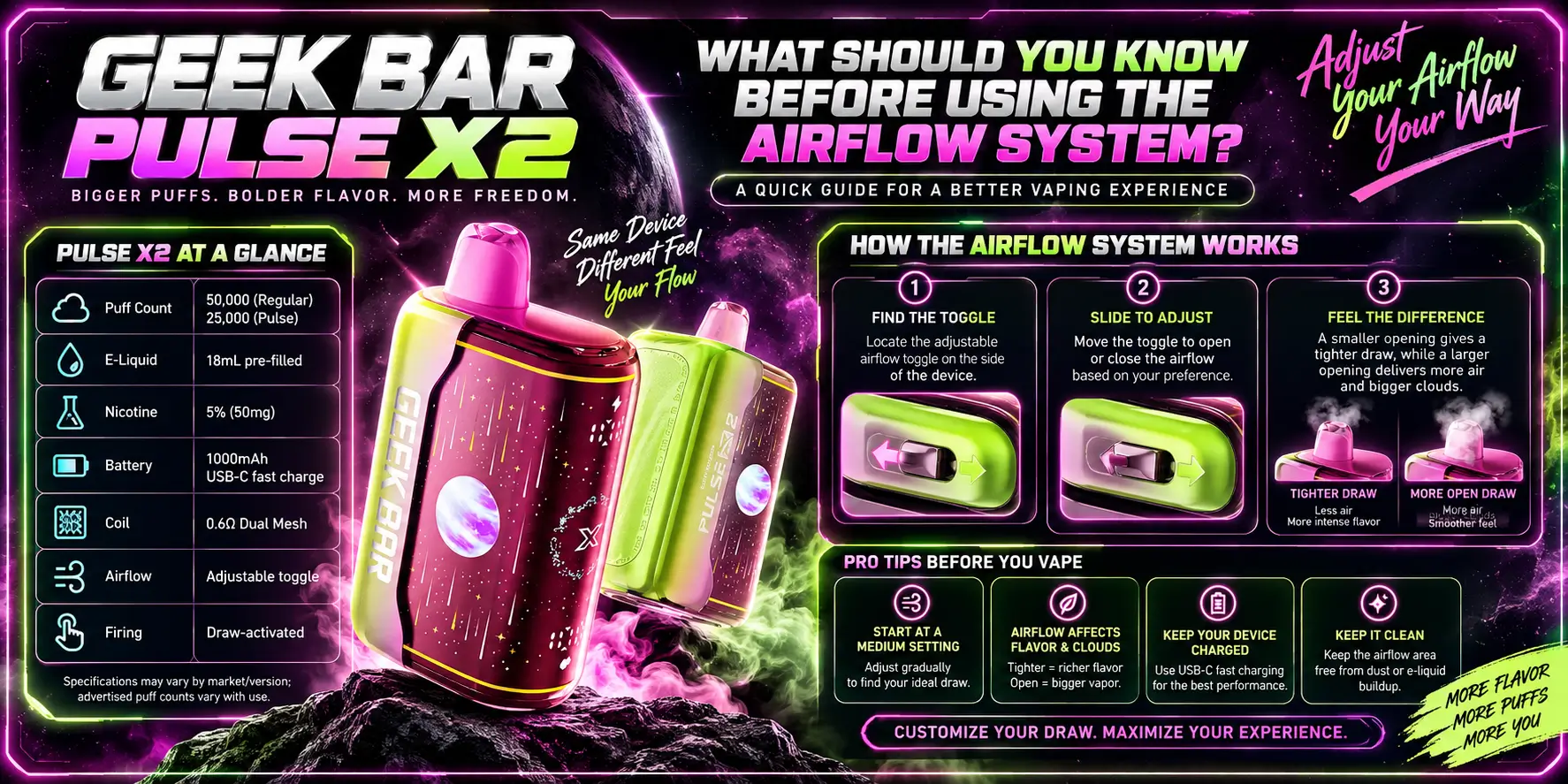
The two things that trip people up most: airflow changes how the hit feels, not how much nicotine you get, and switching settings mid-session takes a pull or two before the difference is obvious. Beyond that, avoid leaving the toggle fully closed for extended stretches — it puts extra strain on the coil.
Adjusting the toggle takes seconds, but doing it deliberately gets better results than randomly flipping it mid-puff. A simple approach works best:
Start with the airflow fully open and take two or three normal draws to get a baseline feel. From there, nudge the toggle toward tight in small increments rather than jumping straight to the most restricted setting — your throat and lungs adjust faster to gradual changes.
Give each new position at least three or four puffs before judging it. The coil and airflow channel need a moment to settle into the new resistance, and your first pull after switching rarely represents how that setting actually performs.
The most common mistake is leaving the device on the tightest setting permanently because it feels more "premium" or intense. That extra restriction concentrates more heat into a smaller space on every single draw, which speeds up coil wear over the life of the tank.
The second mistake is switching airflow to try to fix a genuinely dead battery or an empty tank. Airflow changes how a working device feels — it can't restore vapor production once the e-liquid runs out or the battery can no longer hold a charge.
The third is judging a new setting on a single puff. As covered above, resistance and vapor density shift slightly over the first few draws after any adjustment, so one pull isn't a fair test.
No. The Pulse X2 ships at a fixed 5% (50mg) nicotine strength regardless of toggle position. Airflow changes the physical sensation of the hit — how hot, thick, or restricted it feels — but the nicotine concentration in the e-liquid itself doesn't move.
What does change is how much liquid you pull through per draw, which is why a tighter setting with shorter puffs can feel just as satisfying with less overall consumption than an open setting with long, deep pulls.
This matters for anyone comparing nicotine intake across devices. The 5% (50mg) strength is a fixed concentration in the liquid itself, not something the airflow toggle scales up or down, so switching settings changes comfort and sensation rather than your actual nicotine consumption per milliliter vaped.
Yes, indirectly. Open airflow encourages longer, heavier draws, and the coil has to work harder and longer per puff to keep up, which pulls more from the 1000mAh cell between charges. Tighter airflow with shorter pulls is generally gentler on battery drain.
Either way, the USB-C fast charge port means a full recharge rarely eats into your day. If your unit is charging slower than expected, our how to charge Geek Bar Pulse X2 guide walks through the troubleshooting steps.
Tight airflow concentrates more heat and vapor into a smaller channel every draw, which can accelerate wear on the dual mesh coil over the device's life compared to a consistently open setting. It's a small effect, but it's part of why flavor can taste slightly different toward the last third of the tank.
If you've noticed the draw feels different than it did on the original Pulse, that's expected — the two devices don't share an identical airflow build. The Geek Bar Pulse vs Pulse X2 charging comparison covers how the hardware differs beyond just airflow.
None of this means you need to babysit the toggle. A device rated for tens of thousands of puffs is built to tolerate normal switching between settings — the wear difference between "always tight" and "mixed use" is measured in how the last few hundred puffs taste, not in whether the device fails early.
That depends more on your puffing habits than the toggle position alone. Heavier daily use on any setting will draw down the 18mL tank faster than occasional use, regardless of whether you run it open or tight. Our how long does Pulse X2 last guide breaks down realistic timelines based on daily puff averages.
For most people switching from a fixed-airflow disposable, yes — mainly because it removes the guesswork of picking "the right" device before you've even tried it. A few honest trade-offs are worth knowing going in.
What stands out:
Where to temper expectations:
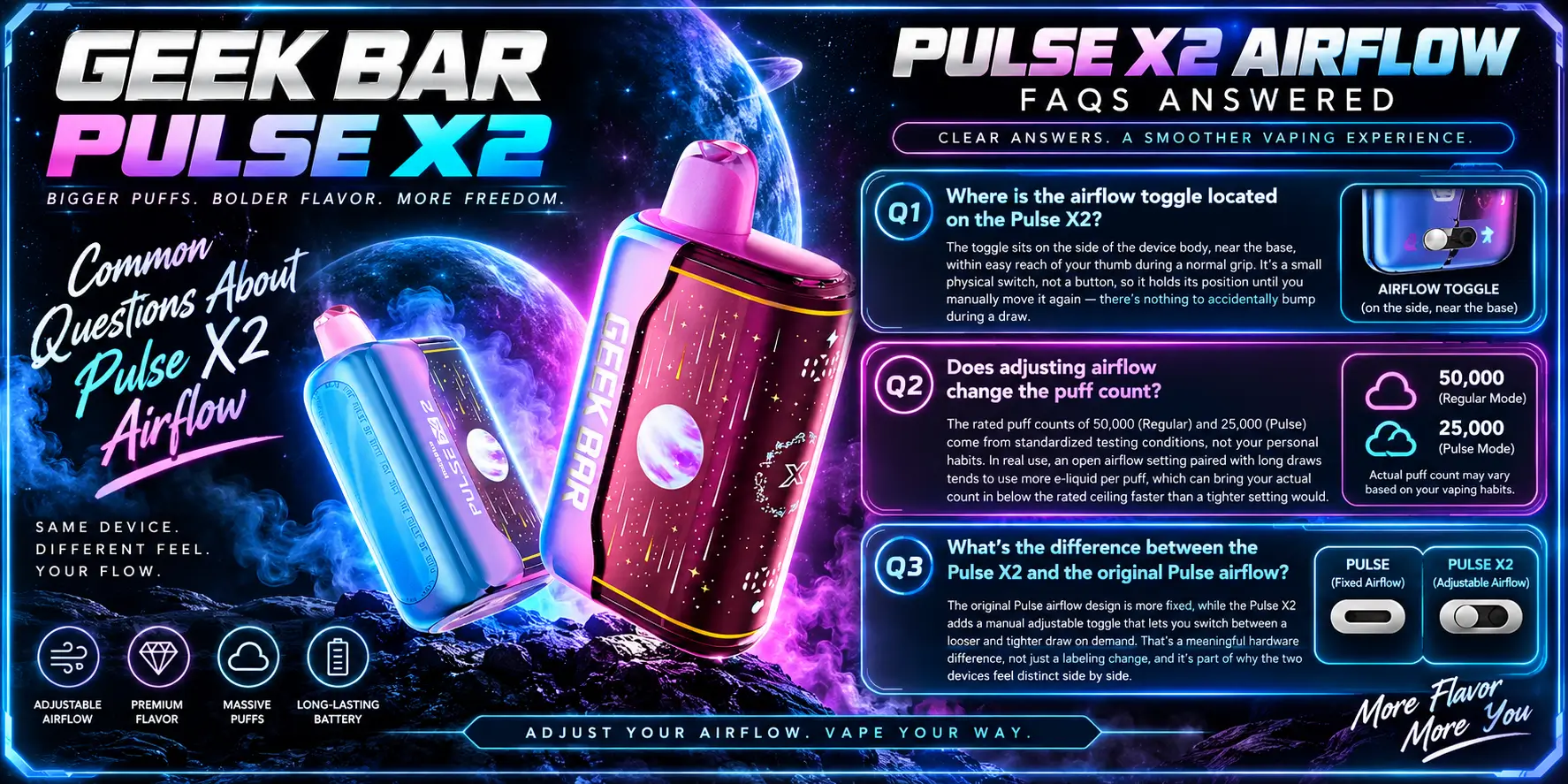
1. Where is the airflow toggle located on the Pulse X2?
The toggle sits on the side of the device body, near the base, within easy reach of your thumb during a normal grip. It's a small physical switch, not a button, so it holds its position until you manually move it again — there's nothing to accidentally bump during a draw.
2. Does adjusting airflow change the puff count?
The rated puff counts of 50,000 (Regular) and 25,000 (Pulse) come from standardized testing conditions, not your personal habits. In real use, an open airflow setting paired with long draws tends to use more e-liquid per puff, which can bring your actual count in below the rated ceiling faster than a tighter setting would.
3. What's the difference between the Pulse X2 and the original Pulse airflow?
The original Pulse airflow design is more fixed, while the Pulse X2 adds a manual adjustable toggle that lets you switch between a looser and tighter draw on demand. That's a meaningful hardware difference, not just a labeling change, and it's part of why the two devices feel distinct side by side.
4. Can you fix a weak draw by adjusting airflow?
Sometimes. If the draw feels unusually weak, nudging the toggle toward open can restore a fuller pull, since a too-tight setting can feel restrictive rather than intentional. If adjusting the airflow doesn't help, the issue is more likely the coil, battery, or e-liquid level rather than the airflow setting itself.
5. Who can legally buy the Geek Bar Pulse X2?
Under the federal Tobacco 21 law, enforced by the FDA, you must be at least 21 years old to purchase any vaping product in the United States, including the Pulse X2, regardless of nicotine strength. Many states and individual retailers apply additional ID verification on top of that federal minimum, and the requirement applies online and in-store with no exceptions.
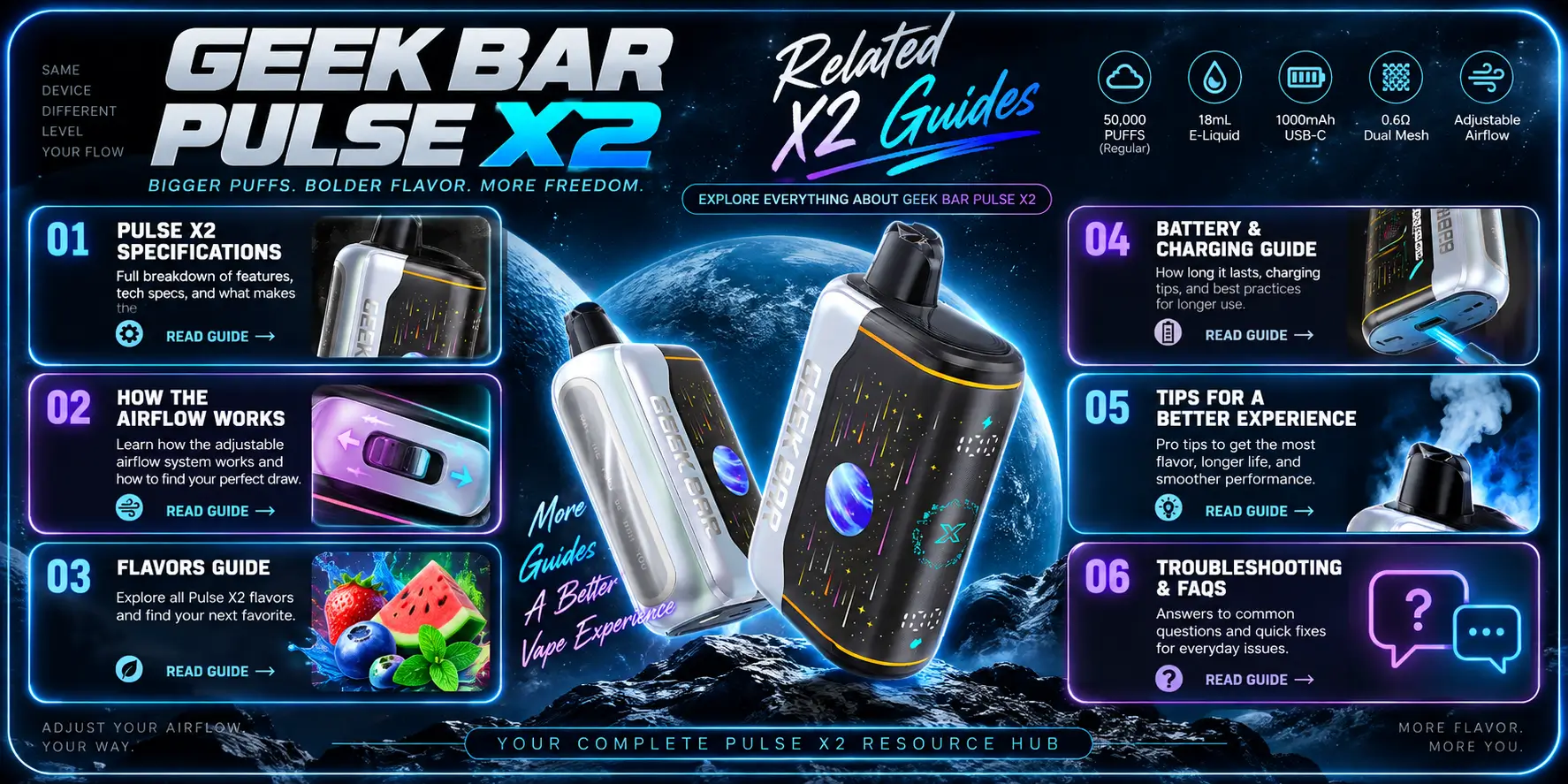
Airflow is just one piece of what makes the Pulse X2 tick. If you want the full picture — puff ratings, charging behavior, flavor lineup, and how it stacks up against the original Pulse — these guides cover the rest of the device in detail:
That last one, the Geek Bar Complete Guide, is the best starting point if you're comparing the X2 against other models in the lineup rather than reading about one specific feature.
Ready to try the Pulse X2 for yourself?
Shop NowWARNING: Use of this product exposes users to substances like nicotine, identified by the State of California as a potential cause of cancer and reproductive damage. For further details, visit p65warnings.ca.gov. Sales and usage of this product are strictly prohibited for individuals under 21 years of age.
Geek Bar Pulse — Disposable Vape
🛒 Where to Buy Online
Choose from our verified partner stores — all carry 100% authentic Geek Bar Pulse products sourced directly from official US distributors.


Twelve Tribes
Wide Selection • Best Prices


Raven Route
Fast Delivery • All Flavors


Zippyzz
Quick Shipping • Great Deals
🔒 All partner stores are verified, age-gated, and ship only to legal US states. Purchases are made directly with the retailer — not geekbarpulse.com.
⚠️ Must be 21+ to purchase.