

A vape that fires on its own is not a quirk. It is a warning sign. Geek Bar Pulse X auto firing means the device heats the coils and makes vapor without anyone drawing on it, and that points to a fault you should take seriously.
This guide explains what causes it, which safety checks to run, and when to stop using the device. It builds on our full Geek Bar Pulse X guide, so check it for flavors and general setup.
In This Guide
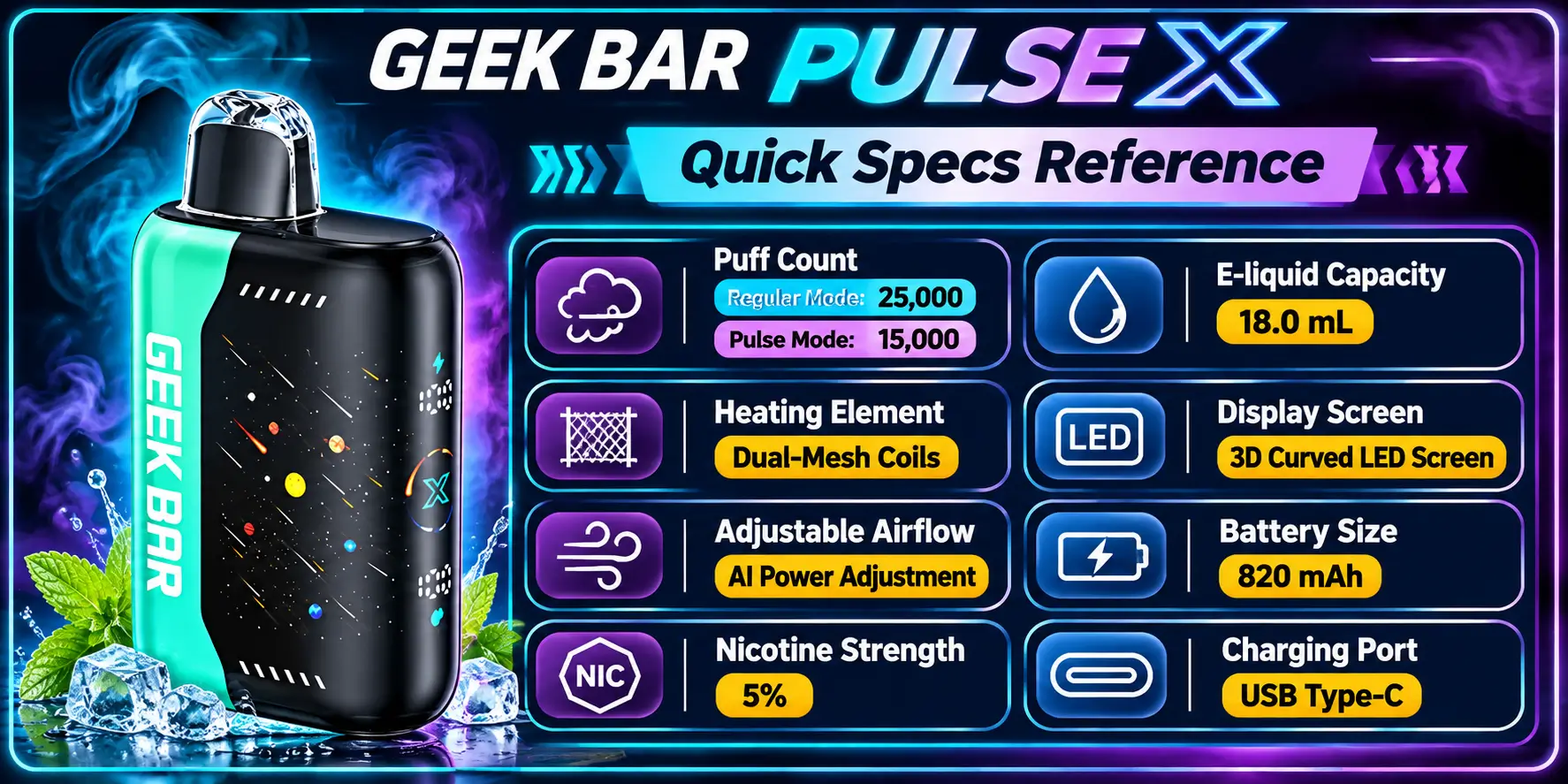
These are the specs that matter most when you troubleshoot. Knowing what is inside the device makes the causes below easier to follow. For the full breakdown, see our Geek Bar Pulse X specs page.
| Feature | Specification |
|---|---|
| Puff Count | Regular Mode: 25,000 | Pulse Mode: 15,000 |
| E-liquid Capacity | 18.0 mL |
| Heating Element | Dual-Mesh Coils |
| Display Screen | 3D Curved LED Screen |
| Adjustable Airflow | AI Power Adjustment |
| Battery Size | 820 mAh |
| Nicotine Strength | 5% |
| Charging Port | USB Type-C |
Note that 5% nicotine equals 50 mg per mL. That is a high dose, which is one more reason an unintended activation matters.
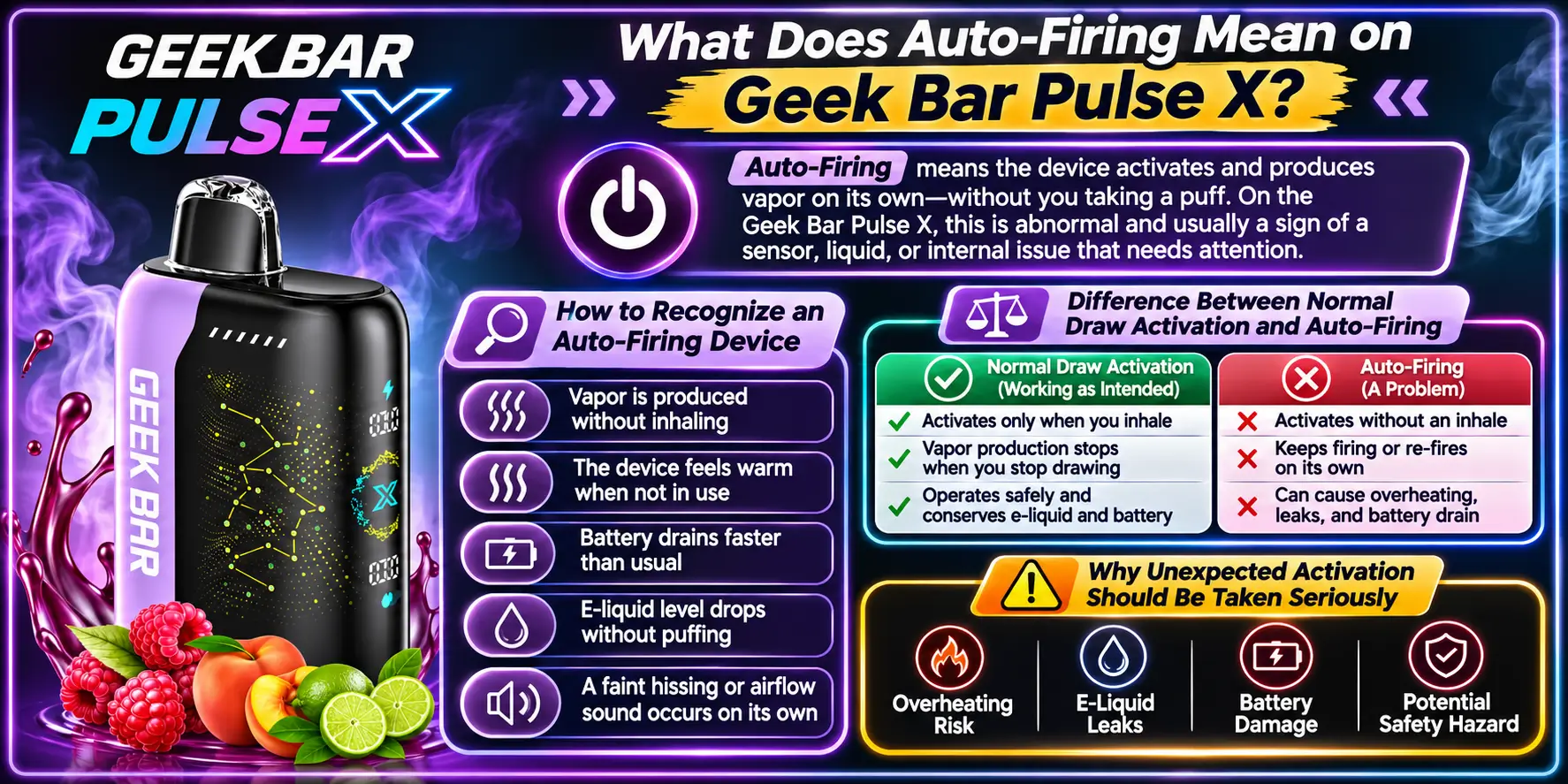
Auto-firing means the device heats up and produces vapor with no inhale. A working Geek Bar Pulse X should only activate when you draw on the mouthpiece.
If it activates in your pocket, on a table, or while charging, something inside is wrong. It will not fix itself.
The signs are usually easy to spot. The screen may light up or flash with no draw. You may hear a faint hiss or notice warmth in the body.
Other common signs include:
Normal activation needs a physical draw. Auto-firing needs nothing. The table below shows the difference at a glance.
| Behavior | Normal Draw Activation | Auto-Firing |
|---|---|---|
| Trigger | You inhale on the mouthpiece | No inhale at all |
| Heating Time | Only while you draw | Continues or repeats on its own |
| Screen Response | Lights up during the puff | Lights up or flickers while idle |
| Body Temperature | Warms slightly after use | Warm or hot with no use |
| What to Do | Keep vaping as normal | Stop using it and run the checks below |
Every unplanned activation heats the coils with nobody watching. Heat plus a lithium-ion battery is the combination safety agencies warn about.
The U.S. Fire Administration documented 195 e-cigarette fire and explosion incidents in the U.S. between 2009 and January 2016. Most involved battery failure. Those numbers are not a reason to panic, but they are a reason to act early.
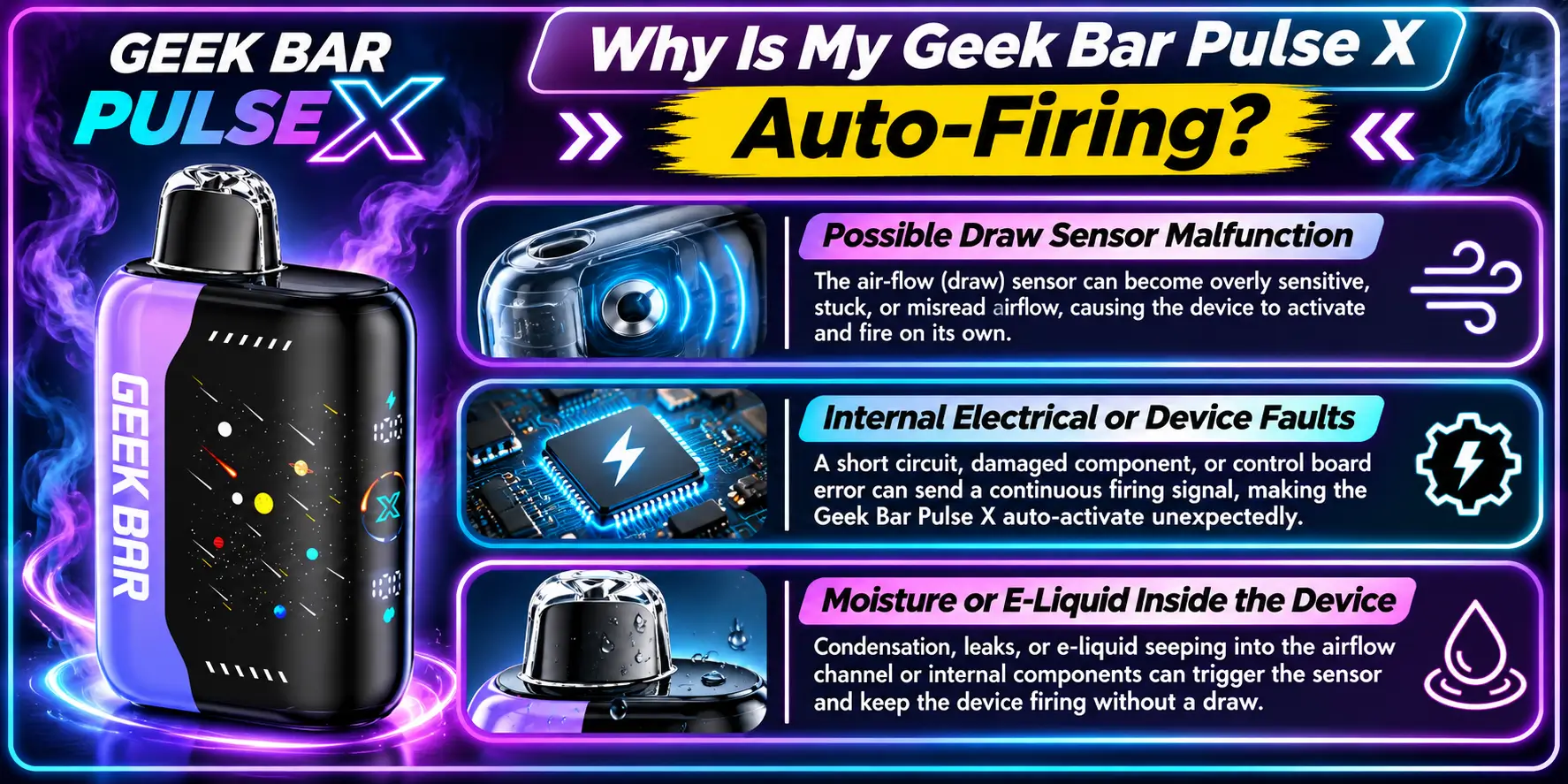
The three most common causes are a faulty draw sensor, an internal electrical fault, or moisture inside the device. Each one tricks the chip into thinking you inhaled.
You usually cannot repair any of them at home. The goal is to identify the likely cause and decide whether the device is safe to keep.
Most disposables use a sensor that detects airflow and tells the chip to fire the coils. If that sensor sticks or misreads, the device acts as if you are drawing constantly.
Drops, pressure changes, and heavy squeezing can all damage the sensor. A sensor fault often shows up right after a physical impact.
A short circuit or a flawed solder joint can send power to the coils without a signal. Manufacturing defects also happen, as with any mass-produced electronics.
These faults tend to appear early in the device's life or after rough handling. They also tend to get worse, not better.
Liquid on the circuit board can bridge contacts that should stay separate. That false connection can trigger the coils. Water exposure and e-liquid flooding are the usual sources.
If you see wetness near the base or airflow slots, read our guide to a leaking Geek Bar Pulse X. Leaks and auto-firing often show up together.
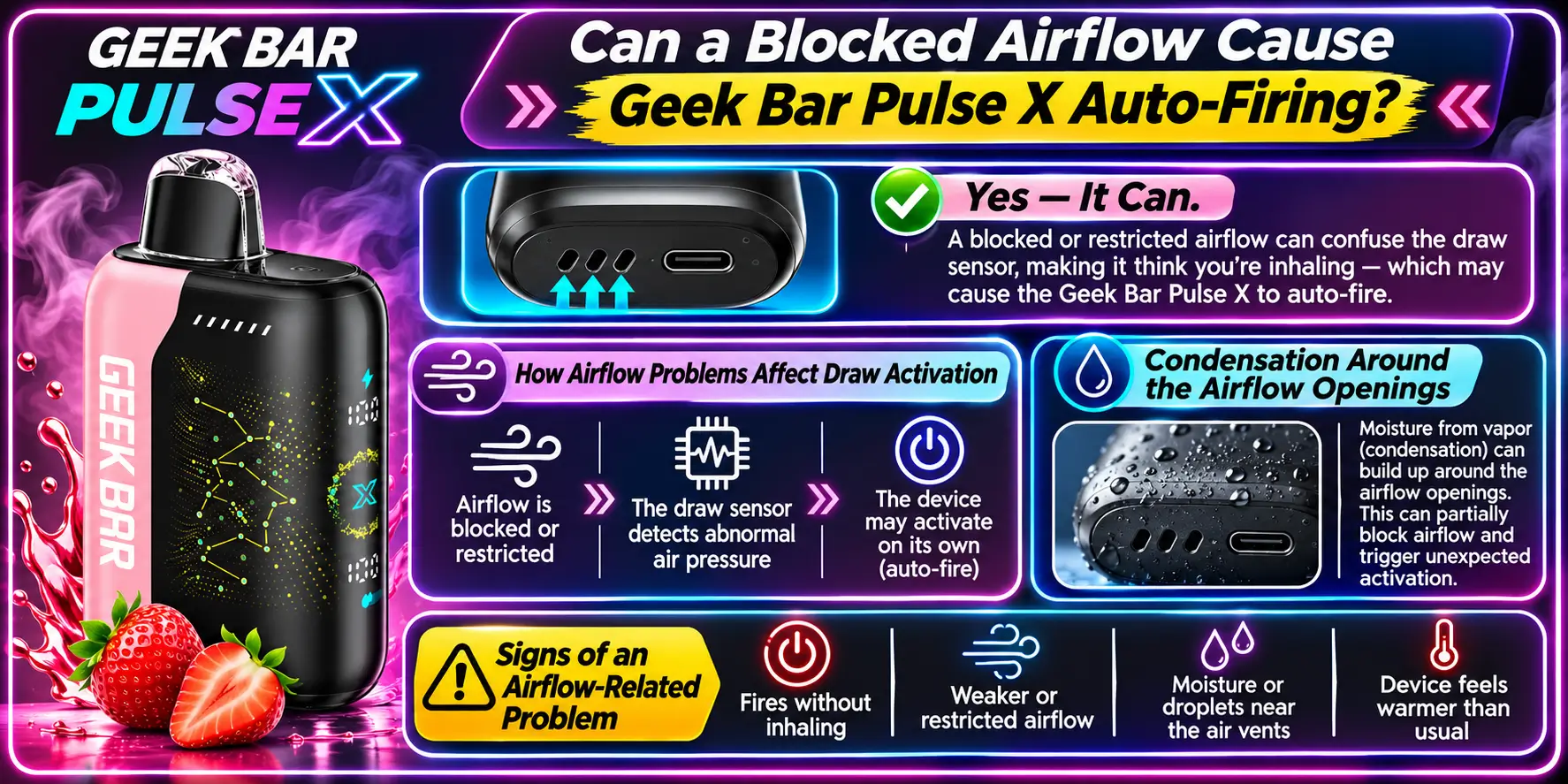
Yes, it can contribute. Blocked or wet airflow openings can confuse the draw sensor and cause false activations. It is less common than a sensor fault, but it is easy to check.
The device relies on clean airflow to read a draw correctly. Anything that disrupts that flow can send the wrong signal.
The sensor reads pressure changes caused by your inhale. Debris, lint, or liquid near the intake can create pressure readings the chip misreads as a puff.
The reverse problem also exists. A clogged path can make the device stop responding. If that sounds like your issue, check our guide on a Geek Bar Pulse X not hitting.
Moving between cold and warm places can form tiny droplets near the intake. Those droplets can disturb the sensor or reach the board.
Leaving the device in a hot car or a cold backpack makes this more likely. Let it reach room temperature before you use it.
Look for wetness around the slots, a gurgling sound, or sputtering on a draw. Auto-firing that stops after the device dries out is a good clue that moisture was the cause.
If the problem returns, treat it as a sensor or electrical fault instead.
Quick Check: Do not blow into the mouthpiece or poke the airflow slots with a pin. That can push liquid deeper or damage the sensor.
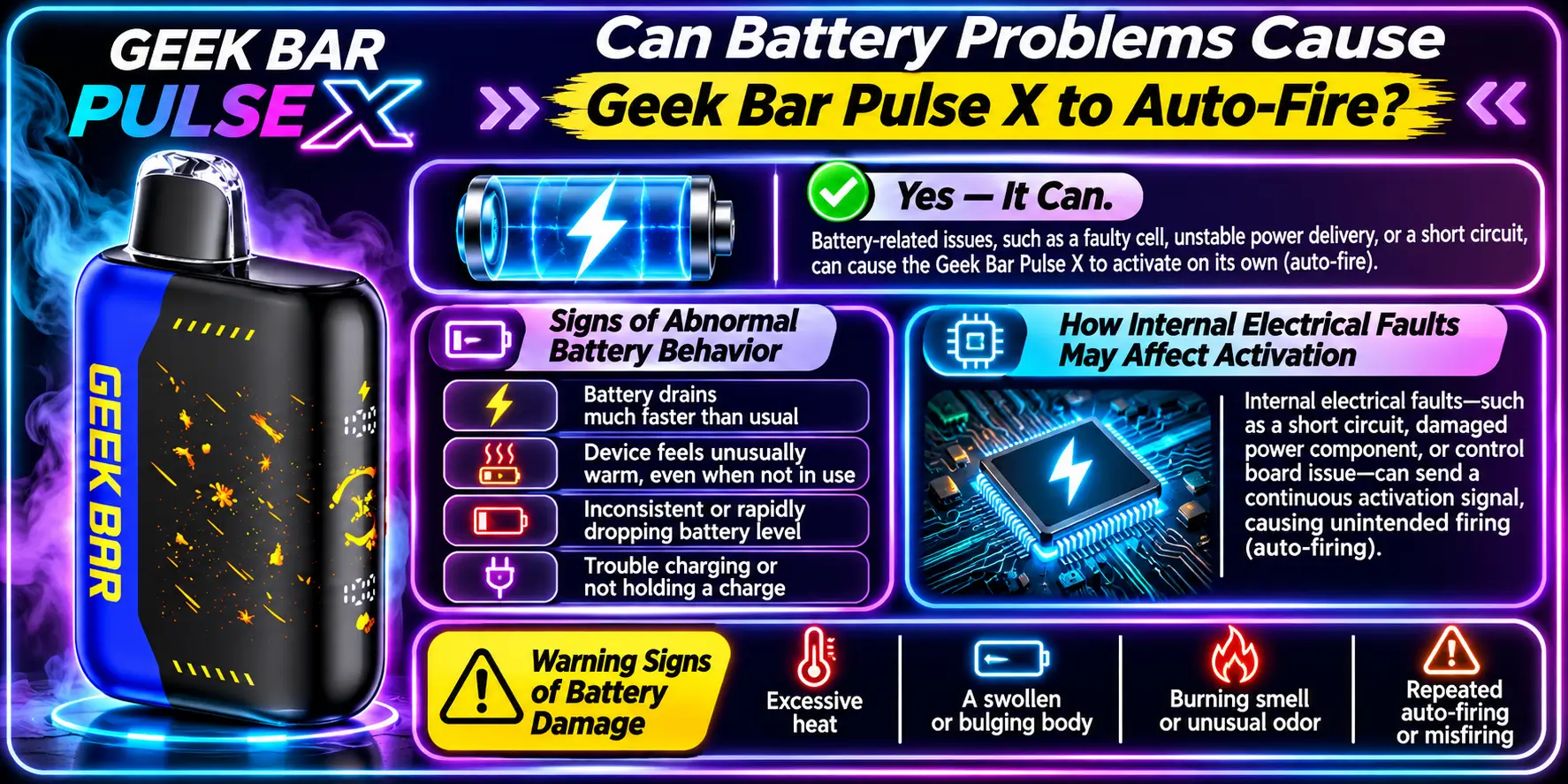
A battery problem is more often a result of auto-firing than the cause. Still, a damaged cell or faulty charging circuit can make the device behave erratically, and that is the most serious scenario.
The Geek Bar Pulse X uses an 820 mAh rechargeable battery. Lithium-ion cells are reliable when intact, but they react badly to damage, heat, and misuse.
Watch for fast drain, a device that gets hot while charging, or a charge level that jumps around. These are signs the battery or its control circuit is struggling.
For what normal runtime looks like, see our Geek Bar Pulse X battery life review.
If the circuit that connects the battery to the coils fails, power can flow with no command. That looks exactly like auto-firing.
A device in this state can keep heating until the battery drains or something gives way. That is why you should not leave it plugged in or running.
Stop immediately if you notice any of these:
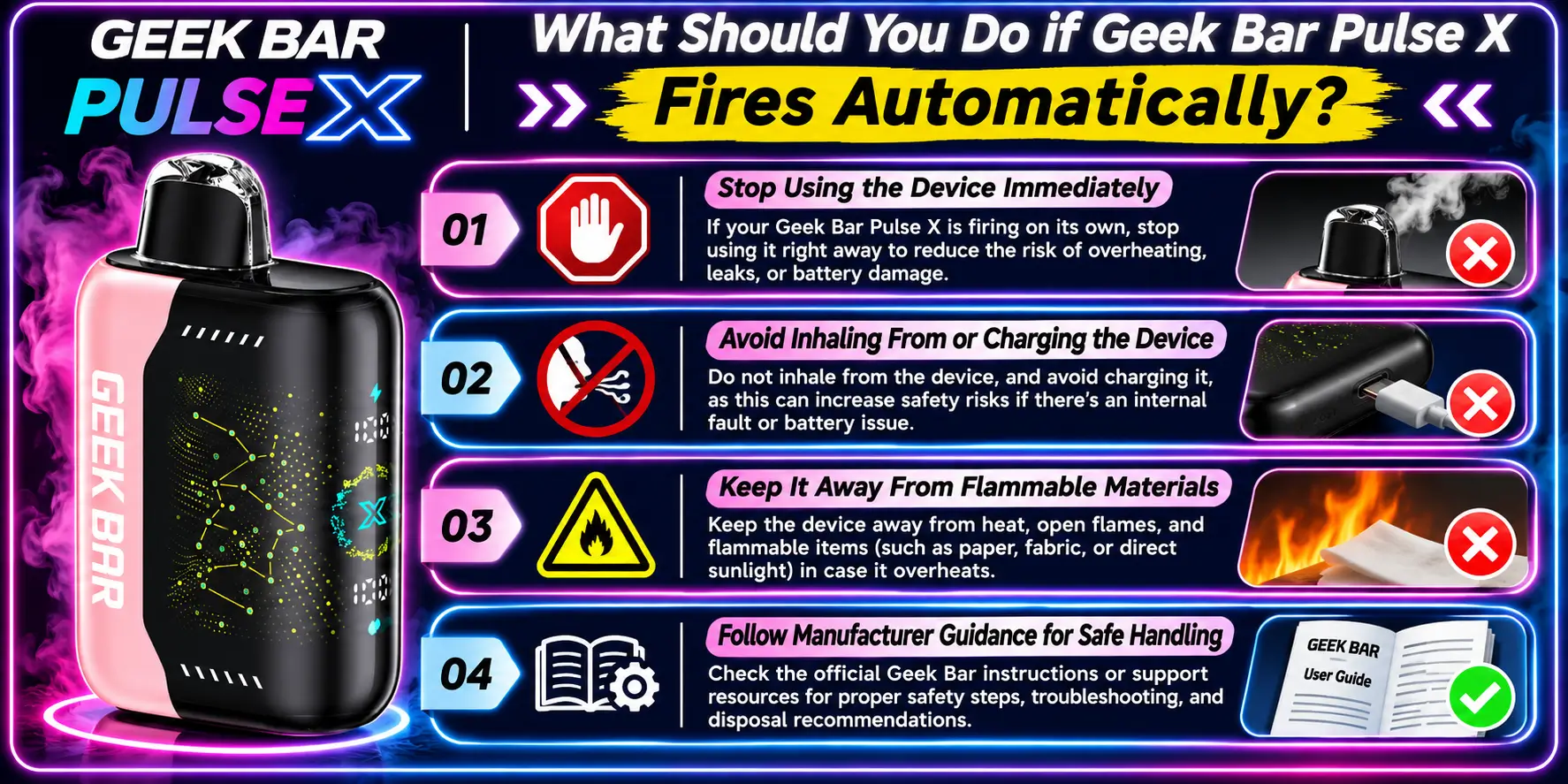
Stop using it, unplug it, and move it somewhere safe. Do not try to fix it while it is active, and do not inhale from it.
Work through the steps below in order.
Put it down on a hard, non-flammable surface like tile or concrete. Do not hold it, and do not pocket it.
If it keeps firing, step away and let it run down while you watch from a safe distance.
Skip the draw. Overheated coils can produce harsher vapor and a burnt taste. For more on that, see our page on a Geek Bar Pulse X burnt taste.
Do not plug in a device that auto-fires. The FDA advises against charging vapes overnight and advises using the charger that came with the device. Charging a faulty battery raises the risk.
Move it away from beds, couches, paper, and curtains. A fault is far less dangerous on a stone counter than on a pillow.
Never leave it in a bag, a pocket, or a car while it is misbehaving.
Check the packaging for handling and disposal notes. If you bought it from a retailer, contact them and ask about a replacement.
Do not open the casing. Taking a battery-powered device apart can cause the very failure you are trying to avoid.
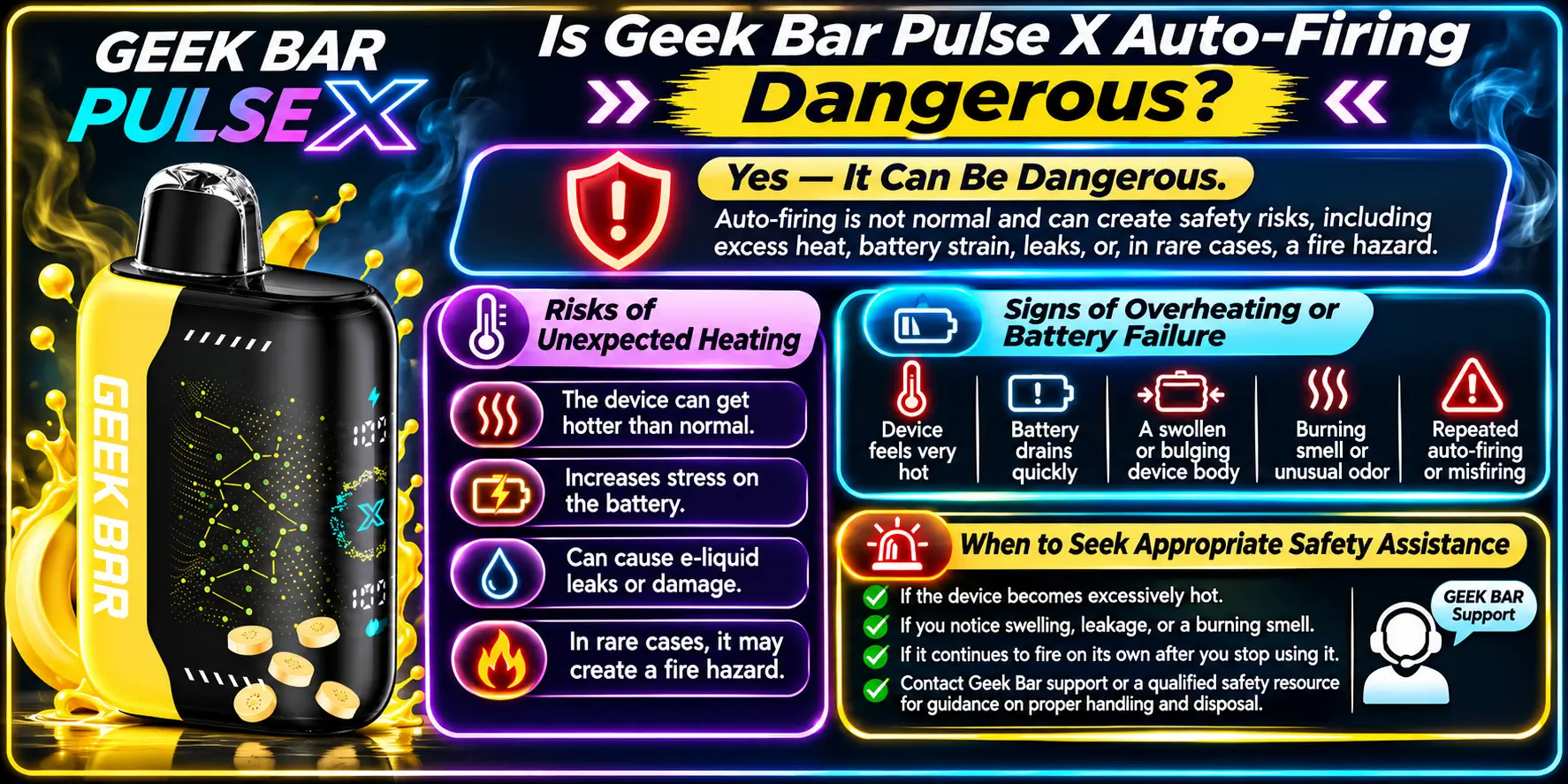
It can be. Auto-firing itself is a malfunction, and malfunctions in lithium-ion devices carry a real, if uncommon, risk of overheating or fire. Treat it as unsafe until proven otherwise.
Most auto-firing devices simply drain and go dead. But you cannot tell which kind you have from the outside.
Uncontrolled heating can burn the coils, damage the cotton, and warm the casing enough to burn skin. In the worst case it contributes to battery thermal runaway.
The FDA lists e-cigarette battery fires and explosions as a known safety concern and warns against carrying devices loose with coins or keys.
The red flags are heat you cannot hold, swelling, hissing, smoke, or a strong chemical smell. Any one of them means the device is no longer safe.
Do not wait to see whether it settles down.
If you see smoke, flame, or swelling, move away and call 911. Do not try to put out a lithium-ion fire with a small amount of water.
If you swallow e-liquid or get it on your skin or eyes, call Poison Control at 1-800-222-1222 in the U.S. You can also report a faulty device through the FDA Safety Reporting Portal.
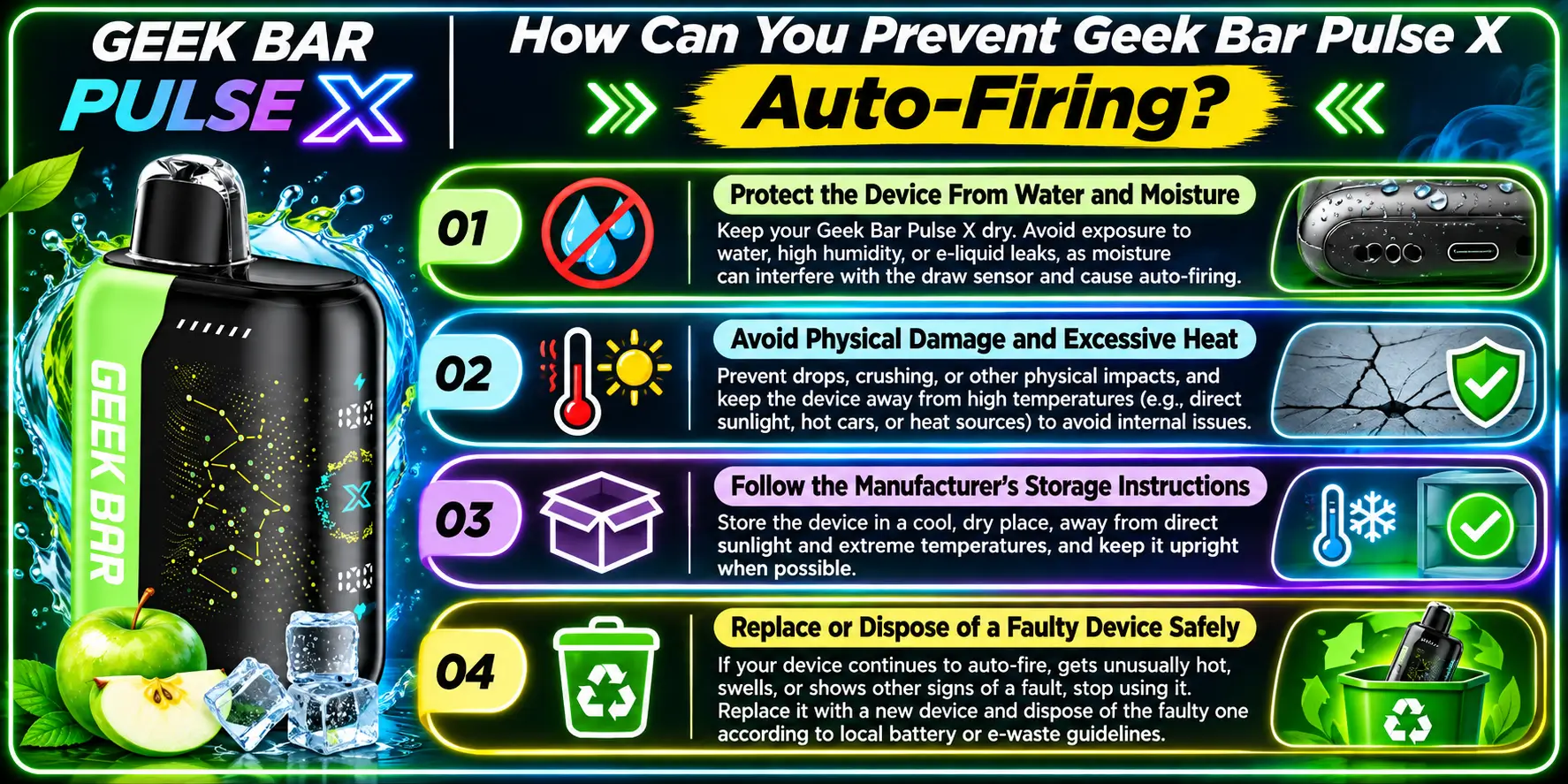
Keep it dry, cool, and undamaged. Most auto-firing starts with moisture, impact, or heat, so avoiding those three cuts your risk.
Prevention is not a guarantee. A hidden manufacturing defect can still slip through, which is why authenticity and sourcing matter too.
Keep it away from sinks, rain, and sweaty pockets. If it gets wet, stop using it and let it dry fully before you try a puff.
Wipe the mouthpiece and keep the airflow slots clear.
Do not drop it, sit on it, or leave it in a hot car. Heat degrades lithium-ion cells quickly, and the 3D curved screen can crack under pressure. Our guide to the Geek Bar Pulse X 3D curved screen covers how to care for it.
Use a case so nothing metal touches the device in your bag.
Store it upright at room temperature, away from sunlight. Do not leave it plugged in after it reaches a full charge.
When you charge, use a quality USB Type-C cable and a standard adapter, and stay nearby.
Once a device auto-fires, retire it. Do not toss it in household trash or curbside recycling. The EPA says lithium-ion batteries should go to a battery recycling drop-off or a household hazardous waste program.
Tape over the charging port first, and store it in a cool place until drop-off. Looking for a drop-off point? Search for a recycling center near me that accepts lithium-ion devices. Retailers and local waste programs often take them.
When you buy a replacement, make sure it is real. Counterfeit electronics skip quality checks, and our page on whether a Geek Bar Pulse X device is authentic shows what to look for.
Good to Know: Blinking lights are not always auto-firing. Some are just low-battery or error signals. Check our guide on a Geek Bar Pulse X blinking before you assume the worst.
Here are the answers to the questions we hear most. Each one stands on its own, so jump to the one you need.
1. Why Does My Geek Bar Pulse X Keep Firing by Itself?
The most likely causes are a stuck draw sensor, moisture on the circuit board, or an internal electrical fault. Any of them can trigger the coils without an inhale. Stop using the device, keep it on a hard surface, and do not charge it. If it repeats, treat it as faulty and retire it safely.
2. Can a Faulty Draw Sensor Cause Auto-Firing?
Yes. The draw sensor tells the chip when you inhale, so a sensor that sticks or misreads can signal a constant draw. Drops, liquid, and manufacturing flaws are common triggers. You cannot repair this at home, so the safe move is to stop using the device and ask the seller about a replacement.
3. Should I Charge a Geek Bar Pulse X That Auto-Fires?
No. Charging a device with a suspected electrical or battery fault adds heat and current to a system that is already misbehaving. The FDA also advises against overnight charging and recommends the charger that came with the device. Unplug it, move it to a safe surface, and plan to retire it.
4. Can a Leaking Geek Bar Pulse X Cause Auto-Firing?
It can. E-liquid that reaches the circuit board can bridge contacts and send power to the coils without a draw. Leaks also gum up the airflow path and confuse the sensor. If you see liquid near the base or airflow slots, stop using it and read our leaking guide.
5. When Should I Stop Using an Auto-Firing Geek Bar Pulse X?
Stop the first time it fires without a draw. Stop even faster if it gets hot, swells, smells chemical, or hisses. A single unexplained activation can be moisture that dries out, but repeat activations point to a real fault. When in doubt, retire it and dispose of it through a battery recycling program.
Geek Bar Pulse X auto firing comes down to a short list of causes: a bad sensor, moisture, airflow trouble, or an electrical or battery fault. The safe response is always the same. Stop, unplug, move it away from anything flammable, and do not take another puff.
If you want to compare behavior across modes, our breakdown of Regular Mode vs Pulse Mode explains how each runs. You can also learn about the Geek Bar Pulse X dual mesh coil or read about the wider Geek Bar lineup.
Adults 21 and older only. Federal law sets the minimum age for tobacco and nicotine products at 21, and nicotine is addictive.
If you are replacing a faulty device, you can browse the Geek Bar Pulse X Disposable collection at VaporBoss and check each listing before you buy.
Geek Bar Pulse — Disposable Vape
🛒 Where to Buy Online
Choose from our verified partner stores — all carry 100% authentic Geek Bar Pulse products sourced directly from official US distributors.


Twelve Tribes
Wide Selection • Best Prices


Raven Route
Fast Delivery • All Flavors

Zippyzz
Quick Shipping • Great Deals
🔒 All partner stores are verified, age-gated, and ship only to legal US states. Purchases are made directly with the retailer — not geekbarpulse.com.
⚠️ Must be 21+ to purchase.