

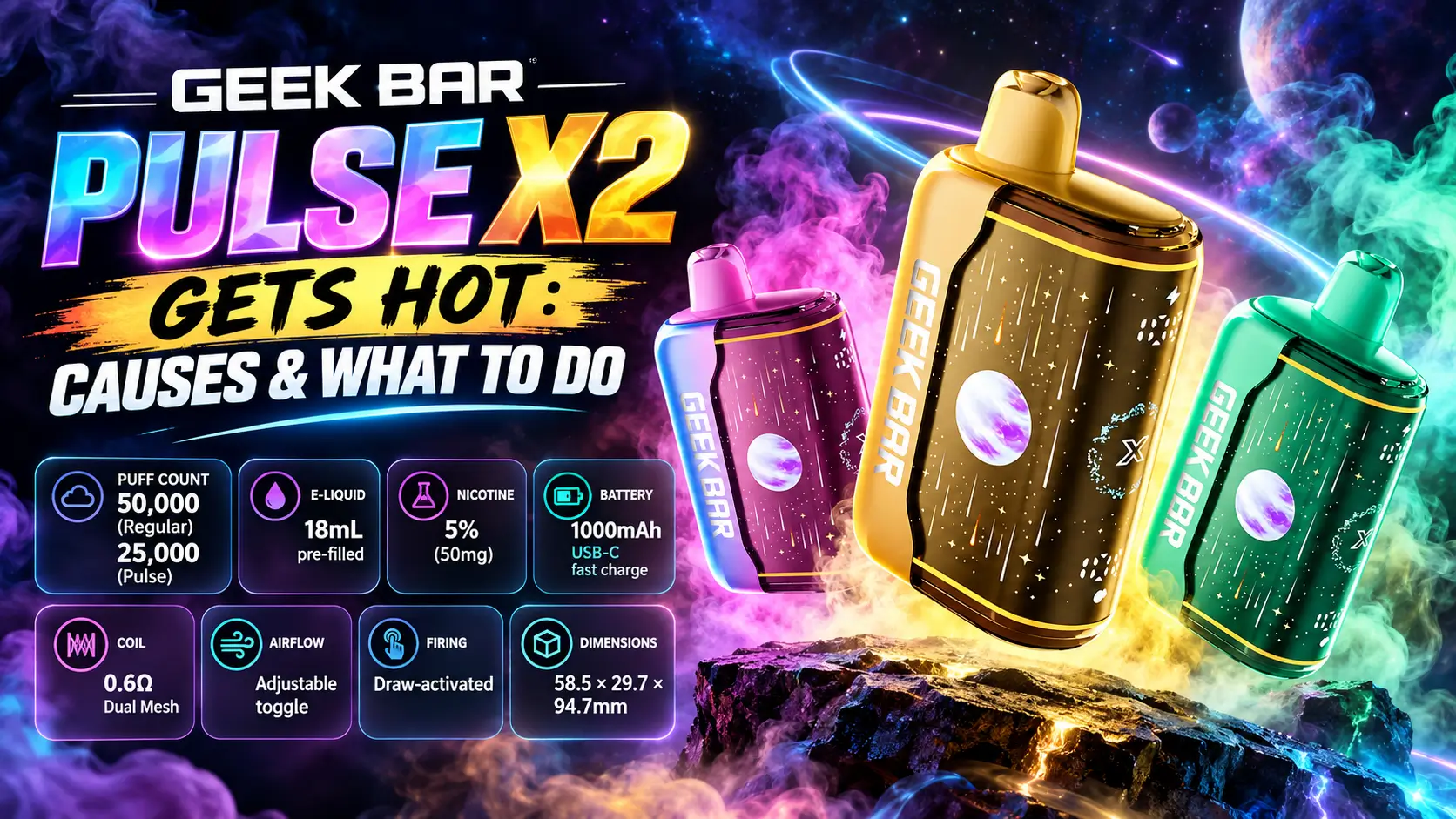
A warm vape is normal. A hot one is not. When your Geek Bar Pulse X2 gets hot, the cause usually traces back to a few habits or conditions, and most of them are easy to fix.
This guide covers heat while vaping, heat while charging, airflow, the battery, and the coil. You also get a clear checklist for when to stop using the device. For the full lineup, start with our Geek Bar Pulse X guide to specs and flavors.
One quick reminder: you must be 21 or older to buy or use nicotine products in the US, and nicotine is addictive.
Quick answer: Mild warmth after several puffs or during charging is normal. A device that feels too hot to hold, swells, leaks, smells odd, or heats up without use needs to stop right away.
In This Guide
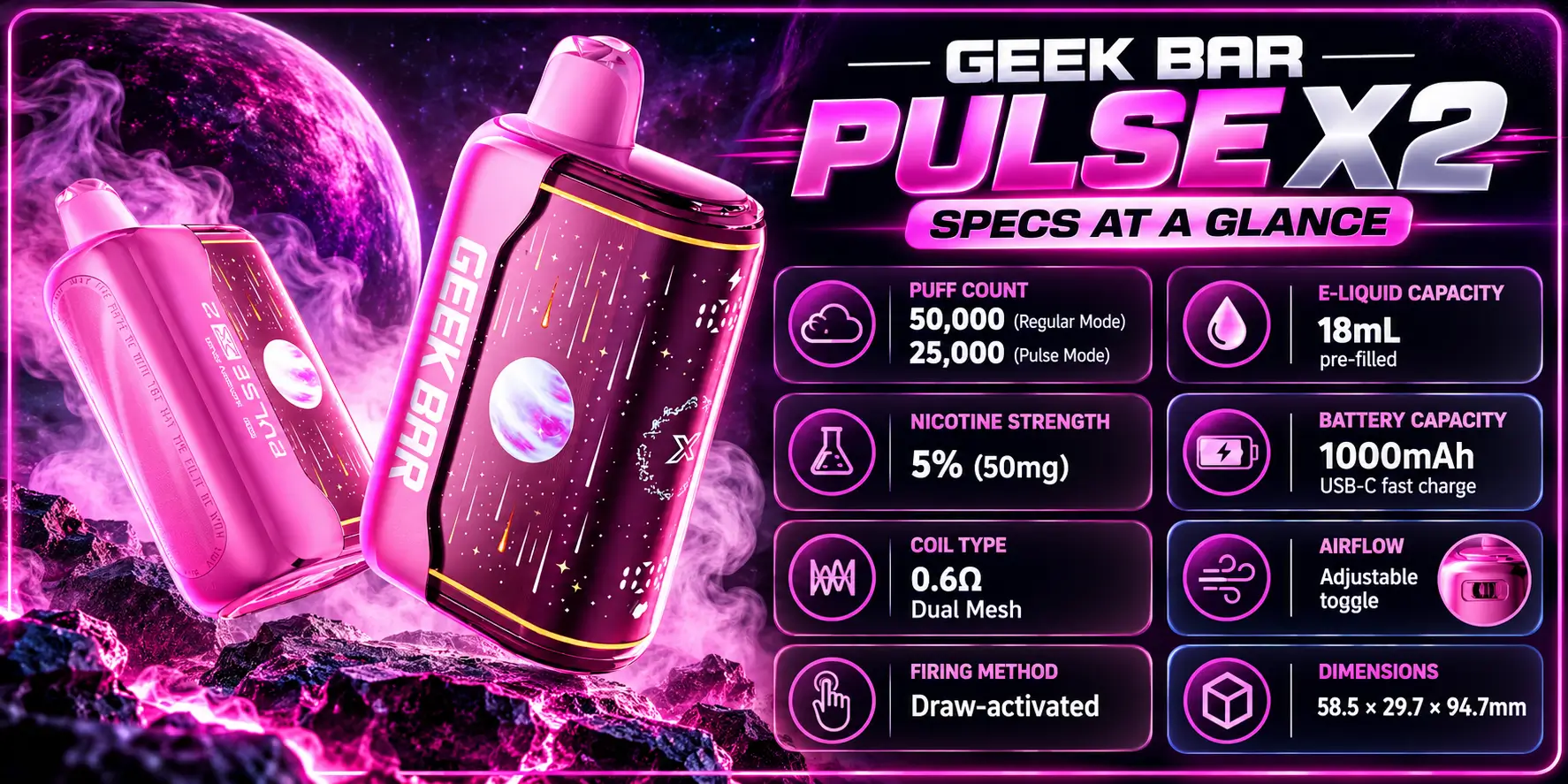
The specs explain a lot about heat. A big battery, a strong coil, and a compact body all play a part.
| Feature | Specification | Why It Matters for Heat |
|---|---|---|
| Puff Count | 50,000 (Regular) / 25,000 (Pulse) | Pulse mode burns through the device faster, so it works harder per puff |
| E-Liquid | 18mL pre-filled | Plenty of liquid keeps the wick fed when you pace your puffs |
| Nicotine | 5% (50mg) | Strong nicotine can tempt you into back-to-back puffs |
| Battery | 1000mAh, USB-C fast charge | Fast charging and heavy use both produce warmth |
| Coil | 0.6Ω Dual Mesh | The coil is the main heat source during every puff |
| Airflow | Adjustable toggle | A blocked or tight airflow path traps heat |
| Firing | Draw-activated | The coil heats only when you inhale, so heat without a draw is a red flag |
| Dimensions | 58.5 × 29.7 × 94.7mm | A compact body leaves little room for heat to escape |
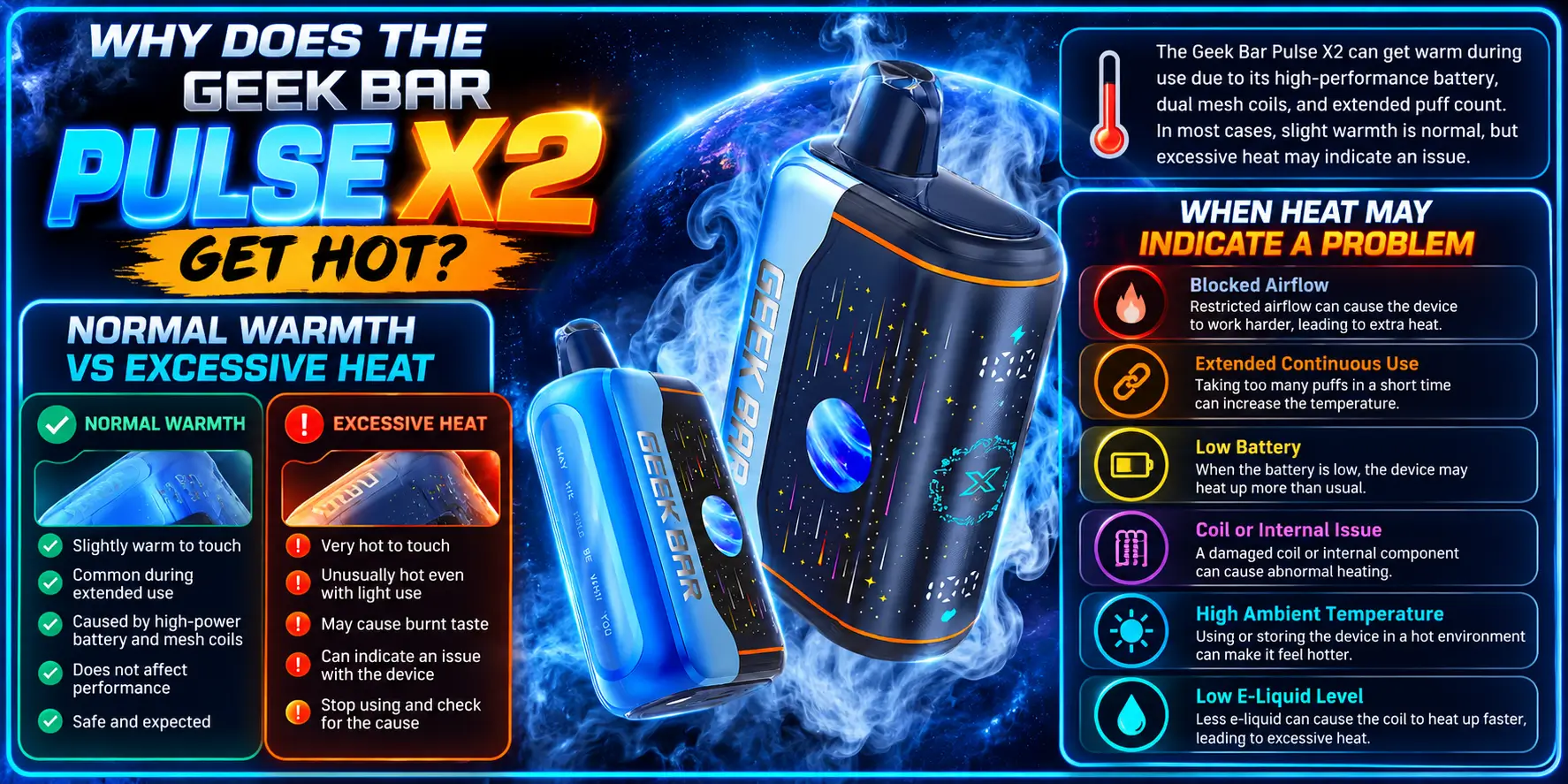
The Pulse X2 turns battery power into heat on purpose. The coil must heat up to create vapor, so some warmth comes with the design. The real question is how much heat is too much.
Normal warmth feels like a phone after a few minutes of video: slightly warm, never uncomfortable. Excessive heat makes you shift your grip or put the device down.
The X2 packs a 1000mAh battery and a 0.6Ω dual mesh coil into a 58.5 × 29.7 × 94.7mm body. That is a lot of power in a small shell, so mild warmth after use is expected.
| Situation | Normal Warmth | Concerning Heat |
|---|---|---|
| After 5–10 puffs | Slightly warm body | Hot enough to make you switch hands |
| During charging | Gentle warmth near the USB-C port | Hot port, hot body, or a hot charger |
| Resting on a table | Cools down within minutes | Stays warm or heats up with no draw |
| Taste | Smooth flavor | Burnt or harsh taste with heat |
| Physical shape | No change | Swelling, leaks, or a bulging body |
Heat becomes a problem when it keeps rising, shows up without a draw, or arrives with other warning signs. A swollen body, a chemical smell, or leaking liquid all count.
One hot moment after a long session does not mean the device is faulty. Repeated heat after short, light use does. Trust that pattern over a single bad session.
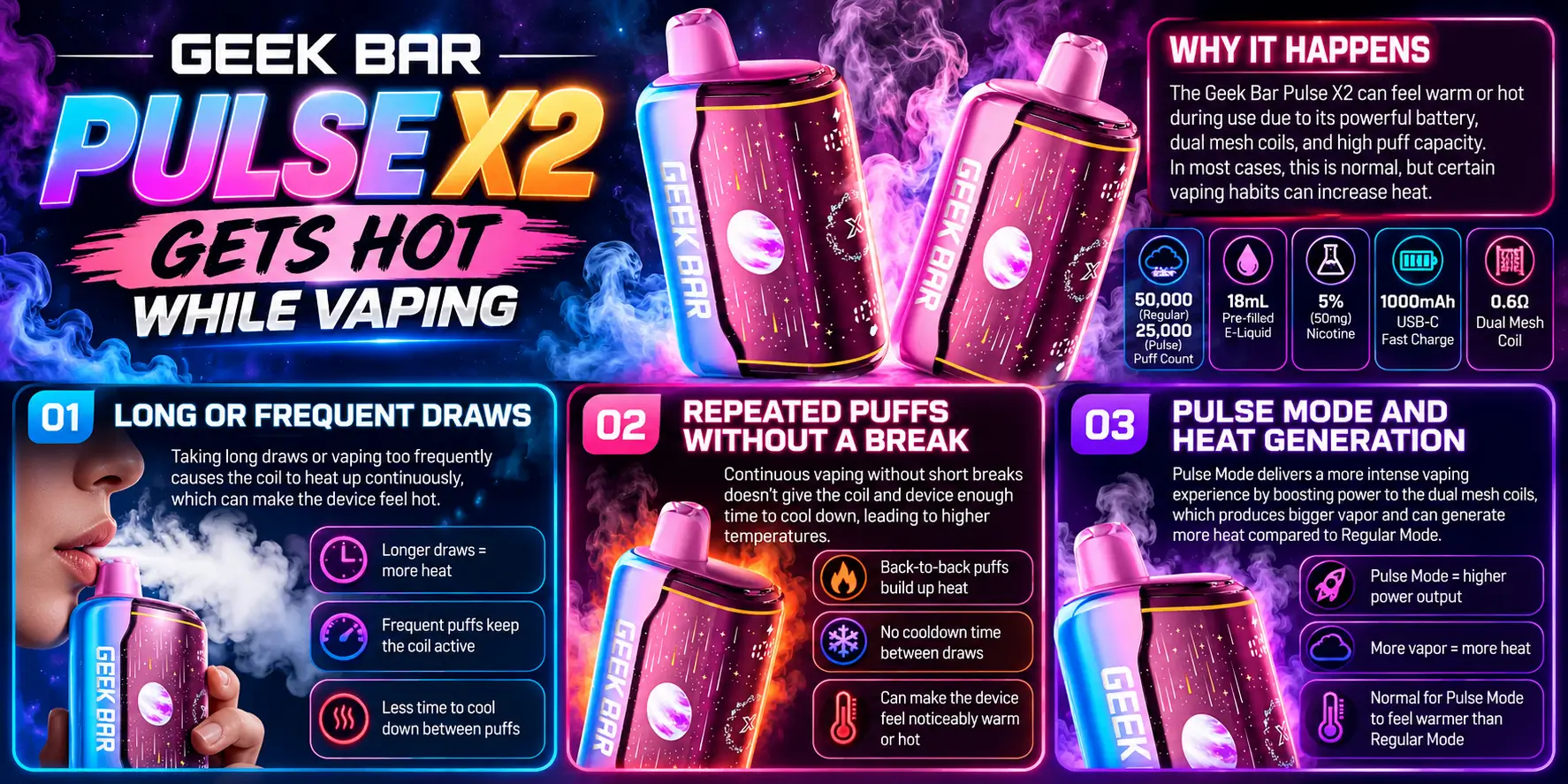
Most heat during use comes from how you puff. Long draws, rapid repeats, and high-power modes all push the coil and battery harder. Change the habit and the heat usually drops.
The coil heats for as long as you inhale. A five-second pull keeps it firing much longer than a two-second sip, and that extra time adds heat to the whole body.
Keep draws smooth and short. You still get flavor, and the device stays more comfortable in your hand.
Chain vaping gives the coil no time to cool. Each puff starts from a warmer point than the last, so heat builds in layers.
Think of it like a frying pan. One quick toss is fine, but a pan that never leaves the flame gets very hot. Pause for 20–30 seconds between puffs on longer sessions.
Pulse mode is the higher-power setting. The specs list about 25,000 puffs in Pulse mode versus 50,000 in Regular mode, which shows Pulse mode uses more power per puff.
More power means more heat. If the device runs warm, switch to Regular mode for a while. Our Geek Bar Pulse X2 settings guide shows how each mode works, and the Geek Bar Pulse X2 puff count breakdown explains the difference in numbers.
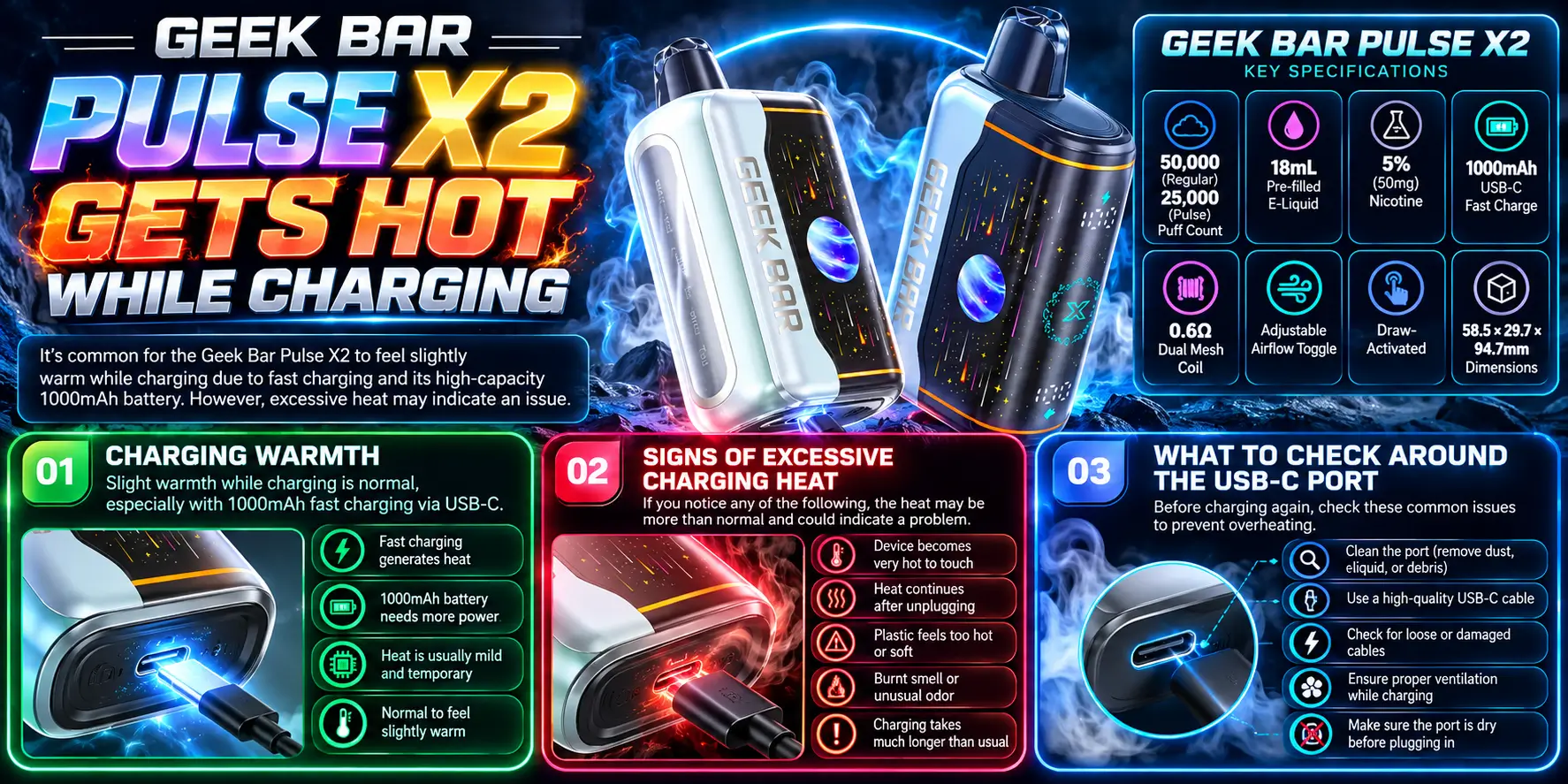
Some warmth while charging is normal. Every lithium-ion battery warms up as it takes in energy, and fast charging adds a little more. Very hot is a different story.
A lithium-ion battery produces heat as it charges, especially during the fastest part of the cycle. The X2 supports USB-C fast charge, so a mildly warm body is expected.
If you can hold the device comfortably, you are fine. Our guide on how to charge Geek Bar Pulse X2 walks through the full routine, and the Geek Bar Pulse vs Pulse X2 charging comparison shows how the two models differ.
Watch for a device that feels hot to the touch, a charger that runs hot, or heat that gets worse as charging continues. Any burning or plastic smell also means stop.
Unplug the device and move it to a hard, non-flammable surface. Do not keep charging to "see what happens."
Start with the port. Lint, dust, or a bent connector can cause a poor connection, and a poor connection can create extra heat at the contact points.
Check the cable for fraying and use a charger from a trusted source. The FDA's guidance on avoiding vape battery explosions stresses using the right charger and never leaving a charging device unattended.
Fact check: Battery University, a respected battery reference, notes that lithium-ion cells prefer cooler charging and that charging at high temperatures is discouraged. Read the full explanation in BU-410: Charging at High and Low Temperatures.
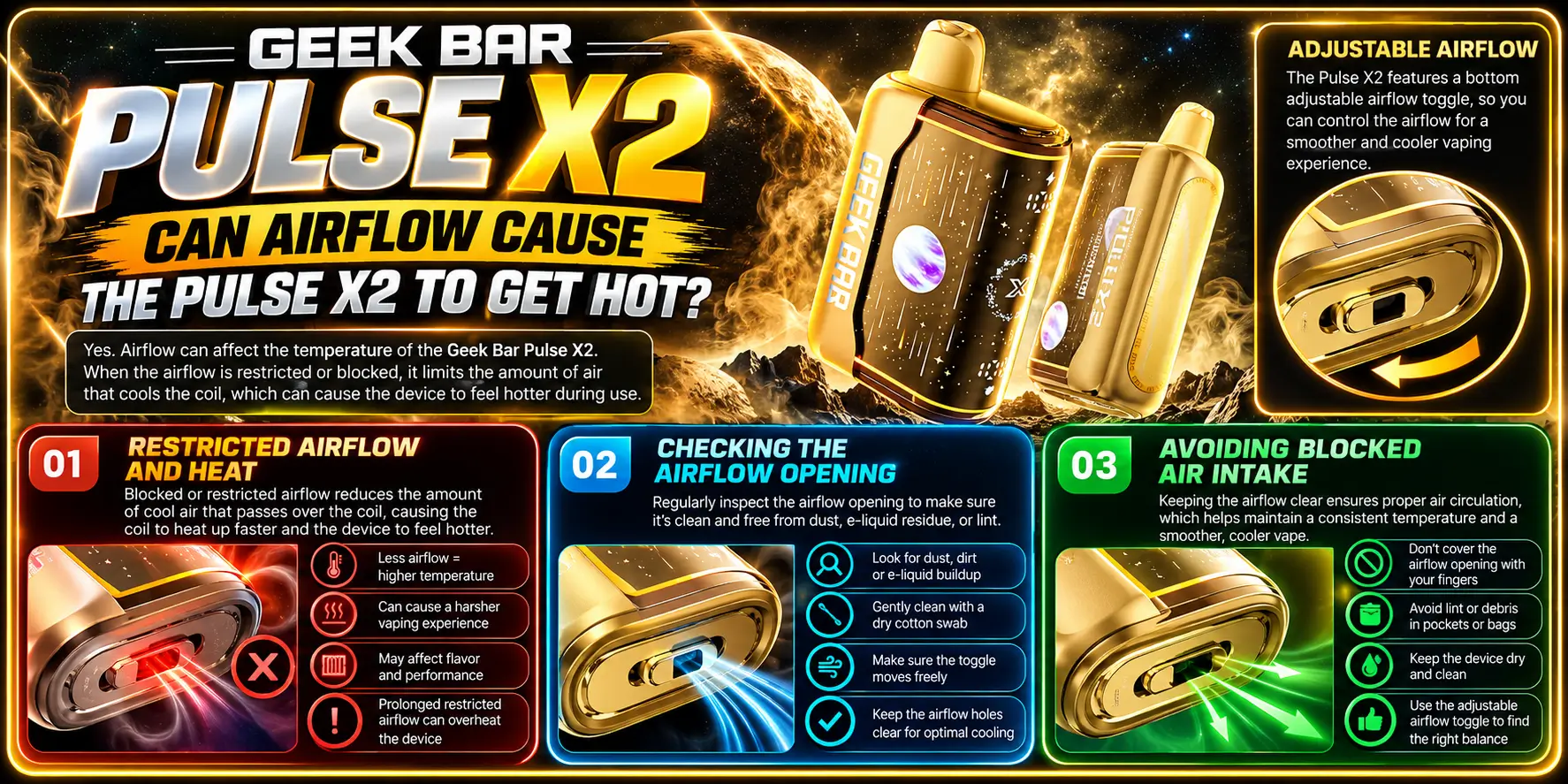
Yes, airflow affects heat. Air moving over the coil carries warmth away with every puff. When the air path is blocked or too tight, heat stays inside the device.
A restricted draw makes the coil work against resistance. You inhale harder, hold the draw longer, and the coil fires for more time.
That extra firing time creates extra heat. It also makes vapor taste hotter and harsher, which is easy to confuse with a bad flavor.
The Pulse X2 has an adjustable airflow toggle. Look at the opening and check that nothing blocks it, such as lint, a finger, or pocket debris.
Slide the toggle to a more open position and take a test puff. If the draw feels easier and cooler, airflow was part of the problem.
Your grip matters more than you might think. Covering the air intake with your fingers or palm cuts airflow without you noticing.
Hold the device by the sides, away from the intake. Our Geek Bar Pulse X2 draw activation guide explains how the sensor responds to airflow, which also shows why a blocked path can cause odd firing.
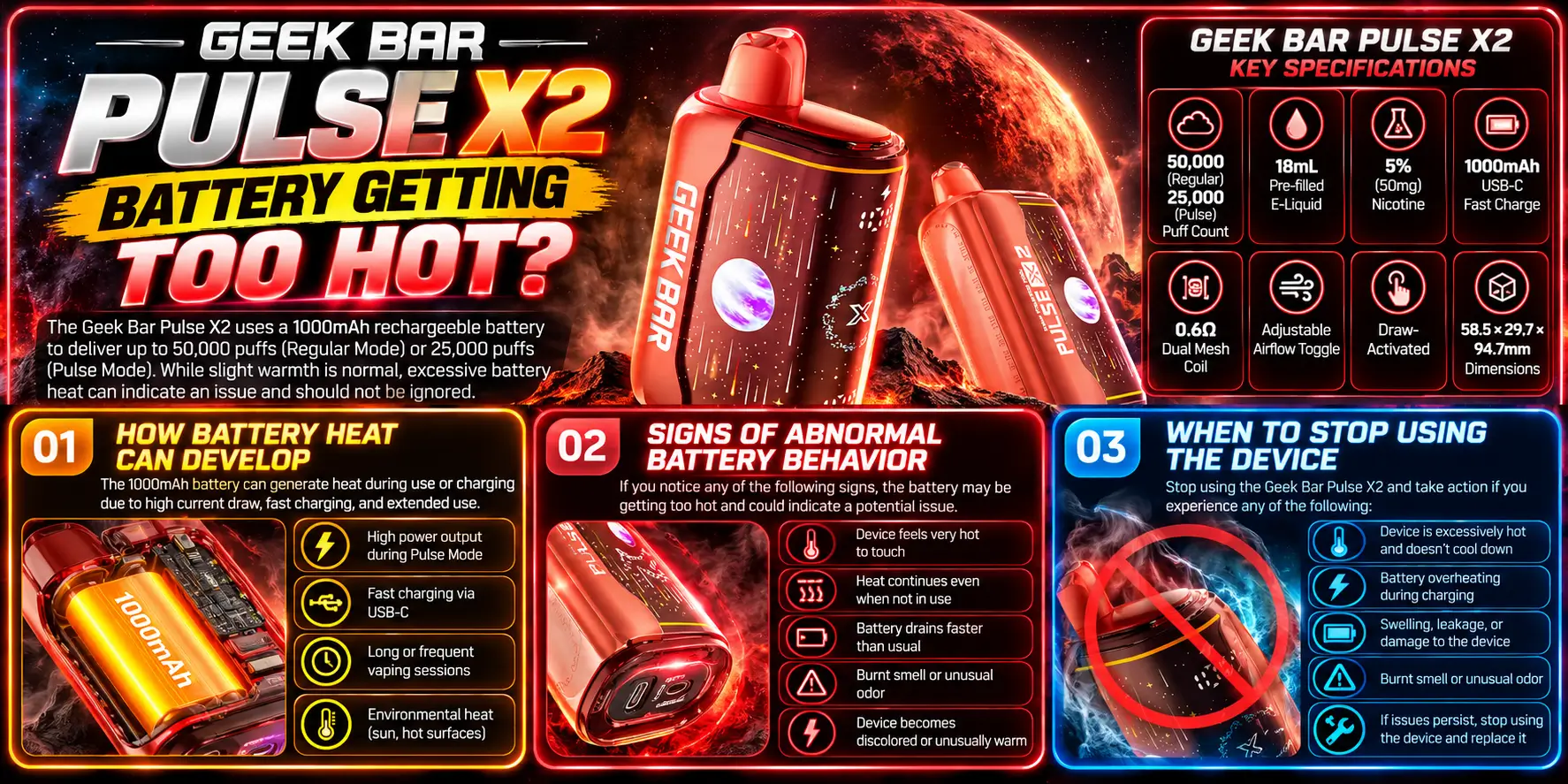
Battery heat deserves the most attention. A lithium-ion cell that overheats can fail in ways that cause fires. That is rare, but it is the reason to treat real heat seriously.
Batteries warm up from both charging and discharging. Heavy use, a hot environment, and fast charging all stack on top of each other.
The X2 uses a 1000mAh battery. In Pulse mode, it supplies more power per puff, so the battery works harder than it does in Regular mode.
Normal batteries warm up and cool down. Abnormal ones act differently. Look for rapid heat rise, a hot spot on one side, hissing, or a strange smell.
Also watch for a battery that drains much faster than before. Our how long does Pulse X2 last guide gives you a benchmark to compare against.
Stop right away if the body feels too hot to hold, swells, or smells like burning plastic. Do not try to charge it again.
Put it somewhere safe and non-flammable, away from anything that burns. Never toss a damaged lithium-ion device into household trash or recycling. Take it to a battery drop-off point.
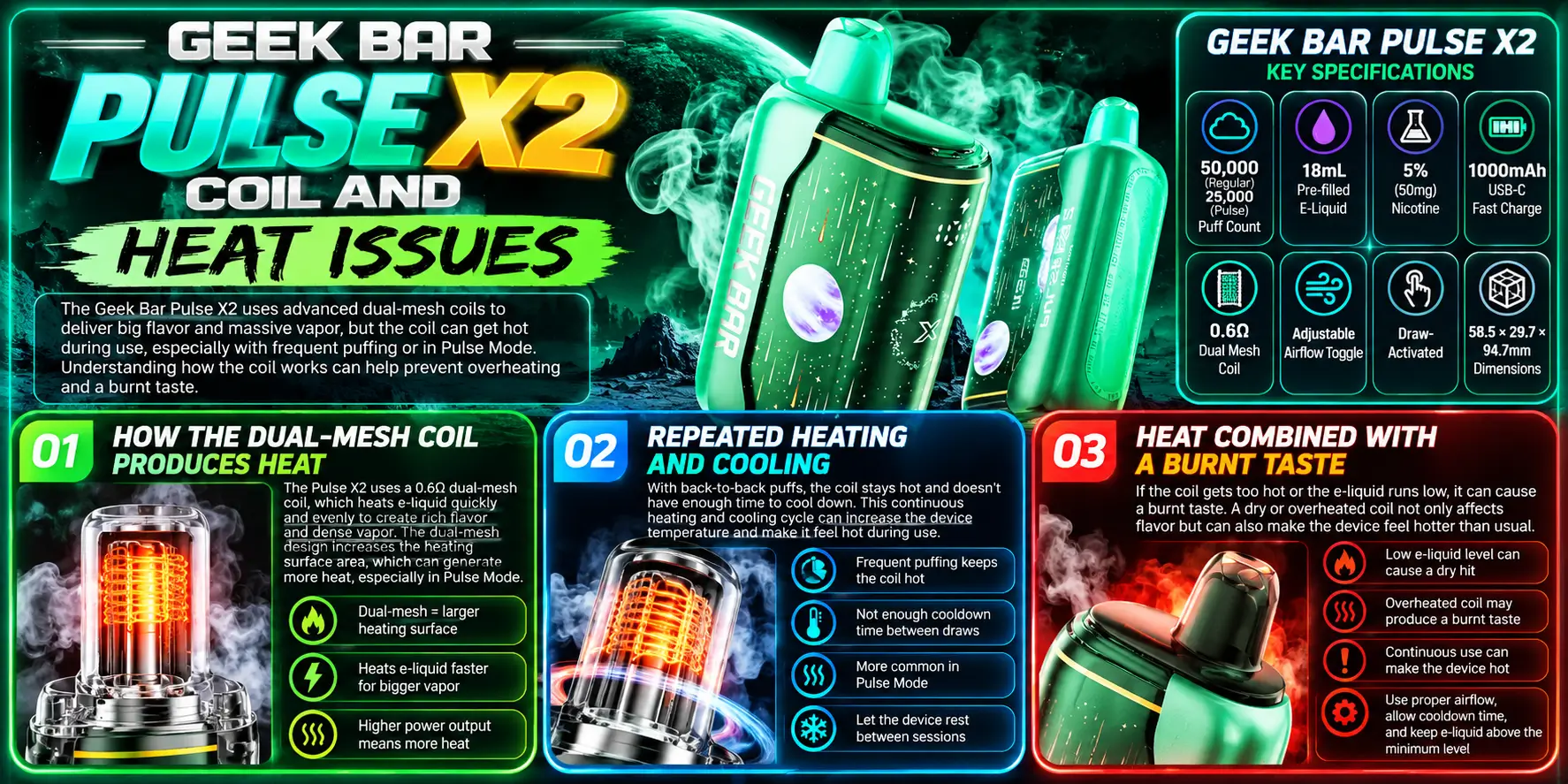
The coil is the heart of the heat story. Every puff heats it to vaporize e-liquid, so it is the hottest part of the device by design. Problems start when the coil gets too little liquid or too little rest.
The X2 uses a 0.6Ω dual mesh coil. Mesh spreads heat across a wider surface than a single wire, which helps vapor production and flavor.
That wider surface still gets hot. You can read more in our Geek Bar Pulse X dual mesh coil breakdown.
Every puff heats the coil, and every pause lets it cool. When you skip the pause, the coil stays hot and the wick can dry out faster than it refills.
A dry wick scorches. That is why pacing matters so much. Short breaks keep the wick wet and the coil happy.
Heat plus a burnt taste is a strong sign of a dry or overworked coil. The wick is not getting enough liquid, so it burns instead of vaporizing.
Rest the device for a few minutes and try gentle puffs. If the taste stays burnt, the coil may have reached the end of its life. The Geek Bar Pulse X2 e-liquid page explains how the 18mL reservoir feeds the coil.
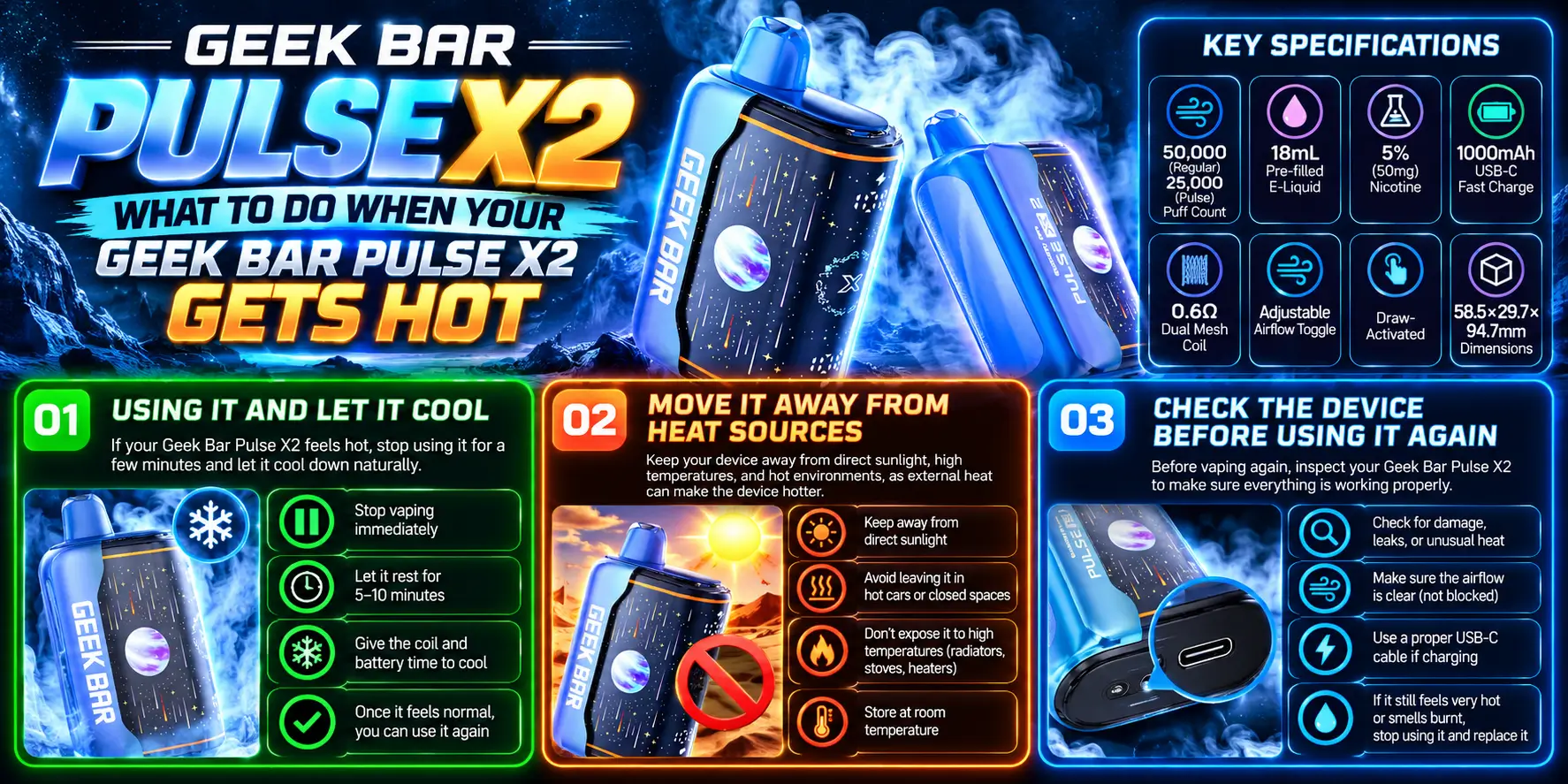
Stop, cool, and check. Those three steps solve most heat scares. Do them in order and skip the guesswork.
Put the device down right away. Do not keep puffing to "test" it. Give it at least 10–15 minutes at room temperature.
Never cool a hot device in the fridge, freezer, or water. Sudden temperature swings and moisture can make things worse.
Heat from outside adds to heat from inside. Take the device out of direct sun, a hot car, a pocket, or a spot near a heater.
Set it on a hard, cool surface such as a ceramic plate or a tile counter. Keep it away from paper, fabric, and anything that burns easily.
Once it cools, look it over. Check the body for swelling, cracks, or leaks. Check the USB-C port for debris. Check the airflow opening for blockage.
If everything looks normal, try a few gentle puffs in Regular mode. If it heats up fast again, retire it. Browse our Geek Bar Pulse X2 review to see how a healthy device should perform.
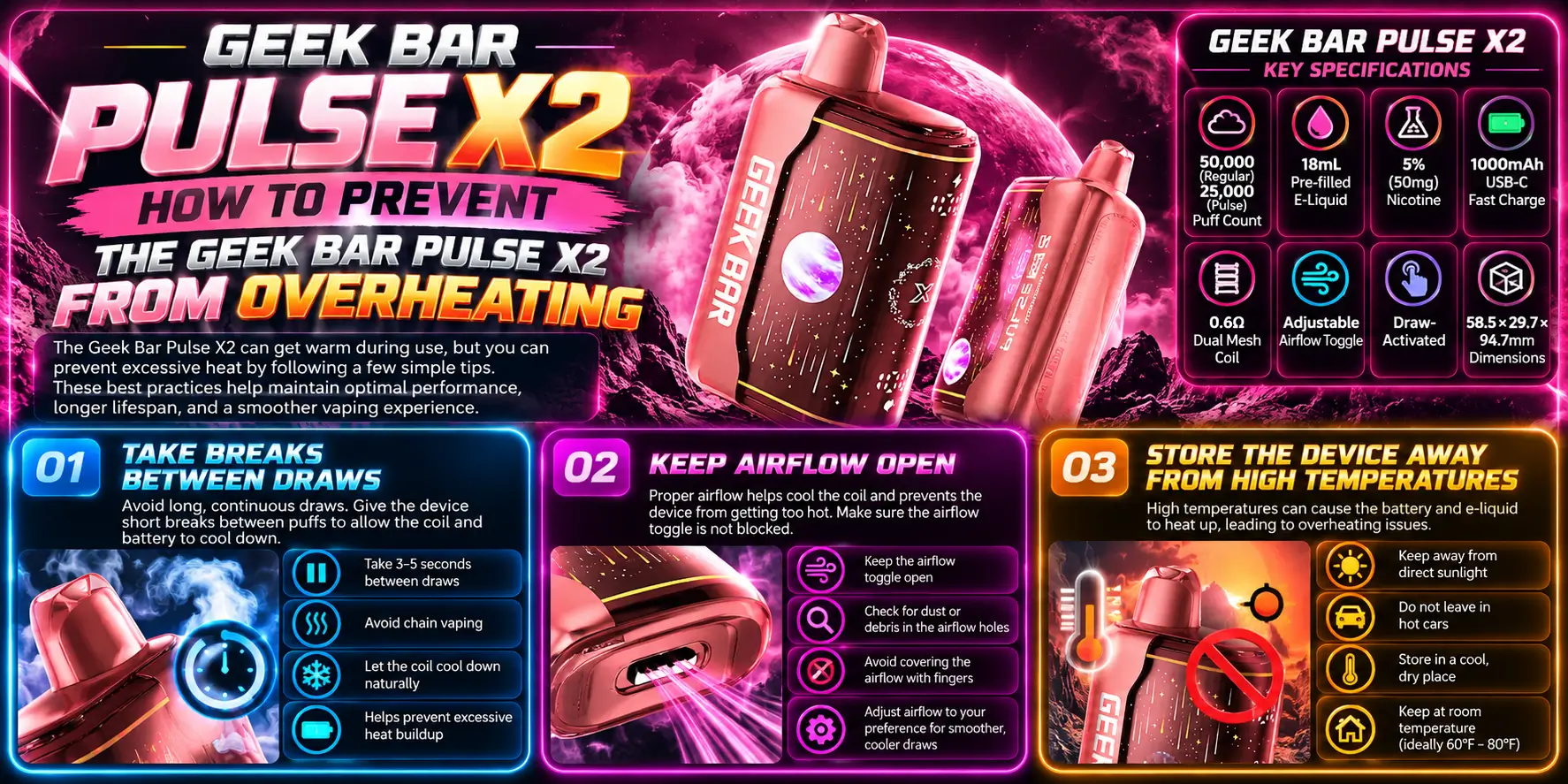
Prevention is simple. Pace your puffs, keep the air path clear, and store the device somewhere cool. Small habits beat expensive fixes.
Aim for a short pause between puffs. Even 20–30 seconds gives the coil time to cool and the wick time to refill.
Take shorter draws too. Two to three seconds is plenty for most people. You will taste more flavor and feel less heat. Pair this with the Geek Bar Pulse X2 flavors guide to find a profile worth savoring slowly.
Set the airflow toggle to a comfortable, open position. Check it now and then, especially after carrying the device in a pocket or bag.
Keep your fingers off the intake. A clear air path keeps the coil cooler and the draw smoother.
Never leave your Pulse X2 in a parked car, on a dashboard, or in direct sun. Cars can get dangerously hot on a warm day, and a hot battery is an unhappy battery.
Store it in a cool, dry place at room temperature. Keep it away from keys and coins in pockets and bags, since metal objects can touch the body and cause damage.
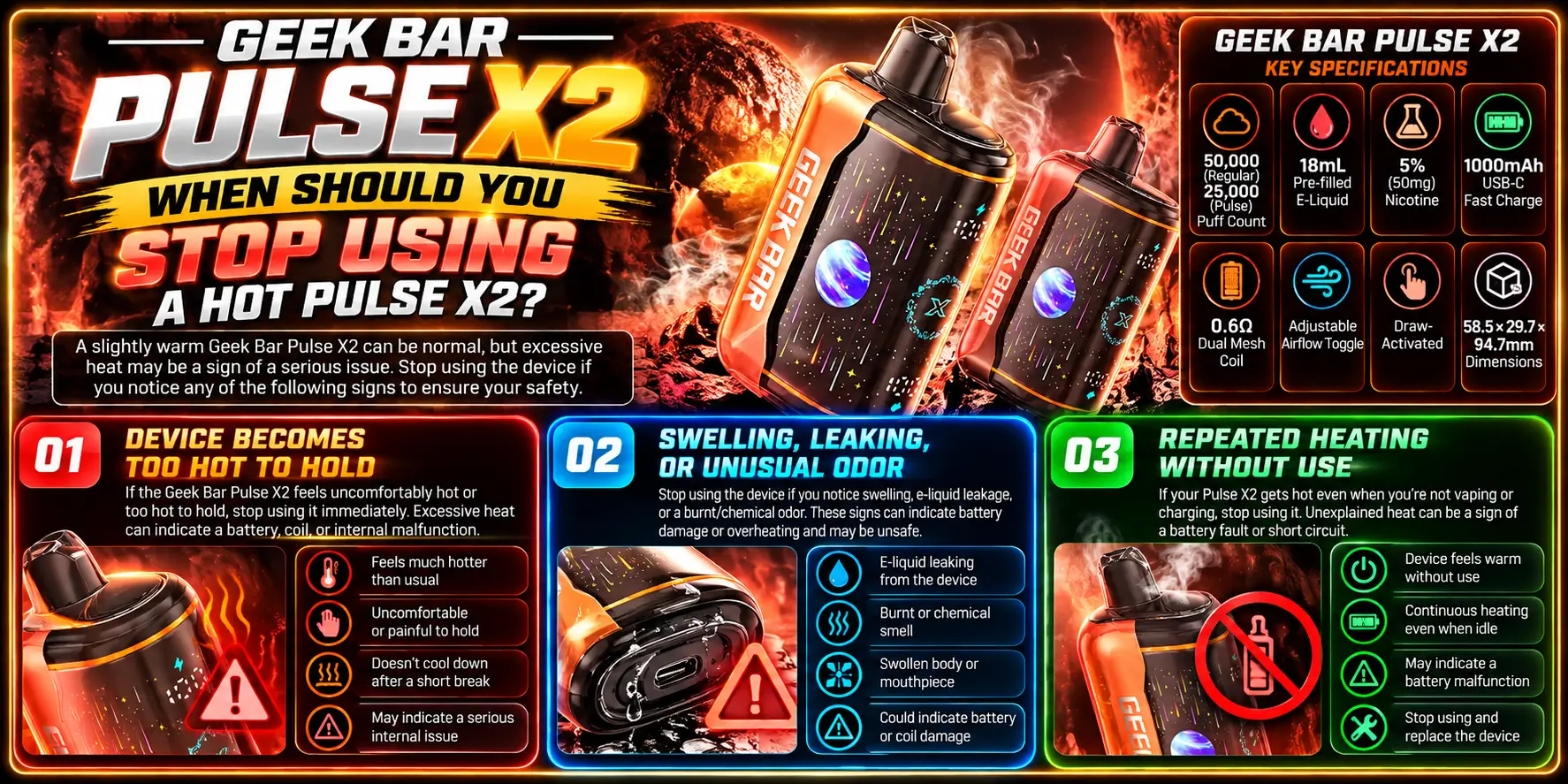
Stop when heat comes with a warning sign. Safety beats saving a device every time. A replacement costs far less than an injury.
If you cannot hold it comfortably, it is too hot. That is a clear line. Put it down, let it cool, and do not use it again until you check it over.
If it gets that hot again, retire it.
A swollen body means the battery may be failing. Leaking liquid points to a damaged tank or seal. A burning or chemical smell is a serious warning.
Any of these means stop immediately. Keep the device away from people, pets, and flammable items, and take it to a proper battery recycling point.
The X2 is draw-activated, so the coil should heat only when you inhale. A device that warms up in your pocket or on the table may have a fault.
That is a clear sign to stop using it. Do not try to fix it yourself, and do not charge it again.
1. Is It Normal for the Pulse X2 to Get Warm?
Yes, mild warmth is normal. The coil heats to make vapor and the battery warms as it supplies power. The device should feel comfortable to hold, similar to a phone after a short video. If it feels too hot to hold, stop using it and let it cool.
2. Why Does My Pulse X2 Get Hot After Several Puffs?
Back-to-back puffs give the coil no time to cool, so heat builds with each draw. Long pulls and Pulse mode add even more warmth. Pause for 20–30 seconds between puffs, take shorter draws, and try Regular mode to bring the temperature down.
3. Should I Use a Pulse X2 That Gets Extremely Hot?
No. Extreme heat is a warning sign, especially with swelling, leaking, or a burning smell. Stop using the device, move it to a hard, non-flammable surface, and let it cool. If it heats up again with little use, retire it and recycle it safely.
4. Can Charging Make the Pulse X2 Warm?
Yes. Lithium-ion batteries warm up while charging, and USB-C fast charge adds a little more. Gentle warmth is fine. If the body, port, or charger gets hot, unplug the device right away, check the cable and port, and never leave it charging unattended.
5. How Can I Cool Down My Pulse X2 Safely?
Stop using it and set it on a hard surface at room temperature for 10–15 minutes. Keep it out of sun and away from heat sources. Never use a freezer, fridge, or water, because sudden temperature changes and moisture can damage the battery and electronics.
Final takeaway: Warmth is normal. Heat that keeps climbing, shows up without a draw, or comes with swelling, leaks, or odd smells is not. Pace your puffs, keep the airflow open, charge with care, and retire any device that overheats again.
Want to compare other options after sorting out the heat? Browse the full range of Geek Bar Disposable vapes and pick a device that fits your puffing style.
Geek Bar Pulse — Disposable Vape
🛒 Where to Buy Online
Choose from our verified partner stores — all carry 100% authentic Geek Bar Pulse products sourced directly from official US distributors.


Twelve Tribes
Wide Selection • Best Prices


Raven Route
Fast Delivery • All Flavors


Zippyzz
Quick Shipping • Great Deals
🔒 All partner stores are verified, age-gated, and ship only to legal US states. Purchases are made directly with the retailer — not geekbarpulse.com.
⚠️ Must be 21+ to purchase.